| Author |
Message |
ViVo
Joined: 04 May 2009
Posts: 16
Location: South Africa
|
| Posted: Mon Apr 23, 2012 6:48 pm Post subject: Barco 701sHQ Brightness fluctuations What to do? |
|
|
HI There
I Have a Barco 701s
The source is a HDMI DVD player connected using CAT5 extender and HDfury 2.
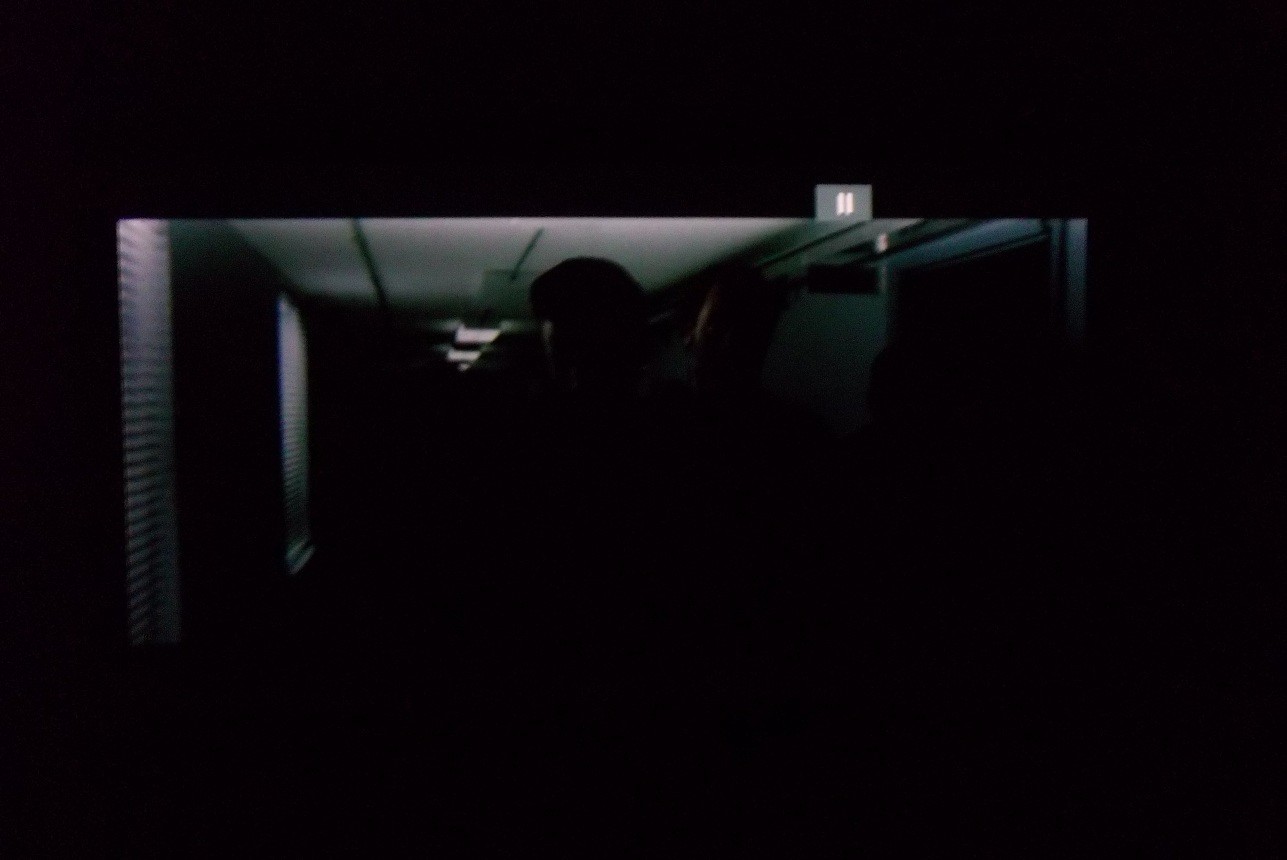
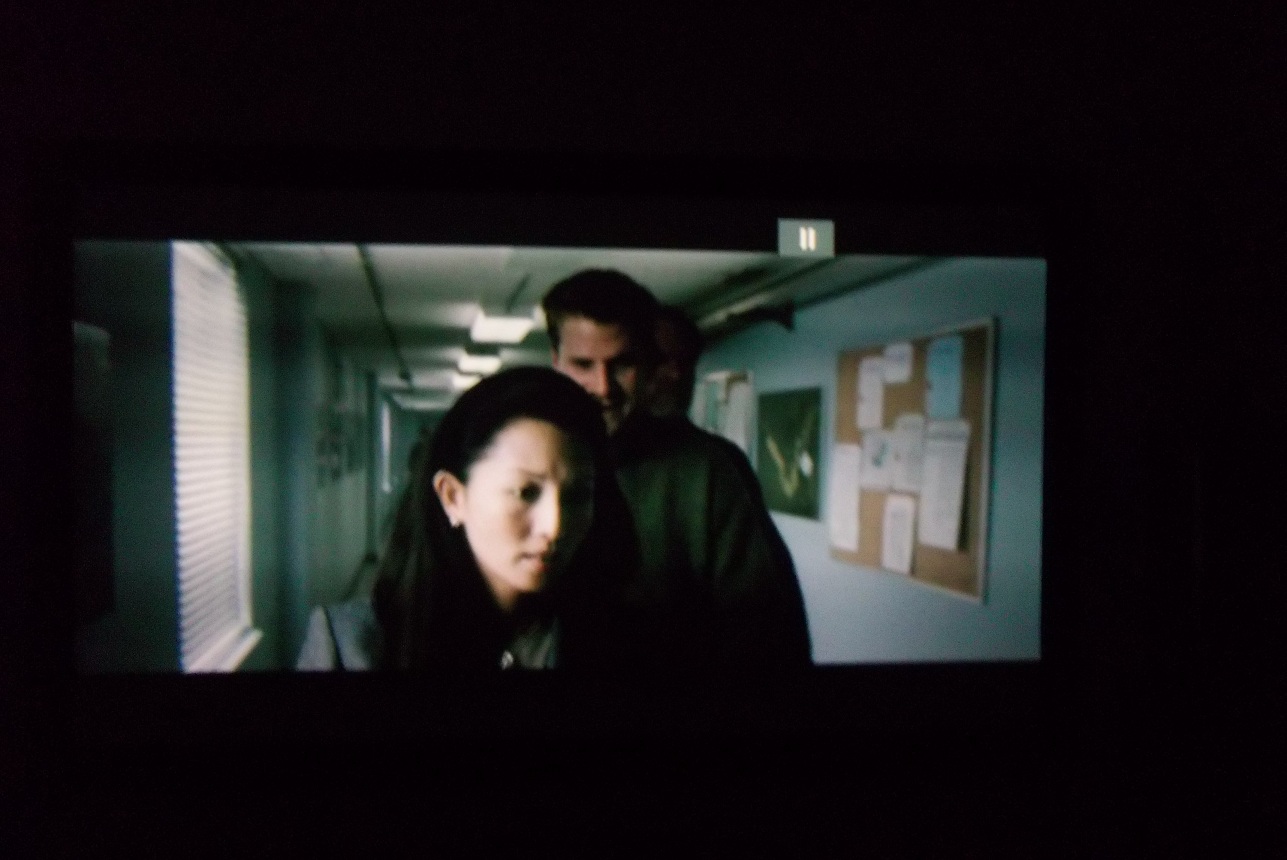
All menu's of the projector it self seems fine it's just when ever the DVD player is connected the light output or brightness fluctuates badly on the video content but not the menus of the projector.
Curt at first thought it to be a bad RGB input board and I got 2 new ones from him and installed one of them, same thing.
I still need to try the other one. He also thought it could be the Copy protection encryption playing havoc some how any ideas?[/img]
| Description: |
|
| Filesize: |
180.47 KB |
| Viewed: |
3127 Time(s) |
|
| Description: |
|
| Filesize: |
265.38 KB |
| Viewed: |
3123 Time(s) |
|
|
|
| Back to top |
|
 |
barclay66

Joined: 27 Jun 2011
Posts: 1304
Location: Germany
TV/Projector: Marquee 9500 Ultra
|
| Posted: Tue Apr 24, 2012 6:15 am Post subject: |
|
|
Hi,
try to adjust the Horizontal Phase setting. Sometimes the picture may fade if its off. It too could be a sync issue as the Barco only work well with negative polarity sync. You may look for a sync inverter.
Regards,
barclay66
Edit:
This is what the HDfury 2 manual says about sync polarity:
"Some displays such as early Electrohome ECP and Barco CRT projectors have fussy sync circuitry..."
"My display requires the RGB signal to always include negative or positive sync to work. How do I set this?
The HDfury2 does not alter the signal that it is fed in any way. If it is fed a negative sync signal, it will output a negative sync signal. If it is fed a positive sync signal, it will output a positive sync signal. If your RGB display has special sync considerations consider the HDfury3. The HDfury3 allows you to adjust or force the RGB sync in any way you may require, to positive or negative if required. Third party products such as the Box1020 may also be added to the HDfury2 to force the sync."
|
|
| Back to top |
|
|
ViVo
Joined: 04 May 2009
Posts: 16
Location: South Africa
|
| Posted: Tue Apr 24, 2012 9:04 am Post subject: |
|
|
Thanks
I was contemplation buying the EXT-FULLHDV3 3D: Universal HDMI1.4 From moome.
IN the data sheet it states that it can set the sync negative or positive and RGBS.
The only other variable is the copy protection/HDCP that might have to be stripped from the signal.
Don't know if the moome does this?
|
|
| Back to top |
|
|
barclay66
Joined: 27 Jun 2011
Posts: 1304
Location: Germany
TV/Projector: Marquee 9500 Ultra
|
| Posted: Tue Apr 24, 2012 10:52 am Post subject: |
|
|
Hi,
I have both the EXT-FULLHDV3 3D and the HDfury 3. Both allow sync inversion and forcing sync to negative polarity. And their ultimate purpose is to put out HD analog video when fed with HDCP protected material at the HDMI inputs. In general the moome box has better picture quality and adds additional features (e.g. 3D support, gamma adjust etc.) over the HDfury. I have used both with a Barco Graphics 801s and a Marquee Ultra succesfully...
Regards,
barclay66
|
|
| Back to top |
|
|
ViVo
Joined: 04 May 2009
Posts: 16
Location: South Africa
|
| Posted: Tue Apr 24, 2012 11:31 am Post subject: |
|
|
Thanks
At least I know the moome box won't be a waste of money.
One more thing, what do I use to ensure that the signal to the projector is always 1080i 60Hz.
My new Blu ray player outputs blurays at 60Hz but dvd's at 50Hz (PAL)
My older HDMI DVD player had the ability to force 60Hz.
|
|
| Back to top |
|
|
barclay66
Joined: 27 Jun 2011
Posts: 1304
Location: Germany
TV/Projector: Marquee 9500 Ultra
|
| Posted: Tue Apr 24, 2012 1:51 pm Post subject: |
|
|
Hi,
If You have different sources which can't be configured for an identical output format then You'll have to live with it. In this case You should create a memory block (there are 8 in 701s, see the PJ's user manual) for each signal type.
The other solution would be a scaler but that is an additional investment...
Regards,
barclay66
|
|
| Back to top |
|
|
ViVo
Joined: 04 May 2009
Posts: 16
Location: South Africa
|
| Posted: Tue Apr 24, 2012 4:24 pm Post subject: |
|
|
Ok I saw the blocks feature in the manual and the menu.
Can the barco be set to sync with 50Hz?
|
|
| Back to top |
|
|
barclay66
Joined: 27 Jun 2011
Posts: 1304
Location: Germany
TV/Projector: Marquee 9500 Ultra
|
| Posted: Tue Apr 24, 2012 6:55 pm Post subject: |
|
|
I'm sure it will. Check the manual again for the detailed specs on vertical and horizontal sync ranges...
Regards,
barclay66
|
|
| Back to top |
|
|
ViVo
Joined: 04 May 2009
Posts: 16
Location: South Africa
|
| Posted: Tue Apr 24, 2012 7:45 pm Post subject: |
|
|
Thanks for al the input
I'll check the manual again
|
|
| Back to top |
|
|
|
|




