| Author |
Message |
Zolzar
Joined: 26 Jun 2009
Posts: 252
|
| Posted: Sun Mar 20, 2011 1:59 pm Post subject: Marquee Issue After Initilization |
|
|
Last weekend I made some mechanical adjustments to my Marquee (mounting position). I did a complete initialization and when I went to make adjustments on each color individually for a G2 touch up I had a very difficult time because each tube individually had very low output to the point where I couldn't complete the procedure following the usual method. Tube output is fine when all the tubes are on. I'm somewhat puzzled as everything was fine before the initialization. Any ideas?
Thanks!
John
|
|
| Back to top |
|
 |
Curt Palme
CRT Tech
Joined: 08 Mar 2006
Posts: 24396
Location: Langley, BC
TV/Projector: All of them!
|
| Posted: Sun Mar 20, 2011 3:28 pm Post subject: |
|
|
|
You know that the contrast is set to about 30% after you initialize, right? So you're saying that you get no light output when in G2 mode, but the 'regular' picture is fine?
|
|
| Back to top |
|
|
Tim in Phoenix

Joined: 21 Oct 2006
Posts: 4409
Location: Phoenix
|
| Posted: Sun Mar 20, 2011 4:25 pm Post subject: |
|
|
Hello
Go into PIC menu and confirm 6500 is selected.
.
|
|
| Back to top |
|
|
Zolzar
Joined: 26 Jun 2009
Posts: 252
|
| Posted: Sun Mar 20, 2011 5:29 pm Post subject: |
|
|
Hi Curt and Tim!
I do realize the brightness is set to 30 after the reset. I did set B-50 and C-50 after the reset to adjust the G2. I did select 6500 for the adjustment. Curt....exactly...the picture is absolutely fine except when not only in G2 mode (can barely see the brightest step in the step pattern) but when any given tube is selected individually. =Color - 1, 2, 3.
Not that I need it but this screws up the help menu since it's the singe green displaying the text. Really strange.
In addition is seems like the picture is soft also....especially when any Bluray text such as opening or closing credits are display. Things were distinctly sharper two weeks ago. HVPS starting to go maybe?
I'll post a few pics in a bit. Lunch time.
John
|
|
| Back to top |
|
|
Tim in Phoenix
Joined: 21 Oct 2006
Posts: 4409
Location: Phoenix
|
| Posted: Sun Mar 20, 2011 5:34 pm Post subject: |
|
|
Hello
Double check your zone stig and zone focus, some of these things will reset all parameters to 50 after a reset.
.
|
|
| Back to top |
|
|
Zolzar
Joined: 26 Jun 2009
Posts: 252
|
| Posted: Sun Mar 20, 2011 6:17 pm Post subject: |
|
|
Zone stig and zone focus were fine. Still sitting tight at my original setup settings.
Master focus in the Pic menu seemed to be a little off which explains the soft picture. I definitely overlooked that one. Back in business there.
Still no luck with the dim output on the internal patterns. I did fiddle with the internal frequency but no luck. I've attached two pictures. Please excuse the video sync on the one pic. The step pattern is visible with all tubes running and then gone with R and B cutout. It may be time to pop some chips and clean them. I'm thinking this might be my next move to resolve the issue.
John
| Description: |
| Green Only with R and B cutoff. |
|
| Filesize: |
89.18 KB |
| Viewed: |
3445 Time(s) |
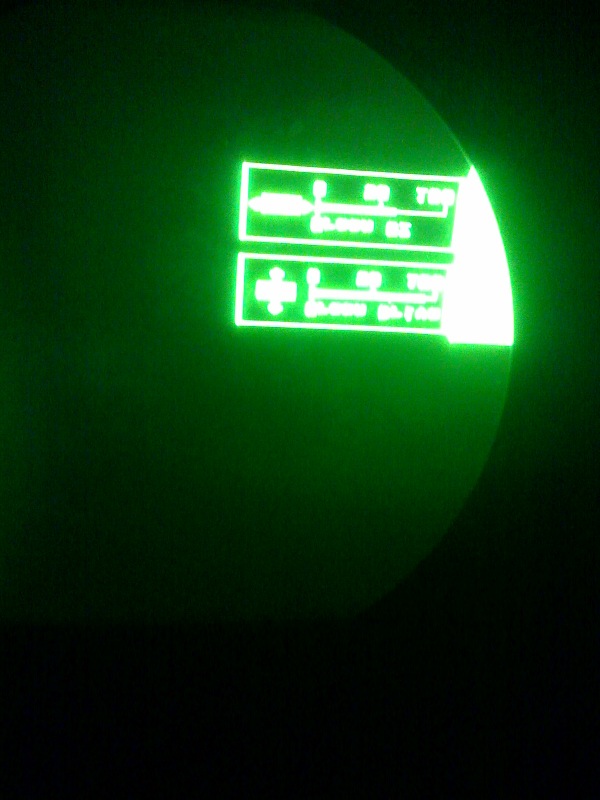
|
| Description: |
| Looking in green tube with R and G also running. |
|
| Filesize: |
85.66 KB |
| Viewed: |
3445 Time(s) |
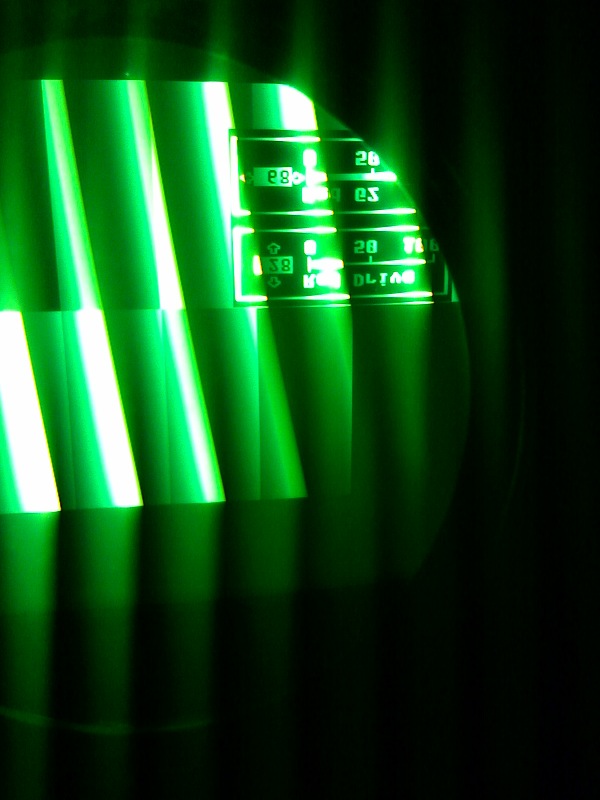
|
|
|
| Back to top |
|
|
Tim in Phoenix
Joined: 21 Oct 2006
Posts: 4409
Location: Phoenix
|
| Posted: Sun Mar 20, 2011 6:46 pm Post subject: |
|
|
Hello
Internal patterns involve the control board and the VIM; if you have no spares I can loan you some boards to try.
.
|
|
| Back to top |
|
|
Tim in Phoenix
Joined: 21 Oct 2006
Posts: 4409
Location: Phoenix
|
| Posted: Sun Mar 20, 2011 6:47 pm Post subject: |
|
|
Hello
Internal patterns involve the control board and the VIM; if you have no spares I can loan you some boards to try.
.
|
|
| Back to top |
|
|
Zolzar
Joined: 26 Jun 2009
Posts: 252
|
| Posted: Sun Mar 20, 2011 8:39 pm Post subject: |
|
|
Tim,
Thank you very much for your loan offer. I will keep it in mind. I'm going to give it another reset when I get a chance. It doesn't look like I'm going to have time to tinker until the weekend of 4/9 but I'll pop back in and let you know how it goes and decide if I need a loaner to figure out this issue.
Thanks!
John
|
|
| Back to top |
|
|
Nashou66

Joined: 12 Jan 2007
Posts: 16171
Location: West Seneca NY
|
|
| Back to top |
|
|
Zolzar
Joined: 26 Jun 2009
Posts: 252
|
| Posted: Sun Mar 20, 2011 11:06 pm Post subject: |
|
|
Hi Nash,
Unfortunately they have never been cleaned since I've owned the machine and that's been at least three years. Cleaning them will be my next step. Should I use 100% Isopropyl alcohol and a toothbrush?
From there I'll reset everything and start from square one with the exception of the physical stig mags. I should have cleaned the CLM chips when I had the thing in a million pieces to swap out the tubes and do the HVPS, LVPS, and neck board mods.
Thanks!
John
|
|
| Back to top |
|
|
Nashou66
Joined: 12 Jan 2007
Posts: 16171
Location: West Seneca NY
|
| Posted: Sun Mar 20, 2011 11:50 pm Post subject: |
|
|
| Zolzar wrote: | Hi Nash,
Unfortunately they have never been cleaned since I've owned the machine and that's been at least three years. Cleaning them will be my next step. Should I use 100% Isopropyl alcohol and a toothbrush?
From there I'll reset everything and start from square one with the exception of the physical stig mags. I should have cleaned the CLM chips when I had the thing in a million pieces to swap out the tubes and do the HVPS, LVPS, and neck board mods.
Thanks!
John |
If I were you I would actually go to Radio Shack or a good electronics store and get some DeOxit cleaner and protectant along with an ic puller. Remove each socketed chip on the main CLM and DPB and clean with DeOxit . I spray it into a shot glass and use a tooth brush to clean the pins on the chips and the socket. then replace the chip. You can use the protectant that comes with the cleaner if you want as well. I just drip it into the socket/chip crevice after i replaced the chips.
Then after a month or two i go back and clean the board again with Denatured Alcohol and tooth brush. the protectant can collect dust. I like my Boards looking new.

Athanasios
_________________
Don't blame your underwear for your crooked ass~ unknown Greek philosopher
"Republicans believe every day is the Fourth of July, but the Democrats believe every day is April 15." --- President Reagan
One Smart Dog!!!
Marquee High Performance Bellows now shipping!!
Marquee Modifications and Performance Enhancement
Marquee C-element and Bellow removal
|
|
| Back to top |
|
|
Zolzar
Joined: 26 Jun 2009
Posts: 252
|
| Posted: Mon Mar 21, 2011 8:52 pm Post subject: |
|
|
Sweet! Thanks for the tip!
John
|
|
| Back to top |
|
|
|
|





