| Author |
Message |
zogomusic
Joined: 09 Feb 2009
Posts: 67
Location: Boxborough, MA
|
| Posted: Fri Feb 04, 2011 2:39 pm Post subject: Barco 808s screen door horizontal (?) effect / issue |
|
|
Hello,
2 years ago, I bought a Barco 808s from curtpalme.com. The only issue I have had has been an off and on, re-occuring "screen door" effect. While I know it is not lcd, I don't know how else to describe it. It does not happen on the verticals, only horizontally. It's like a bazzilion little, hatchy lines pop up from time to time... usually within a few minutes of each other. It is most noticable on white's and other light colors.
I could well have missed it, but have not found anything along these lines in the tips or manuals, etc. I have also allready tried the the P1 horizontal linearity pot trick, which has not changed the issue... nor did it resolve a mild (but liveable with) "curtain" effect on the left of the screen. At one point (although I can't find my instructions/blog about it right now) I had gone through and tested voltages, etc. and that also did not resolve the issue.
Last night, I spent a little over 4 hours starting the focusing, etc. from scratch. It may just be that I spent that amount of time and I am oversensitive to the issue above, but it seems to be a little more noticeable than it was before i did all that.
Other notes: There is an HDFury 2, an X-Vue gamma boost thing and on of the HDfury(?) HDMI switches in the chain. Everything is running from it's component via HDMI to the above. It does not seem to matter which component I am using, I still get that screen effect.
I am running a 25 foot 15pin vga(?) from the gamma boost to the rgb of the projector. I believe, at one time about a year ago, I dirctly jacked a dvd into the s-vid on the back of the Barco and still had the issue. If I plug a computer directly into the back of it, will I need to change baud rates, etc.? Will doing so null the experiment?
That said, I don't recall it occuring (although not sure how one would notice it) during all the convergence set-up, which works fine. Sans the "screen door" the image looks bloody brilliant.
If anyone has any suggestions, or guidance to another thread that may address this, please let me know.
Another random question - should this machine be able to handle 1080p? I'm trying to figure out the possibilities of the 3D capability. Not sure if 1080p factors in to that, but when I switch the PS3 to 1080p, it doesn't seem to like it much.
Thanks
Jon Kerr
Boxborough, MA
|
|
| Back to top |
|
 |
Curt Palme
CRT Tech
Joined: 08 Mar 2006
Posts: 24396
Location: Langley, BC
TV/Projector: All of them!
|
| Posted: Fri Feb 04, 2011 2:57 pm Post subject: |
|
|
|
Can you see the lines in the test pattern when it happens? That should narrow it down whether it's the source or projector. I'm leaning towards the source. Can you try an RGBHV feed from a computer?
|
|
| Back to top |
|
|
akajester

Joined: 09 Jul 2008
Posts: 934
Location: Wisconsin
|
| Posted: Fri Feb 04, 2011 4:07 pm Post subject: |
|
|
Post a picture!
Dale
|
|
| Back to top |
|
|
zogomusic
Joined: 09 Feb 2009
Posts: 67
Location: Boxborough, MA
|
| Posted: Sun Feb 06, 2011 6:24 am Post subject: Does seem to show up in tests and have posted pics |
|
|
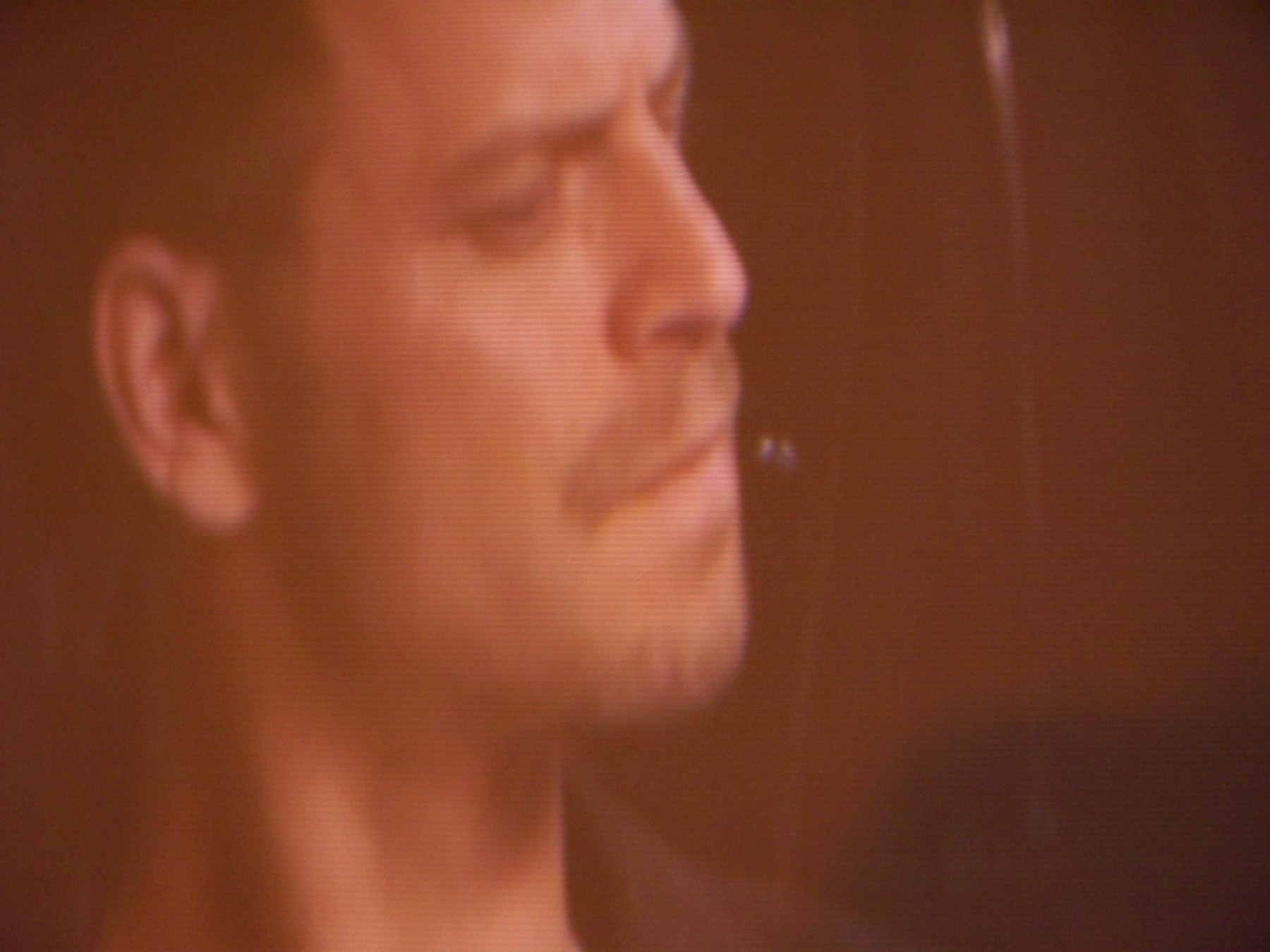
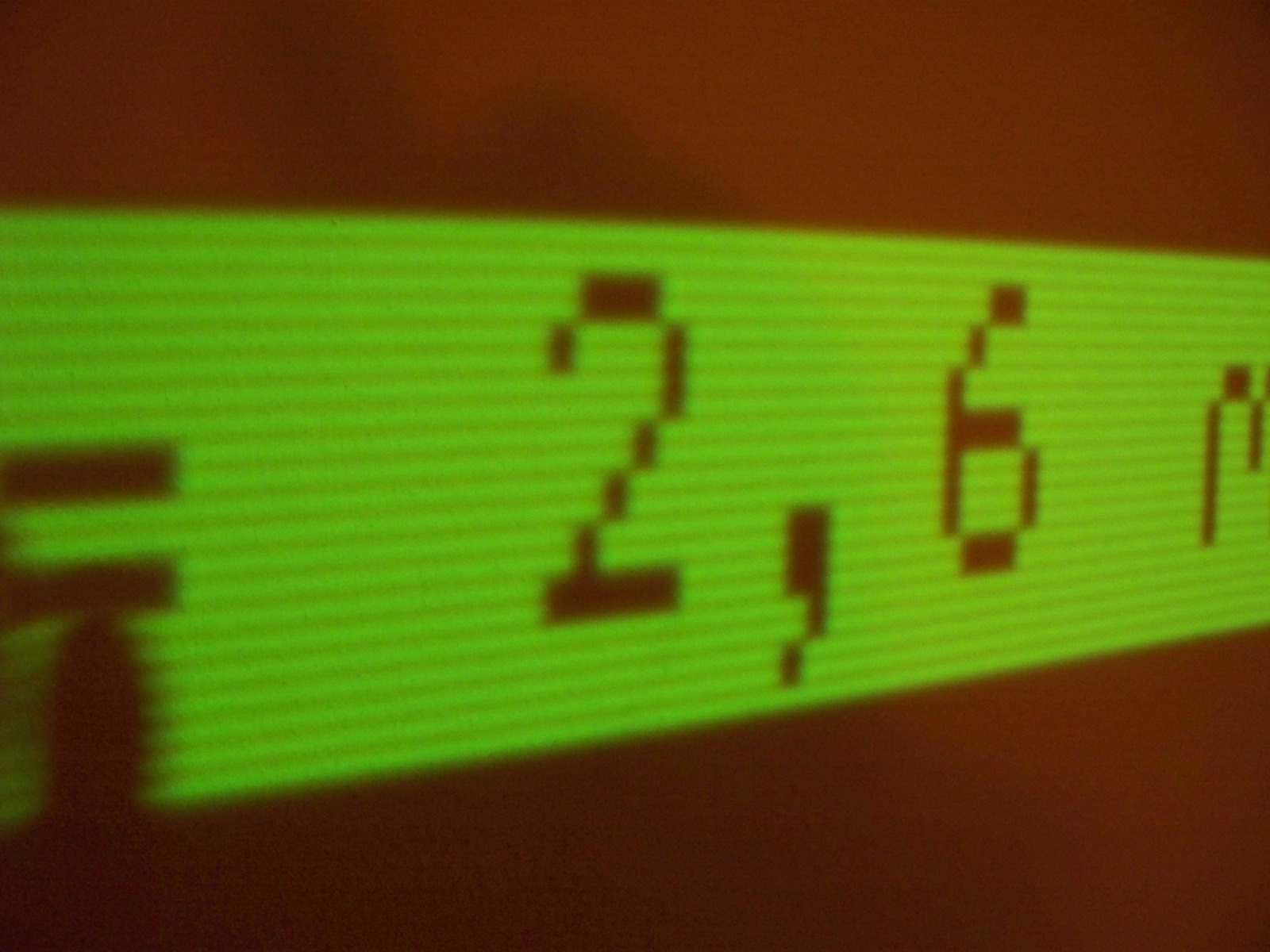
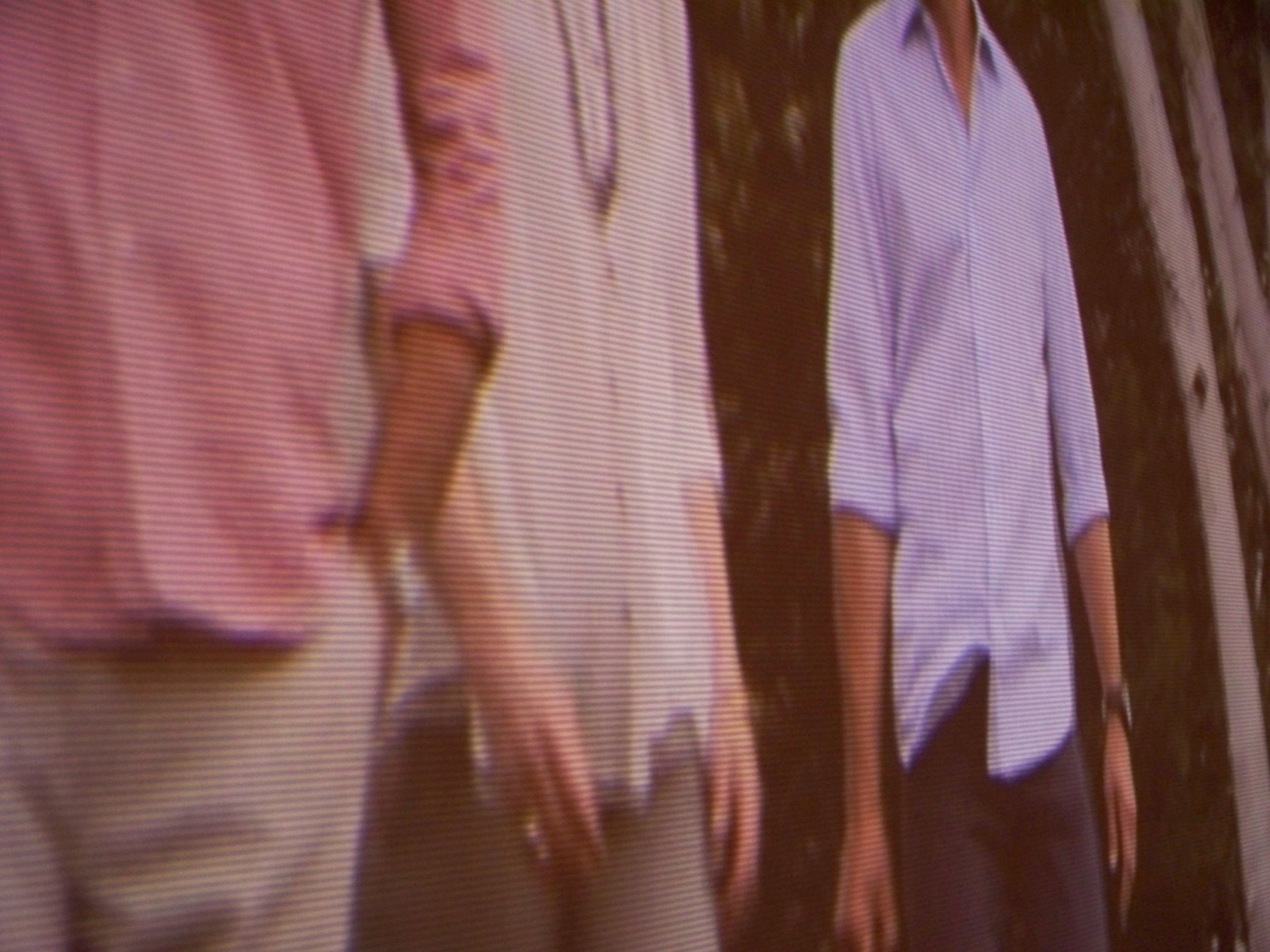
Hi again... Yes, I think ti can be seen when I am in test mode. When I do a CRT run in cycle, it definitely shows up in the white. It seems to be more prevelant in lighter colors. I managed to get a couple of pics of it. The green test pics show something similar, but that may be what it is supposed to do since it doesn't phase in and out like it does during normal playback (#21). The pic with the guy with the beard shows the "curtain" effect on the left (#15). The pic with the three guys shirts shows the issue pretty dramatically (#24).
| Description: |
|
| Filesize: |
321.53 KB |
| Viewed: |
6342 Time(s) |
|
| Description: |
|
| Filesize: |
237.05 KB |
| Viewed: |
7091 Time(s) |

|
| Description: |
|
| Filesize: |
296.31 KB |
| Viewed: |
7083 Time(s) |
|
| Description: |
|
| Filesize: |
440.7 KB |
| Viewed: |
6335 Time(s) |
|
Last edited by zogomusic on Sun Feb 06, 2011 6:26 am; edited 1 time in total
|
|
| Back to top |
|
|
zogomusic
Joined: 09 Feb 2009
Posts: 67
Location: Boxborough, MA
|
| Posted: Sun Feb 06, 2011 6:24 am Post subject: |
|
|
|
I'm not sure I figured out how to get the pics on here.
|
|
| Back to top |
|
|
Subbass
Joined: 26 Dec 2006
Posts: 21
Location: Auckland,New Zealand
|
|
| Back to top |
|
|
zogomusic
Joined: 09 Feb 2009
Posts: 67
Location: Boxborough, MA
|
| Posted: Sun Feb 06, 2011 1:27 pm Post subject: |
|
|
That looks like it. I thought I had it at 1080i, but now I have to figure out how to confirm. For all my reading, that is a new page for me. Thanks 
|
|
| Back to top |
|
|
zogomusic
Joined: 09 Feb 2009
Posts: 67
Location: Boxborough, MA
|
| Posted: Sun Feb 06, 2011 1:31 pm Post subject: |
|
|
|
Is this a setting in the projector, or do I change the input sources? given that I think I see it on the test settings, I feel like it's a setting int he machine itself.
|
|
| Back to top |
|
|
Ile

Joined: 09 Mar 2006
Posts: 1491
Location: Jyväskylä, Finland
|
| Posted: Sun Feb 06, 2011 2:42 pm Post subject: |
|
|
| zogomusic wrote: | | Is this a setting in the projector, or do I change the input sources? given that I think I see it on the test settings, I feel like it's a setting int he machine itself. |
It depend what internal adjustment menus you have tested. If it was genlocked test patterns, problem is at sources resolution setting. Genlocked use sources resolution for internal picture.
Is ps3 your source and what resolution you have selected from there?
It looks like 480p or 576p to me. Selecting 720p or 1080i will help to make scanlines so small, that you cant see those to seating position. You can't chance resolution from 808s.
Left edge bars (raster ringing) is different problem, but also caused by source. Longer back porch help, but you can't adjust timings from ps3. You need scaler or pc for custom timings.
|
|
| Back to top |
|
|
zogomusic
Joined: 09 Feb 2009
Posts: 67
Location: Boxborough, MA
|
| Posted: Sun Feb 06, 2011 3:44 pm Post subject: |
|
|
So how does the HD Fury 2 fit into this. I had gotten rid of the DVDio I had and replaced it with the Fury. Somehow, I picked up that that was what I was supposed to do. We also have an HD cable box running to the projector. The PS3 I have on 1080i and lower options. The cable box, I believe, is set up similarly. But what I am gathering is that it is the send end of the signal?
I think I used source this past time around for testiing. I've always been confused as to what's best to use.
I checked. both the set top box and ps3 are at 1080i. I'm not sure how I would get the singal through the chain without the HDfury at this point to see if that's an issue. Can the scaling on that be changed somewhow?
So I went through and refocused everything on an internal pattern of 33.7/60 that seemed to match what the general input is according to the little thing that pops up on the bottom left when I switch sources, etc. which has always been 33.8/60... should I be expecting something else? (I'm confused by such things...) and it didn't seem to help. sigh...
|
|
| Back to top |
|
|
zogomusic
Joined: 09 Feb 2009
Posts: 67
Location: Boxborough, MA
|
| Posted: Sun Feb 06, 2011 4:35 pm Post subject: |
|
|
I just noticed that when I have it on the internal pattern selection screen, I do see the horizontal lines phasing in and out.
If I use the glenlocked pattern, I Definitely see it happening
|
|
| Back to top |
|
|
draganm

Joined: 08 Mar 2006
Posts: 8990
Location: Colorado
|
| Posted: Sun Feb 06, 2011 4:58 pm Post subject: |
|
|
| zogomusic wrote: | | I checked. both the set top box and ps3 are at 1080i. I'm not sure how I would get the singal through the chain without the HDfury at this point to see if that's an issue. Can the scaling on that be changed somewhow?. |
ok first off the projector isn't "Set" to any particular resolution except the internal test patterns which are generated from inside the machine. For external video, what you send the machine is what it will display, period.
| zogomusic wrote: | | So how does the HD Fury 2 fit into this. I had gotten rid of the DVDio I had and replaced it with the Fury. Somehow, I picked up that that was what I was supposed to do. We also have an HD cable box running to the projector. The PS3 I have on 1080i and lower options. The cable box, I believe, is set up similarly. But what I am gathering is that it is the send end of the signal? |
the Fury is a transcoder, it tkaes HDMI and runs it into RGBHV, that's it. No scaling or modifying of the resolution in any way. Your fix for your line problem is simple, go into your video menu's and choose " up to 720P" or "720P and lower", can't remember what PS3 calls it but it's the same thing. Do the same thing for your cable box. Re-converge the projector for the new resolution, Your "lines" will be much smaller and not visible from seating position.
Like isle mentioned, The wavy thing you will need a scaler to fix . Maybe try making the picture wider and then use blanking on the left side to "mute" the problem. you'll lose a few inches of the image but there's not much happening out there anyway.
|
|
| Back to top |
|
|
zogomusic
Joined: 09 Feb 2009
Posts: 67
Location: Boxborough, MA
|
| Posted: Sun Feb 06, 2011 8:56 pm Post subject: |
|
|
|
So if I were to go back to a scaler with a 15 pin rgb out, would that alleviate a lot? Would I even need the fury at that point? Thanks everyone for all your help
|
|
| Back to top |
|
|
zogomusic
Joined: 09 Feb 2009
Posts: 67
Location: Boxborough, MA
|
| Posted: Tue Feb 08, 2011 3:48 am Post subject: |
|
|
|
Tried switching the resolution to 720p on the set-top box and then re-converging everything. Didn't resolve or change the issue. Ironically, it seemed less noticeable and a lot less intermitent before I went through and did the complete re-focus, convergience, etc. I almost feel like I shouldn't have messed with it. I also didn't have this problem with my Sony 1272q and I am using the same input devices, excepting the HD fury, hdmi splitter and gamma thing... the one's sold in the products section (or at least used to be). I am, again, running things at 1080i (since the 720p didn't change anything) and if what I send is what it will display, I'm not sure where else to go from here.
|
|
| Back to top |
|
|
km987654

Joined: 25 Jul 2007
Posts: 2874
Location: Australia
TV/Projector: Barco BG809s
|
| Posted: Tue Feb 08, 2011 8:32 am Post subject: |
|
|
|
I have had this screen door effect on my Barco. If I recall correctly I changed the RGB input board. If you have a spare you might try that.
|
|
| Back to top |
|
|
draganm
Joined: 08 Mar 2006
Posts: 8990
Location: Colorado
|
| Posted: Tue Feb 08, 2011 3:30 pm Post subject: |
|
|
sounds like a problem in the PJ then, lots of people parting out projectors though so you should try Keiths suggestion and swap out the RGB input board. I think on a Barco that's the "port 3" input board.
As a test, you should be able to run composite or S-video which by-passes port 3 and see if the lines go away (Barco guys please confirm). Of course you will see big fat scan lines at 480i but they should be different from the problem your seeing. If the problem persists with s-video/Composite then maybe the RGB switcher or one of the deflection boards (vertical or horizontal). Check out the first 5 or 6 pages here, these cards lift straight up and out so very easy swap
http://www.curtpalme.com/Barco808_Layout1.shtm
|
|
| Back to top |
|
|
km987654
Joined: 25 Jul 2007
Posts: 2874
Location: Australia
TV/Projector: Barco BG809s
|
| Posted: Tue Feb 08, 2011 8:57 pm Post subject: |
|
|
|
I was thinking more of the Port 5 input. The board you are looking for has part number R76XXX81. This is of course assuming you are using port 5 (RGB inputs). You should swap out this board if you have a Known Good spare.
|
|
| Back to top |
|
|
draganm
Joined: 08 Mar 2006
Posts: 8990
Location: Colorado
|
| Posted: Tue Feb 08, 2011 9:09 pm Post subject: |
|
|
| km987654 wrote: | | I was thinking more of the Port 5 input. The board you are looking for has part number R76XXX81. This is of course assuming you are using port 5 (RGB inputs). You should swap out this board if you have a Known Good spare. |
what about using Port 3 or the quad decoder, would they by-pass port 5? I've been curious about Barco's but not that familiar with them.

|
|
| Back to top |
|
|
km987654
Joined: 25 Jul 2007
Posts: 2874
Location: Australia
TV/Projector: Barco BG809s
|
| Posted: Tue Feb 08, 2011 10:20 pm Post subject: |
|
|
| draganm wrote: | | km987654 wrote: | | I was thinking more of the Port 5 input. The board you are looking for has part number R76XXX81. This is of course assuming you are using port 5 (RGB inputs). You should swap out this board if you have a Known Good spare. |
what about using Port 3 or the quad decoder, would they by-pass port 5? I've been curious about Barco's but not that familiar with them.
|
You could certainly use port3 I am not certain if it bypasses port5. You can operate a barco with no port3 board installed I am not sure you could do that with a missing port5 board. The quad decoder as I understand simply determines which signal is being inputed. I have seen a post somewhere in which someone was trying to operate a barco without the decoder board. Not sure how that went.
My exeperience with the screen door effect was when using port5 I don't use Port3 at all. I was at the time trying different resolutions and refresh rates and then the screen door effect happened and no matter what setting I changed it would not go away so I began changing boards and as I recall changing the RGB input board R76XXX81 fixed the problem.
|
|
| Back to top |
|
|
zogomusic
Joined: 09 Feb 2009
Posts: 67
Location: Boxborough, MA
|
| Posted: Wed Feb 09, 2011 2:57 am Post subject: |
|
|
"My exeperience with the screen door effect was when using port5 I don't use Port3 at all. I was at the time trying different resolutions and refresh rates and then the screen door effect happened and no matter what setting I changed it would not go away"
same thing here.
"changing the RGB input board R76XXX81 fixed the problem."
Is this the Video/RGS switcher board as labeled in the pics?
|
|
| Back to top |
|
|
|
|




