| Author |
Message |
busch
Joined: 16 Jan 2011
Posts: 3
|
| Posted: Sun Jan 16, 2011 3:08 am Post subject: Help With my Runco CinemaPro 750 |
|
|
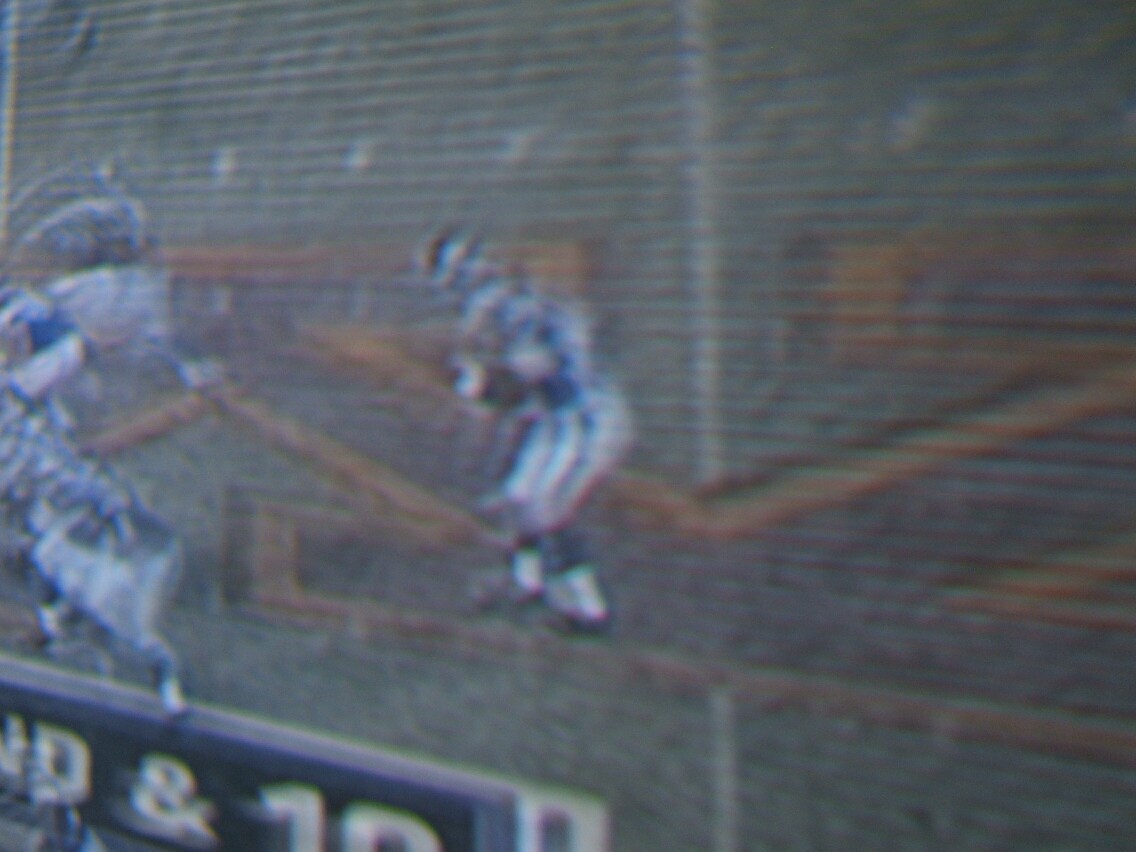
I need some help with my 750. Recently I started developing horizontal lines in my picture. Its like one line is ok and the next line is black. I will attach a couple of pictures.
I dont know what is going wrong with the projector. Any clues? I seems to be less visible with certain colors on the screen than others.
I have a box full of spare parts for the unit. I purchased them years ago and have had them stored for something like this.
I just hope someone can tell me what is going wrong and that I have a part that i can use.
The signal to my projector comes straight from the cable box that I have. I have Charter Cable and have digital service.
I appreciate all suggestions.
Thanks!
Busch
| Description: |
|
| Filesize: |
121.6 KB |
| Viewed: |
1543 Time(s) |

|
| Description: |
|
| Filesize: |
131.44 KB |
| Viewed: |
1546 Time(s) |
|
|
|
| Back to top |
|
 |
LOTREE

Joined: 19 Mar 2006
Posts: 401
Location: Paradise, Newfoundland
|
| Posted: Sun Jan 16, 2011 8:59 am Post subject: |
|
|
I'm not certain how it obtained a better picture before or at least without scan lines since your using composite video input with this projector and as such the projector is only about to output 480i or 480 lines of interlaced resolution, scanning 1/2 the image data at a time so you're going to see the black scan lines. I dealt with that for a short period when I was using my ECP 4500 connected to a DVD player via S-Video. Dark colors on the image you couldn't notice but anything beyond that it was clearly visible. I oddly miss those early days.
_________________
Zenith Pro 1200x | Electrohome ECP 4500 | Yamaha HTR-5740 | HTPC & Speaker build to follow
|
|
| Back to top |
|
|
busch
Joined: 16 Jan 2011
Posts: 3
|
| Posted: Sun Jan 16, 2011 3:02 pm Post subject: |
|
|
|
I had a geat picture before. No lines what so ever. Got be something going bad somewhere.
|
|
| Back to top |
|
|
Curt Palme
CRT Tech
Joined: 08 Mar 2006
Posts: 24396
Location: Langley, BC
TV/Projector: All of them!
|
| Posted: Sun Jan 16, 2011 3:33 pm Post subject: |
|
|
|
I've worked on 100s of these, and have never seen that problem. It's most likely the power supply, deflection board or CPU board. I'm selling boards for these sets at $10 each plus shipping if you want to buy some, as I'm clearing them out.
|
|
| Back to top |
|
|
busch
Joined: 16 Jan 2011
Posts: 3
|
| Posted: Sun Jan 16, 2011 8:51 pm Post subject: |
|
|
Curt.
After reafing your post. I replaced the power supply and the other board in the back of the unit. I fired it up to see ehat it would look like and the picture is clear as a bell again!
Thanks for the suggestions.
Busch
|
|
| Back to top |
|
|
|
|




