| Author |
Message |
LOTREE

Joined: 19 Mar 2006
Posts: 401
Location: Paradise, Newfoundland
|
| Posted: Fri Jan 07, 2011 10:30 pm Post subject: Zenith 1200x / Cine 8 greyscale help |
|
|
The fun never ends...
I've always used ZoomPlayer in the past and I must say, between the projector and desktop color settings along with gamma corrections and FFDShow filters used through ZP I've been throughly impressed with the image. That has all changed after my upgrade to Blu-ray. I'm using PowerDVD and Total Media Theatre, neither of which I like as much.
In either case I'm doing a greyscale setup the best I can for now without a GS calibrator.
Regarding the G2 controls, I've followed the steps here on the site and in the projector menus yet the green LED corresponding to each tube never goes off like it says they should. Am I supposed to turn down the Brightness/Contrast completely and turn the pots up on max then back down? Is it necessary to have the LED's go off?
All I've done in the past is adjust the G2's until the raster just becomes visible with the contrast on zero but what should I turn the brightness on during initial setup?
I currently have 3990hrs on the projector with only a faint 2.35:1 preexisting burn that only I can notice until I point it out.
I'm just looking for a general idea what the Brightness/Contrast should be hovering around once setup. I defocused the blue tube through the menus last night as much as I could although the difference wasn't substantial. I'll have to play with the internal Gamma controls a little more I'm sure. I do have controls through the ATI HD 4200 for video also but oddly the gamma correction doesn't change the picture when used. The same HTPC plugged to a crt monitor shows a stunning image, excellent GS. 
I know I'm at a loss right now without a calibrator and software but for now I'll make due the best possible.
One other thing I'm confused about is the mention of individual controls for High and Low end controls in the GSFD writeup. Am I correct in saying...
RGB LowEnd ( Cutoff ) = G2?
RGB HighEnd ( Drive ) = Contrast?
Is there any other pot adjustment or setting I'm missing? Is it possible to adjust the Drive of each tube individually?
Current resolution is 1280x720p with very light scan lines only seen when right next to the screen. Should I bump that higher or to a better resolution before starting calibration or leave as is?
Lots of questions I know but I don't want to leave out a crucial step.
Any and all help is much appreciative.
-Greg
_________________
Zenith Pro 1200x | Electrohome ECP 4500 | Yamaha HTR-5740 | HTPC & Speaker build to follow
|
|
| Back to top |
|
 |
LOTREE
Joined: 19 Mar 2006
Posts: 401
Location: Paradise, Newfoundland
|
| Posted: Sat Jan 08, 2011 6:50 am Post subject: |
|
|
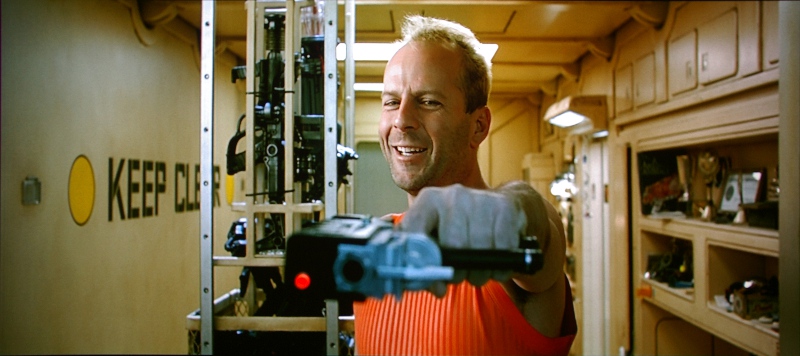
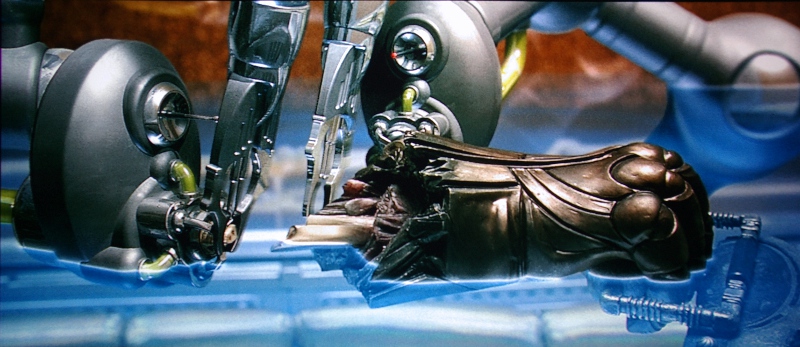
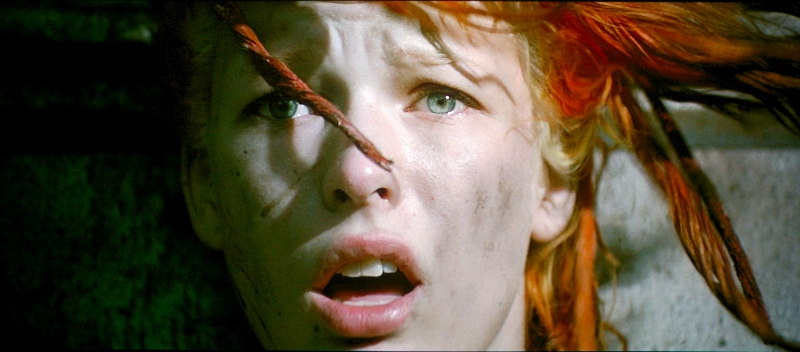
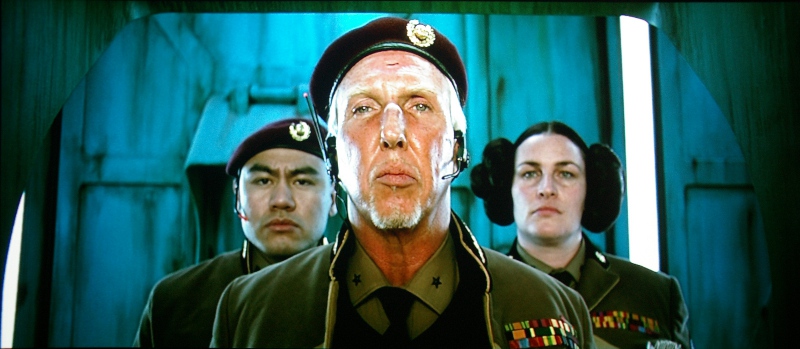
Okay, so I spent another 30min tweaking again, this time setting the Contrast back to zero, Brightness to 50 and adjusting each G2 control until the raster just started to light up. Greyscale seems acceptable but I'm still getting a little clipping although less than before and blacks are slightly crushed in certain scenes. Things are not yet perfect but I'm one step closer. I'm guessing I need to splurge on a greyscale calibrator to get me the rest of the way and perhaps a better video card to give me back Gamma control.
Here's a few screenshots thus far. The clipping in the last photo is exaggerated due to the camera but it's still an issue:
| Description: |
|
| Filesize: |
127.58 KB |
| Viewed: |
5163 Time(s) |
|
| Description: |
|
| Filesize: |
158.79 KB |
| Viewed: |
5163 Time(s) |
|
| Description: |
|
| Filesize: |
129.31 KB |
| Viewed: |
5163 Time(s) |
|
| Description: |
|
| Filesize: |
130.5 KB |
| Viewed: |
5163 Time(s) |
|
_________________
Zenith Pro 1200x | Electrohome ECP 4500 | Yamaha HTR-5740 | HTPC & Speaker build to follow
|
|
| Back to top |
|
|
Ile

Joined: 09 Mar 2006
Posts: 1491
Location: Jyväskylä, Finland
|
| Posted: Sat Jan 08, 2011 11:48 am Post subject: Re: Zenith 1200x / Cine 8 greyscale help |
|
|
Your G2 method is correct. You can ignore leds, those aren't working in all projectors. Adjustment for leds are sometimes drifted...
| LOTREE wrote: | One other thing I'm confused about is the mention of individual controls for High and Low end controls in the GSFD writeup. Am I correct in saying...
RGB LowEnd ( Cutoff ) = G2?
RGB HighEnd ( Drive ) = Contrast?
Is there any other pot adjustment or setting I'm missing? Is it possible to adjust the Drive of each tube individually?
|
In Barco these can be adjusted from random access menu -> picture tuning -> color balance
First select 6500K and then tweak black/white end with R/B custom adjustments.
Getting black end neutral helps little for black end clipping, then you need to elevate brightness or get some low end gamma boost.
There is no way to get software gamma boost for overlay mode where pdvd and tmt shows br-discs.
If you want use software low level gamma adjustment, you need to rip br to pc and use ZP or some other player software that use wmr9 (desktop), that can be gamma corrected.
|
|
| Back to top |
|
|
overclkr

Joined: 08 Mar 2006
Posts: 4227
|
| Posted: Sat Jan 08, 2011 3:03 pm Post subject: |
|
|
| LOTREE wrote: | Okay, so I spent another 30min tweaking again, this time setting the Contrast back to zero, Brightness to 50 and adjusting each G2 control until the raster just started to light up. Greyscale seems acceptable but I'm still getting a little clipping although less than before and blacks are slightly crushed in certain scenes. Things are not yet perfect but I'm one step closer. I'm guessing I need to splurge on a greyscale calibrator to get me the rest of the way and perhaps a better video card to give me back Gamma control.
Here's a few screenshots thus far. The clipping in the last photo is exaggerated due to the camera but it's still an issue: |
Nice Shots!!!!!!
|
|
| Back to top |
|
|
kal
Forum Administrator

Joined: 06 Mar 2006
Posts: 18114
Location: Ottawa, Canada
TV/Projector: JVC DLA-NZ7
|
| Posted: Sat Jan 08, 2011 3:36 pm Post subject: |
|
|
| LOTREE wrote: | | Greyscale seems acceptable but I'm still getting a little clipping although less than before and blacks are slightly crushed in certain scenes. Things are not yet perfect but I'm one step closer. I'm guessing I need to splurge on a greyscale calibrator to get me the rest of the way and perhaps a better video card to give me back Gamma control. |
You can't do greyscale by eye. I also had what I thought was a pretty good picture until I did it was a meter and software. I definitely had one of those "ahhh... *that*'s what it's supposed to look like!" moments when that was done.
Out of all the software out there, so far ChromaPure's been the easiest one to use (everyone tells us the same). See: http://www.curtpalme.com/ChromaPure.shtm
I use an RTC2200 for gamma boost and really like it. The one box does both my sources (PS3 for DVD/Blu-ray/games) and HD-PVR for SDTV/HDTV. See: http://www.curtpalme.com/RTC2200.shtm
Kal
_________________

Support our site by using our affiliate links. We thank you!
My basement/HT/bar/brewery build 2.0
|
|
| Back to top |
|
|
WTS
Joined: 08 Mar 2006
Posts: 1276
Location: Calgary
|
| Posted: Sat Jan 08, 2011 6:38 pm Post subject: |
|
|
I've always used the LEDs on the neck boards to setup the G2 and never had any problems. I use a Moome HDMI board with the gamma boost and I can set my gamma/lum curve almost perfect according to the meter I have.
_________________
Thanks
Walter
|
|
| Back to top |
|
|
LOTREE
Joined: 19 Mar 2006
Posts: 401
Location: Paradise, Newfoundland
|
| Posted: Wed Jan 12, 2011 6:22 am Post subject: |
|
|
Alrighty, well thanks for the kudos overclkr and Ile, I completely forgot about the individual gain and cut off controls. You've just complicated this piles more but I'm thankful. 
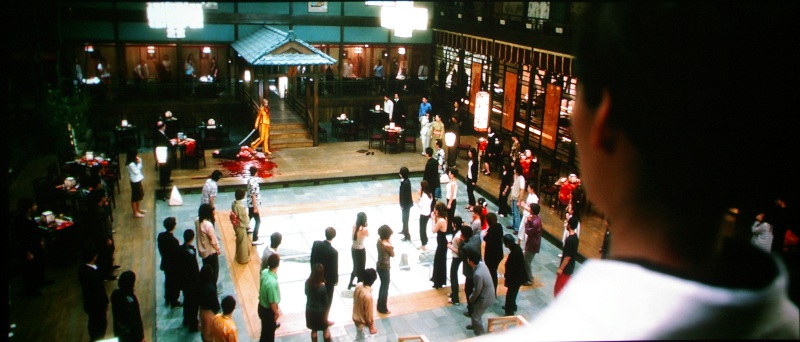
I spent another hour tuning settings. Still not perfect, white clipping is still there in certain scenes but a little more controlled then before. I'll have to hit up good ol' dad to see if he'll go 1/2 on a calibrator although he did get approval to buy the Oppo BDP-95 when it's out so I may be on my own in getting this sooner than later. We shall see. The verdict is still out on which gamma booster I'll get. More reading to do there.
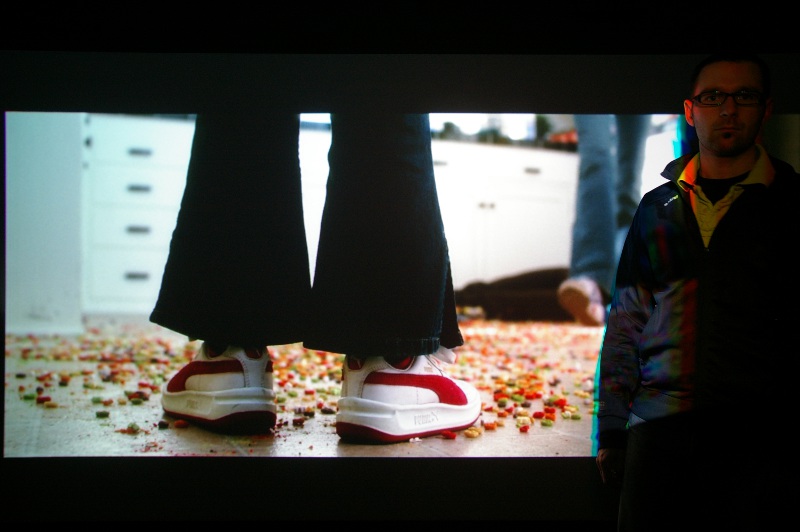
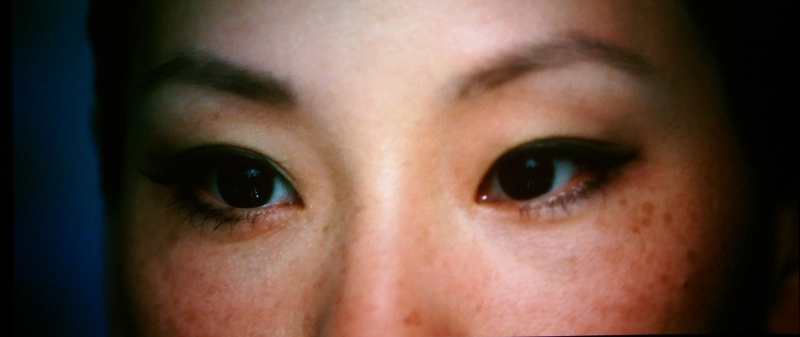
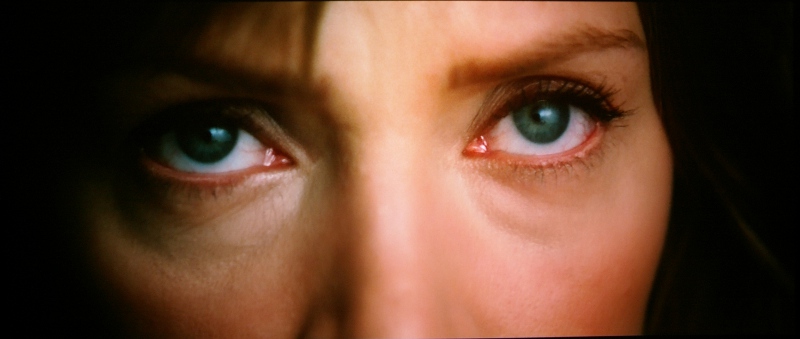
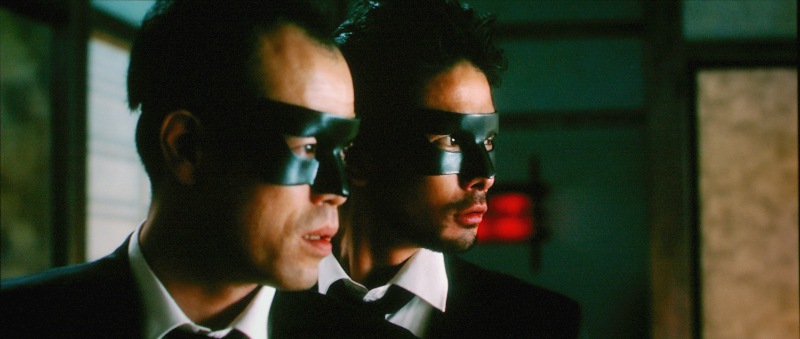
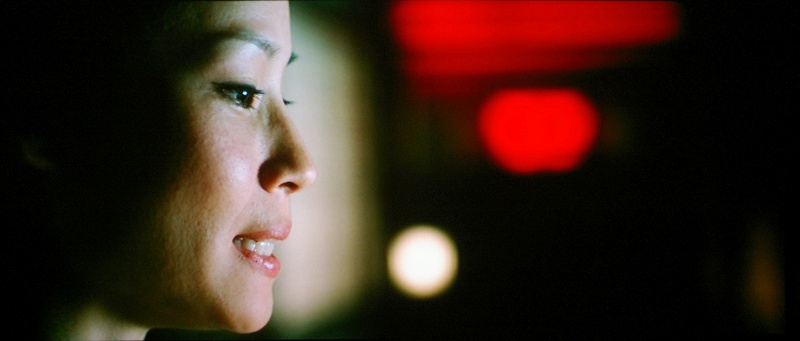
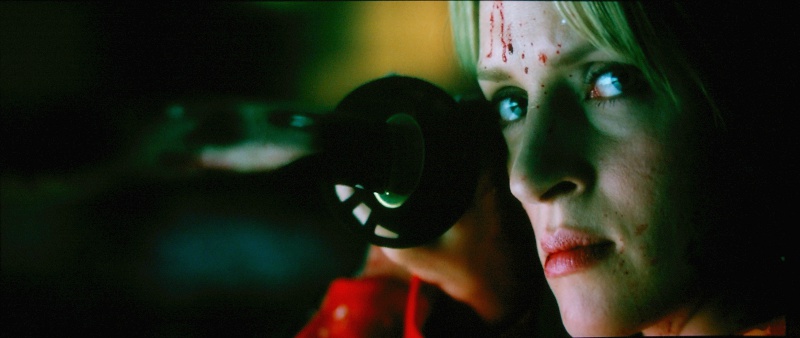
In the mean time here's a few Kill Bill - Volume 1 Blu-ray screen shots from tonight. I never saw this movie before, sad to say, but the overall IQ from colors, detail and closeups is phenomenal and easily the best picture I've seen yet on my home screen. I can't wait to watch the second one.
| Description: |
|
| Filesize: |
85.84 KB |
| Viewed: |
5081 Time(s) |
|
| Description: |
|
| Filesize: |
87.34 KB |
| Viewed: |
5081 Time(s) |
|
| Description: |
|
| Filesize: |
80.67 KB |
| Viewed: |
5081 Time(s) |
|
| Description: |
| Whites are blown out here as you can see. |
|
| Filesize: |
96.94 KB |
| Viewed: |
5081 Time(s) |
|
| Description: |
|
| Filesize: |
61.6 KB |
| Viewed: |
5081 Time(s) |
|
| Description: |
|
| Filesize: |
58.86 KB |
| Viewed: |
5081 Time(s) |
|
| Description: |
|
| Filesize: |
68.6 KB |
| Viewed: |
5081 Time(s) |
|
_________________
Zenith Pro 1200x | Electrohome ECP 4500 | Yamaha HTR-5740 | HTPC & Speaker build to follow
|
|
| Back to top |
|
|
Ile
Joined: 09 Mar 2006
Posts: 1491
Location: Jyväskylä, Finland
|
| Posted: Wed Jan 12, 2011 11:30 am Post subject: |
|
|
| LOTREE wrote: | | Still not perfect, white clipping is still there in certain scenes but a little more controlled then before. |
White clipping is not projector problem with crt projector.
It's most probably pc color space problem. First check that you have same settings in pdvd and avivo. Maybe pdvd is now sending 0/255 colors and ati chance it back to 16/235 and may clip white or both ends or something. If I remember correct pdvd should override Avivo settings, so also tweaking with pdvd settings might help.
My HD2400 was using different levels for HD and SD material. This registry tweak fixed it and some other problems.
http://home.comcast.net/~exdeus/ati-hd2x00/
Here is some old Ati related color level stuff.
http://www.avsforum.com/avs-vb/showthread.php?p=11659897#post11659897
|
|
| Back to top |
|
|
LOTREE
Joined: 19 Mar 2006
Posts: 401
Location: Paradise, Newfoundland
|
| Posted: Wed Jan 12, 2011 3:53 pm Post subject: |
|
|
| Ile wrote: | | LOTREE wrote: | | Still not perfect, white clipping is still there in certain scenes but a little more controlled then before. |
White clipping is not projector problem with crt projector. |
That's exactly what I was thinking. There is a setting that I can uncheck "use application settings" which I have. I did change a few settings within Avivo and PDVD and it did help a little but not completely. I'm constantly having to adjust my desktop now also, since the driver update, shifting it from left or right every time I turn on the system.
Thanks for the links, I'll see if those registry tweaks help also. In the mean time I'll be trying my friends BD player tonight just to see if there's a difference. The HTPC was great for DVD, lots of space to rip and easy adjustment, things were running along great using ZP with plans to incorporate media center software . But with this whole BD fiasco and PDVD which I dislike, I don't see the appeal anymore.
Thanks again for the help Ile! 
_________________
Zenith Pro 1200x | Electrohome ECP 4500 | Yamaha HTR-5740 | HTPC & Speaker build to follow
|
|
| Back to top |
|
|
LOTREE
Joined: 19 Mar 2006
Posts: 401
Location: Paradise, Newfoundland
|
| Posted: Sat Jan 15, 2011 1:58 am Post subject: |
|
|
Alright I give up. I can't display any movie with out blooming/clipped whites direct from the disk. I've tried the hack and every setting possible. From two days worth of reading on countless forums with the confusion of 0-255 and 16-235 it all comes down to a big dirty mess between computer standards and BD colorspace. I get no option in the ATI Catalyst to even adjust the colorspace. I assume, based on online screenshots this is only available if using HDMI. Since I'm using VGA I can only assume it's 0-255 then gets converted to 16-235 due to the BD playback. I had to leave the room and just shut everything off before I smashed the computer to bits as I can't even get the CCC to load after reinstalling it. I think I'm finished with the HTPC route. $500 not well spent.
Is anyone else using a HTPC able to overcome this flaw without ripping BD's to the drive while still using VGA?
_________________
Zenith Pro 1200x | Electrohome ECP 4500 | Yamaha HTR-5740 | HTPC & Speaker build to follow
|
|
| Back to top |
|
|
Nashou66

Joined: 12 Jan 2007
Posts: 16171
Location: West Seneca NY
|
|
| Back to top |
|
|
|
|




