| Author |
Message |
matcra
Joined: 12 Jul 2009
Posts: 17
Location: Germany
|
| Posted: Sat May 08, 2010 7:58 pm Post subject: NEC GP 5000 Problem |
|
|
Hi all,
I bought a cheap NEC GP 5000 with 500 hours runtime... When i bought it, the projector worked basically,
but at home the projector shutdown after a few seconds and try to start again for 5 times.
I have checked all cables and so on without any success. After one night without connection the projector runs about 15 sec one time, after this only one or two seconds.
I try to measure the voltages at LVPS (AC to HVPS disconnected, read in Maintenance manual) but there is not enough time...
Any ideas? Thanks!
(Perhabs not the best deal (even for less money) to buy a GP 5000, but nevertheless i want to make it running  ) )
Last edited by matcra on Sun May 09, 2010 6:40 am; edited 1 time in total
|
|
| Back to top |
|
 |
kschmit2
Joined: 09 Mar 2006
Posts: 1141
Location: Heidelberg, Germany
|
| Posted: Sat May 08, 2010 9:52 pm Post subject: |
|
|
try and contact RoBro. He used to own several GP5000 PJs and modify their power supplies.
Kai
|
|
| Back to top |
|
|
matcra
Joined: 12 Jul 2009
Posts: 17
Location: Germany
|
| Posted: Sun May 09, 2010 8:40 am Post subject: To write PM, i have to post 5 times... so: some Photos |
|
|
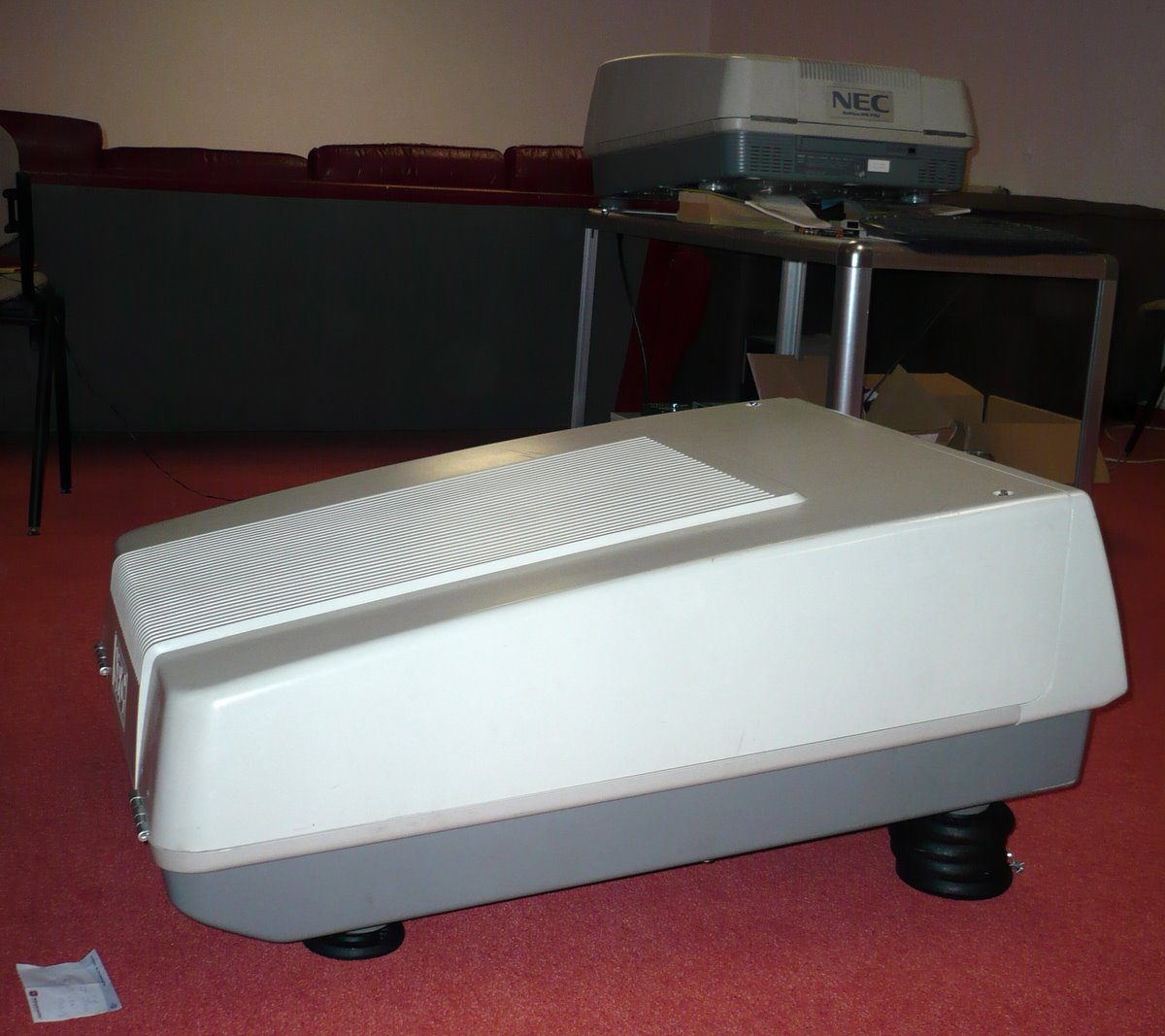
Photo No 1
| Description: |
|
| Filesize: |
151.35 KB |
| Viewed: |
5847 Time(s) |
|
|
|
| Back to top |
|
|
matcra
Joined: 12 Jul 2009
Posts: 17
Location: Germany
|
| Posted: Sun May 09, 2010 8:41 am Post subject: ... |
|
|
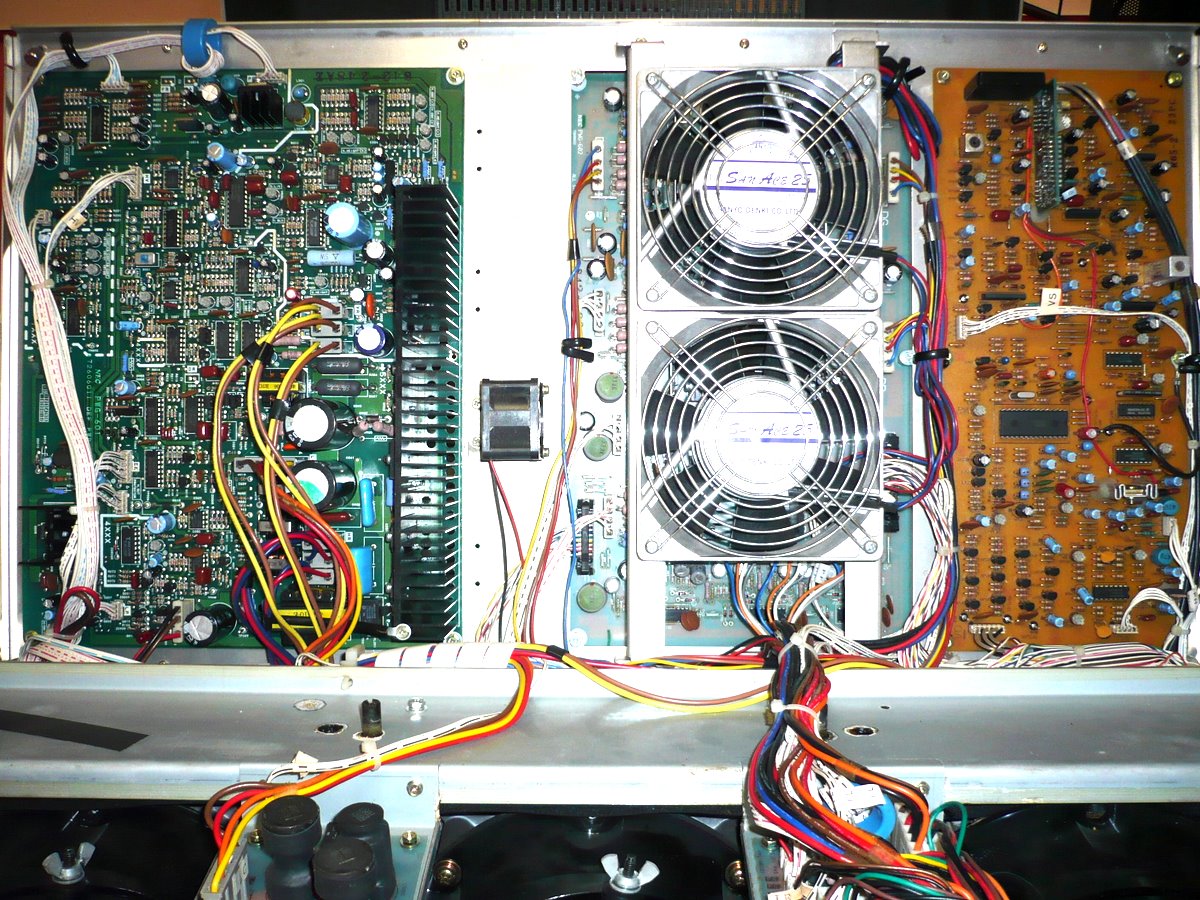
Photo No 2
| Description: |
|
| Filesize: |
359.08 KB |
| Viewed: |
5835 Time(s) |
|
|
|
| Back to top |
|
|
matcra
Joined: 12 Jul 2009
Posts: 17
Location: Germany
|
| Posted: Sun May 09, 2010 8:42 am Post subject: ... |
|
|
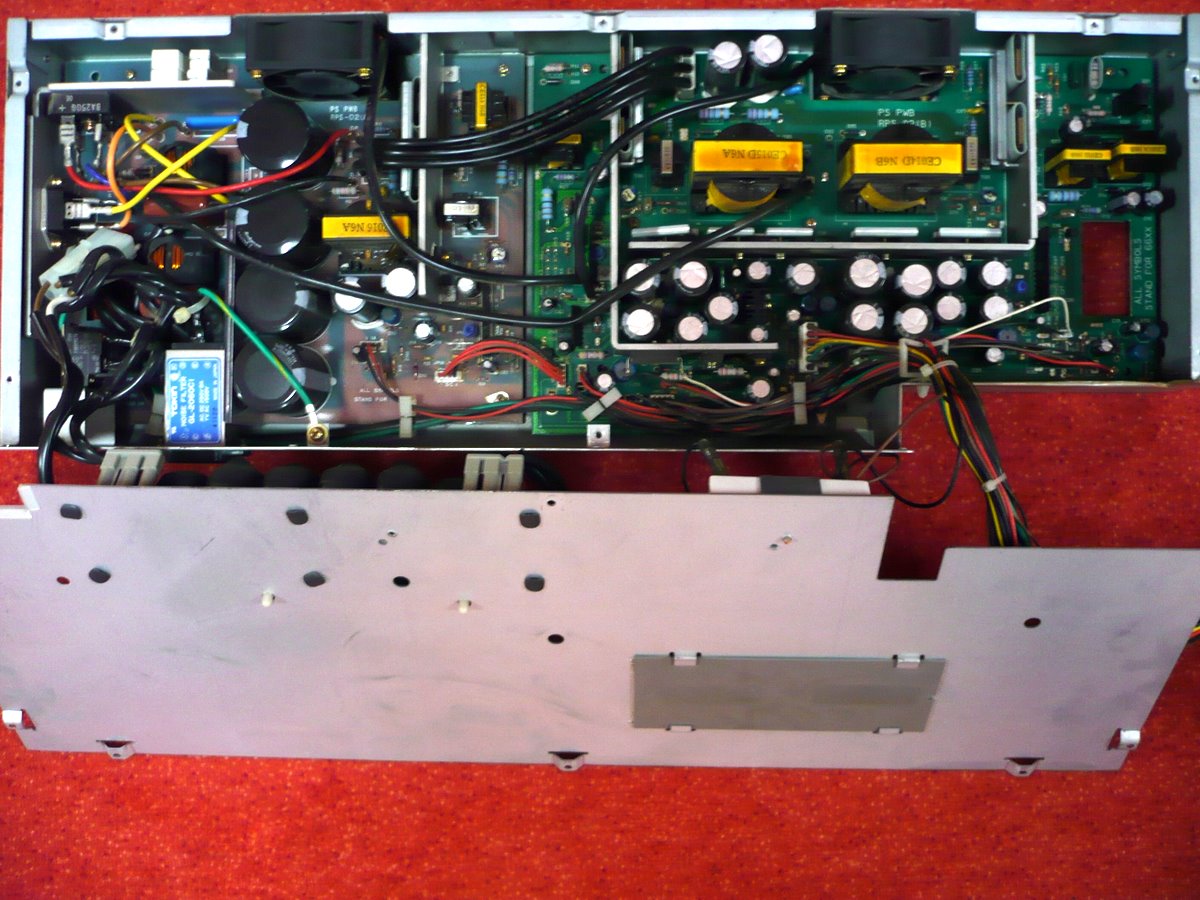
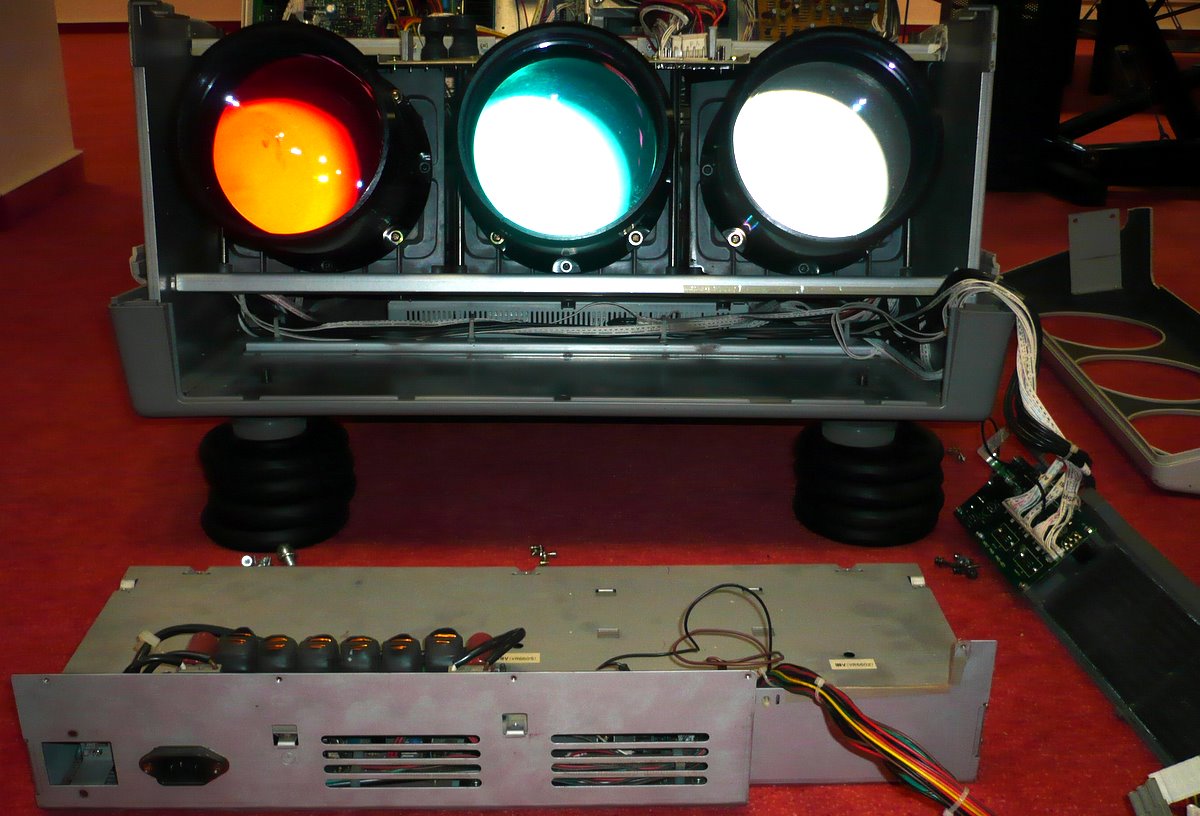
Photo No 3 & 4
| Description: |
|
| Filesize: |
218.61 KB |
| Viewed: |
5849 Time(s) |
|
| Description: |
|
| Filesize: |
164.43 KB |
| Viewed: |
5837 Time(s) |
|
|
|
| Back to top |
|
|
Mark_A_W
Joined: 15 Mar 2006
Posts: 3068
Location: Sunny Melbourne Australia
|
| Posted: Sun May 09, 2010 9:57 am Post subject: |
|
|
I would be prepared for bad news.
They have a flaw in the powersupply (although, yours does seem to be doing something, normally they are just dead).
Curt no longer carries spares.
|
|
| Back to top |
|
|
stefuel

Joined: 07 Mar 2006
Posts: 3353
Location: Green Harbor MA USA
|
| Posted: Sun May 09, 2010 11:31 am Post subject: |
|
|
I'm not even sure but does the older GP's list error codes on the back?
Do make sure ALL the cooling fans are spinning up to speed. They are three wire fans with sensors that will shut down the PJ if they are not spinning. I don't even know if that's true of the GP's but is is of the PG's and later.
_________________
Chip
A Barco is only a AmPro with training wheels
Card carrying member of the AVS chain gang.
|
|
| Back to top |
|
|
matcra
Joined: 12 Jul 2009
Posts: 17
Location: Germany
|
| Posted: Sun May 09, 2010 1:16 pm Post subject: |
|
|
Thank you for your answers.
I found 8 fans (3 on the top, 3 in HVPS. 2 in LVPS) and all of them seem to be running at normal speed. I was not able to find error codes, like PGs have...
|
|
| Back to top |
|
|
stefuel
Joined: 07 Mar 2006
Posts: 3353
Location: Green Harbor MA USA
|
| Posted: Sun May 09, 2010 1:34 pm Post subject: |
|
|
| matcra wrote: | Thank you for your answers.
I found 8 fans (3 on the top, 3 in HVPS. 2 in LVPS) and all of them seem to be running at normal speed. I was not able to find error codes, like PGs have... |
If it's like a PG, there's a window on the back outside of the projector that shows a two digit LED code when powered up. As I recall 00 is normal. Anything else post it here and someone with a manual can help you.
_________________
Chip
A Barco is only a AmPro with training wheels
Card carrying member of the AVS chain gang.
|
|
| Back to top |
|
|
matcra
Joined: 12 Jul 2009
Posts: 17
Location: Germany
|
| Posted: Sun May 09, 2010 1:57 pm Post subject: |
|
|
| stefuel wrote: | | matcra wrote: | Thank you for your answers.
I found 8 fans (3 on the top, 3 in HVPS. 2 in LVPS) and all of them seem to be running at normal speed. I was not able to find error codes, like PGs have... |
If it's like a PG, there's a window on the back outside of the projector that shows a two digit LED code when powered up. As I recall 00 is normal. Anything else post it here and someone with a manual can help you. |
I read user and maintenance manual (downloaded here) carefully before I start measuring... i have a 6PGxtra running, seeable on one of the pics, so i know where error code should be..
|
|
| Back to top |
|
|
stefuel
Joined: 07 Mar 2006
Posts: 3353
Location: Green Harbor MA USA
|
| Posted: Sun May 09, 2010 2:15 pm Post subject: |
|
|
I wish I could help further but I have no experiance with a GP.
_________________
Chip
A Barco is only a AmPro with training wheels
Card carrying member of the AVS chain gang.
|
|
| Back to top |
|
|
macgyver655
Joined: 22 Aug 2007
Posts: 8508
|
| Posted: Sun May 09, 2010 2:28 pm Post subject: |
|
|
|
Make sure all the dip switches on the back are set to open except dip 7 on dip switch 1. If they are and you still have a problem set dip 4 to short to initialize the E2ROM.
|
|
| Back to top |
|
|
macgyver655
Joined: 22 Aug 2007
Posts: 8508
|
| Posted: Sun May 09, 2010 2:39 pm Post subject: |
|
|
|
What kind of signal are you sending to it? Video or RGB?
|
|
| Back to top |
|
|
RoBro
Joined: 15 Mar 2006
Posts: 1
|
| Posted: Sun May 09, 2010 2:49 pm Post subject: |
|
|
Hi,
send me another PN with your email address.
I can not reply to your recent PN.
Regards,
Roland
_________________
NEC GP is still KING
|
|
| Back to top |
|
|
macgyver655
Joined: 22 Aug 2007
Posts: 8508
|
| Posted: Sun May 09, 2010 3:05 pm Post subject: |
|
|
We must be going to secret land......... 
|
|
| Back to top |
|
|
matcra
Joined: 12 Jul 2009
Posts: 17
Location: Germany
|
| Posted: Sun May 09, 2010 4:15 pm Post subject: |
|
|
| macgyver655 wrote: | | What kind of signal are you sending to it? Video or RGB? |
I try RGBHV and without any input: Result is the same Behaviour.
I already set the dips (referring to manual). But i will try initialize the E2ROM...
|
|
| Back to top |
|
|
Curt Palme
CRT Tech
Joined: 08 Mar 2006
Posts: 24396
Location: Langley, BC
TV/Projector: All of them!
|
| Posted: Sun May 09, 2010 4:25 pm Post subject: |
|
|
|
Good thing RoBro saw this, I can't assist since it's been years since I've had a 5000 in. I don't think it's the power supply. A bad GP power supply is almost always completely dead. The 5000 has no error LED on it, so this will require the manual and some spare boards or a scope and meter.
|
|
| Back to top |
|
|
macgyver655
Joined: 22 Aug 2007
Posts: 8508
|
| Posted: Sun May 09, 2010 5:02 pm Post subject: |
|
|
|
Do you have both the H and V deflection wires and the DIP switch settings for front floor?
|
|
| Back to top |
|
|
matcra
Joined: 12 Jul 2009
Posts: 17
Location: Germany
|
| Posted: Sun May 09, 2010 6:02 pm Post subject: |
|
|
| macgyver655 wrote: | | Do you have both the H and V deflection wires and the DIP switch settings for front floor? |
I try DIP 4 and check front/floor, which was endeed wrong, but both attemps do not change the behaviour of the projector...
Reproduceable is that the projector starts for about 10 sec with crt on and everything ok after disconnection for about one night... On next try it shutdowns after 1 or 2 seconds.
Thanks to all for answering and helping...
|
|
| Back to top |
|
|
kschmit2
Joined: 09 Mar 2006
Posts: 1141
Location: Heidelberg, Germany
|
| Posted: Sun May 09, 2010 6:54 pm Post subject: |
|
|
Awesome, RoBro is still around 
|
|
| Back to top |
|
|
|
|




