| Author |
Message |
Choukard
Joined: 05 Apr 2006
Posts: 23
|
| Posted: Sat Dec 29, 2007 10:08 pm Post subject: Total troubleshooting on my NEC PG9200. I need help, please. |
|
|
All apologizes for my bad english. I am going to post several pictures to show my problems.
Tubes are near mint.
If somebody have any idea, I am interessed ! 
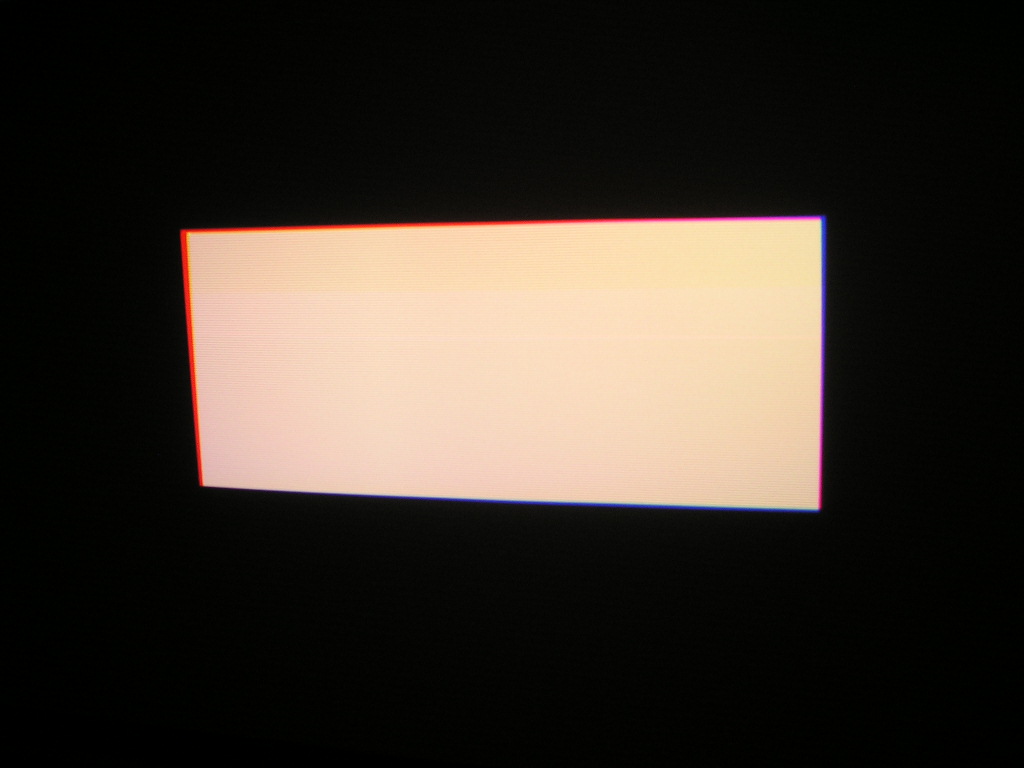
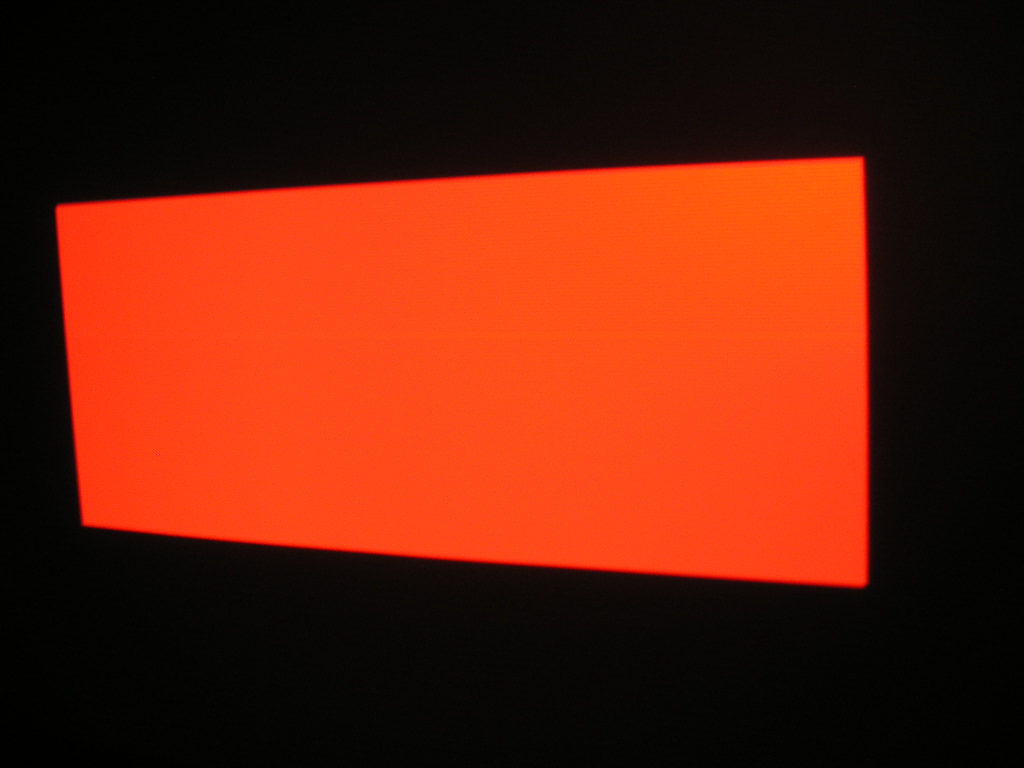
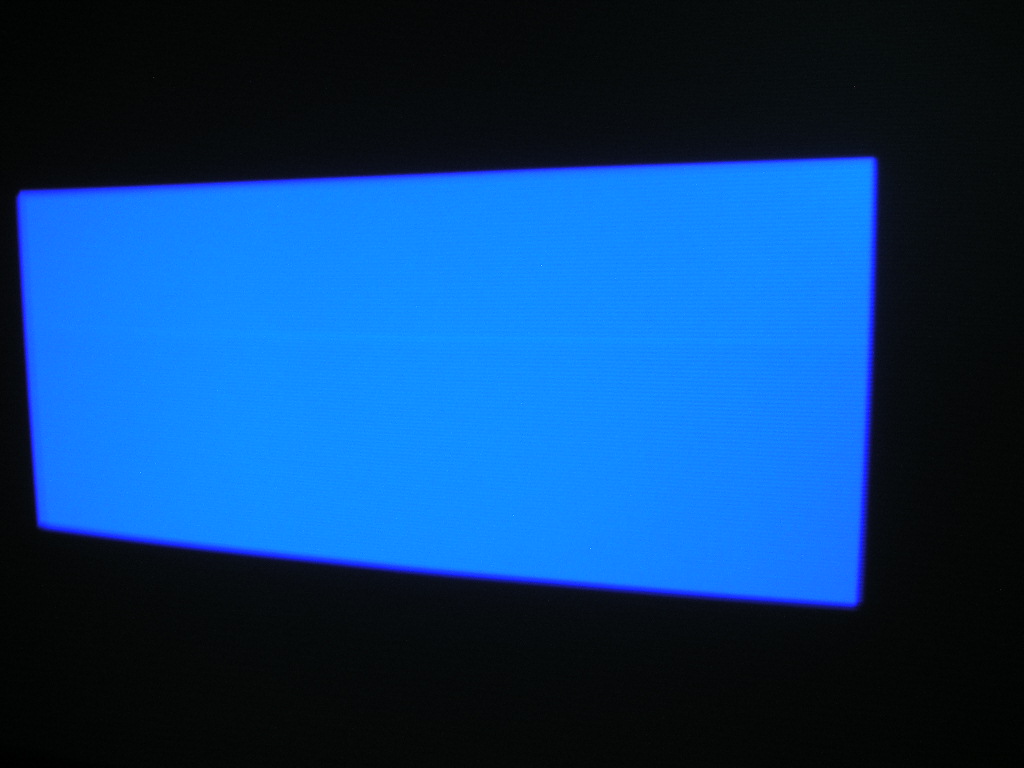
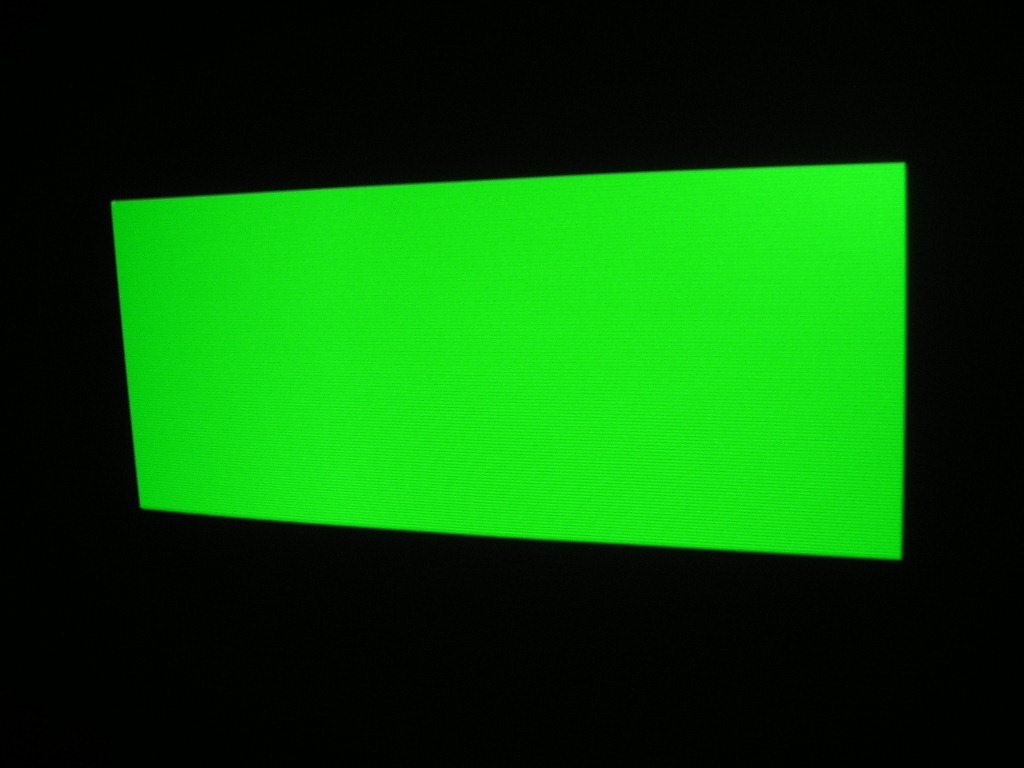
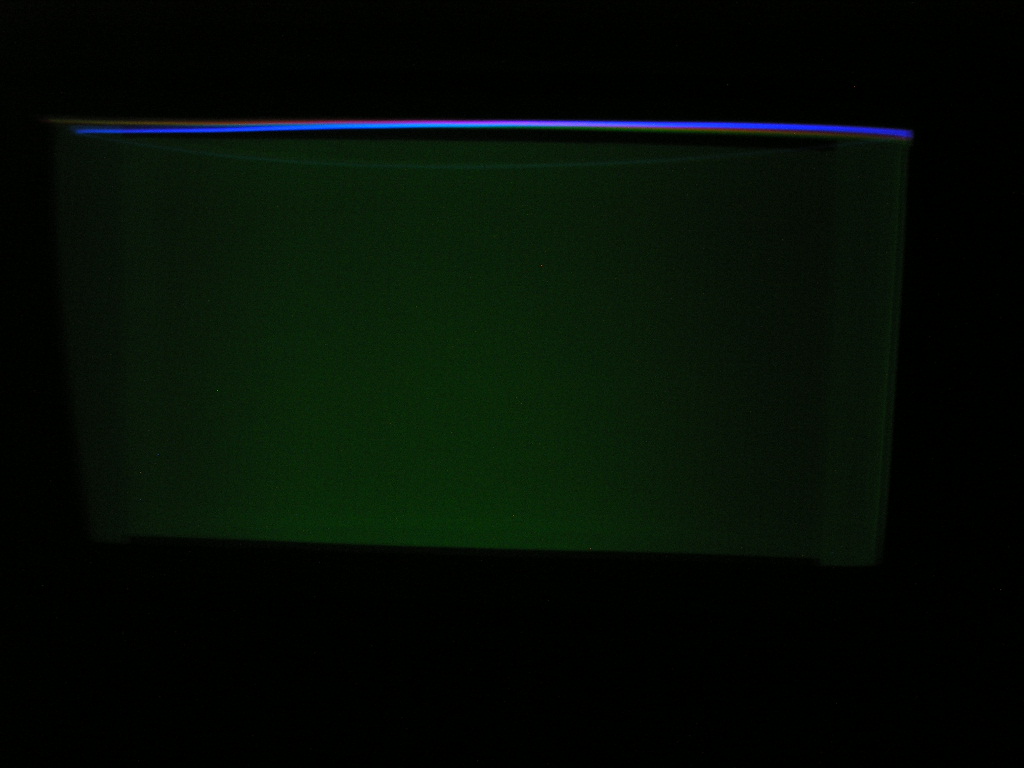
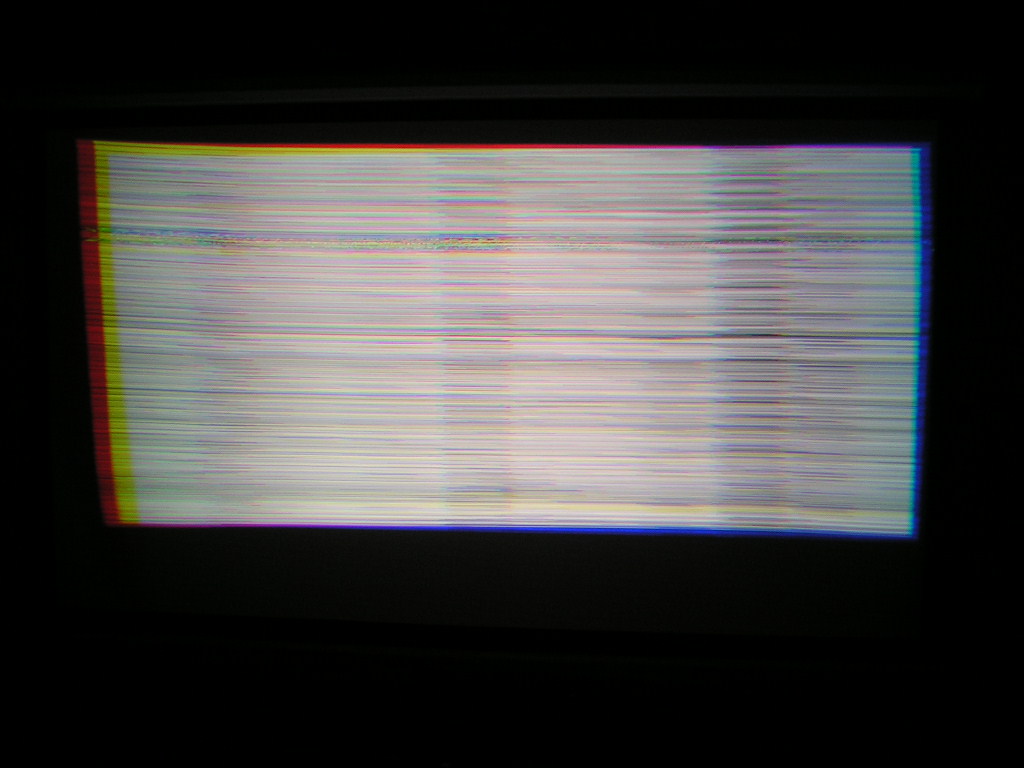
During warm-up and after, no sync, or very difficult (only on video input). White balance is bad, black balance too. Black screen is green ! always. There's a line near the middle of the screen, we can see it easily on white screen. It is strange because line is on blue and red but not on green !
Thanks for all informations !
| Description: |
|
| Filesize: |
101.87 KB |
| Viewed: |
7666 Time(s) |
|
| Description: |
|
| Filesize: |
136.18 KB |
| Viewed: |
7667 Time(s) |
|
| Description: |
|
| Filesize: |
122.95 KB |
| Viewed: |
7668 Time(s) |
|
| Description: |
| Line isn't on green screen |
|
| Filesize: |
109.6 KB |
| Viewed: |
7669 Time(s) |
|
| Description: |
|
| Filesize: |
138.17 KB |
| Viewed: |
7675 Time(s) |
|
| Description: |
|
| Filesize: |
118.23 KB |
| Viewed: |
7682 Time(s) |
|
Last edited by Choukard on Sat Dec 29, 2007 10:17 pm; edited 1 time in total
|
|
| Back to top |
|
 |
Curt Palme
CRT Tech
Joined: 08 Mar 2006
Posts: 24396
Location: Langley, BC
TV/Projector: All of them!
|
| Posted: Sat Dec 29, 2007 10:31 pm Post subject: |
|
|
|
You could have a bad system or deflection board, but try clearing the memory and input a new signal entry. THe line is due to too much convergence, usually V linearity, V lin balance or pin or key and the balance of those as well.
|
|
| Back to top |
|
|
Choukard
Joined: 05 Apr 2006
Posts: 23
|
| Posted: Sat Dec 29, 2007 10:41 pm Post subject: |
|
|
Hello Curt,
thank you for you fast reply. Problem is that I reset all entries. All is set at "zero" too. I try all I can read on your forum or AVS about PG troubleshooting. No result. I have another NEC PG6100. Boards are not the same. I can't make a test with inverting some boards. Perhaps electrolytics caps on system board. When I could have working RGBHV ( very difficult, several try), picture seems like "pixelized", strange... 
|
|
| Back to top |
|
|
Mark_A_W
Joined: 15 Mar 2006
Posts: 3068
Location: Sunny Melbourne Australia
|
| Posted: Sun Dec 30, 2007 1:26 am Post subject: |
|
|
|
Bad Deflection board will probably cause the loss of horizontal sync.
|
|
| Back to top |
|
|
Choukard
Joined: 05 Apr 2006
Posts: 23
|
| Posted: Sun Dec 30, 2007 3:33 pm Post subject: |
|
|
| Curt Palme wrote: | | You could have a bad system or deflection board, but try clearing the memory and input a new signal entry. THe line is due to too much convergence, usually V linearity, V lin balance or pin or key and the balance of those as well. |
Now, on red, line is black. All is set at "0". Always this green on black screen, it seems it's G2 problem. How can I modify G2 on PG9200 ? There's no pots like PG6100 for example ?
Deflection board on PG9200 is PWC-3709 (72137096) and on my working PG6100 is PWC-3709(A) (72137094). Curt, do you think I can invert them to do a test ?
Thanks.
|
|
| Back to top |
|
|
Choukard
Joined: 05 Apr 2006
Posts: 23
|
| Posted: Sun Dec 30, 2007 3:34 pm Post subject: |
|
|
| Mark_A_W wrote: | | Bad Deflection board will probably cause the loss of horizontal sync. |
Have you repaired some of them ? caps ? Thanks.
|
|
| Back to top |
|
|
dbaisey
Joined: 09 Mar 2006
Posts: 821
Location: Southern Cal LA / Seattle WA
|
| Posted: Sun Dec 30, 2007 4:19 pm Post subject: |
|
|
Other then the scrambled menus on the warm up screen this is pretty much what I have to start with on alot of the PGs.
I wouldn't start tweaking on G2 or pots. If you did you will have more problems then what your seeing now. Once a signal is entered and stored this will usually be corrected by storing AKB levels. This is located in the info menu but you need to read and understand it.
Kelvin W/B settings can also be affecting it.
You first need to get a solid signal entry before doing anything memory related then try going down each function to normalize including point convergence.
The scrambled menu screen is what a bad system board looks like. Might try shutting off the warm up screen until you can build good signal entries for both the video input and RGB input. Doug
|
|
| Back to top |
|
|
|
|




