| Author |
Message |
Makieo
Joined: 30 Jul 2007
Posts: 17
|
| Posted: Sun Nov 25, 2007 4:01 am Post subject: NEC XG and XBOX causing dark bands. |
|
|
We have just bought the Xbox and the HD DVD drive to go with it. We are running the signal from the Xbox over vga to the Nec XG. We have been able to get a very good looking picture, but we get dark bands going in and out of the picture. They seem to come when there is a combination of light and dark on the screen. However, they only appear when watching movies or cinematics during games. While the xbox is displaying the home screen and during normal game play there are no bands.
We used a computer to input a 1080p signal and did not see the banding. We have also tried a regular dvd in the xbox that was scaled to 1080p the bands were still present. We can't figure out what is wrong. Has anyone else run into this problem before? Any help would be greatly appreciated.
|
|
| Back to top |
|
 |
Makieo
Joined: 30 Jul 2007
Posts: 17
|
| Posted: Sun Nov 25, 2007 10:25 am Post subject: Update and pics |
|
|
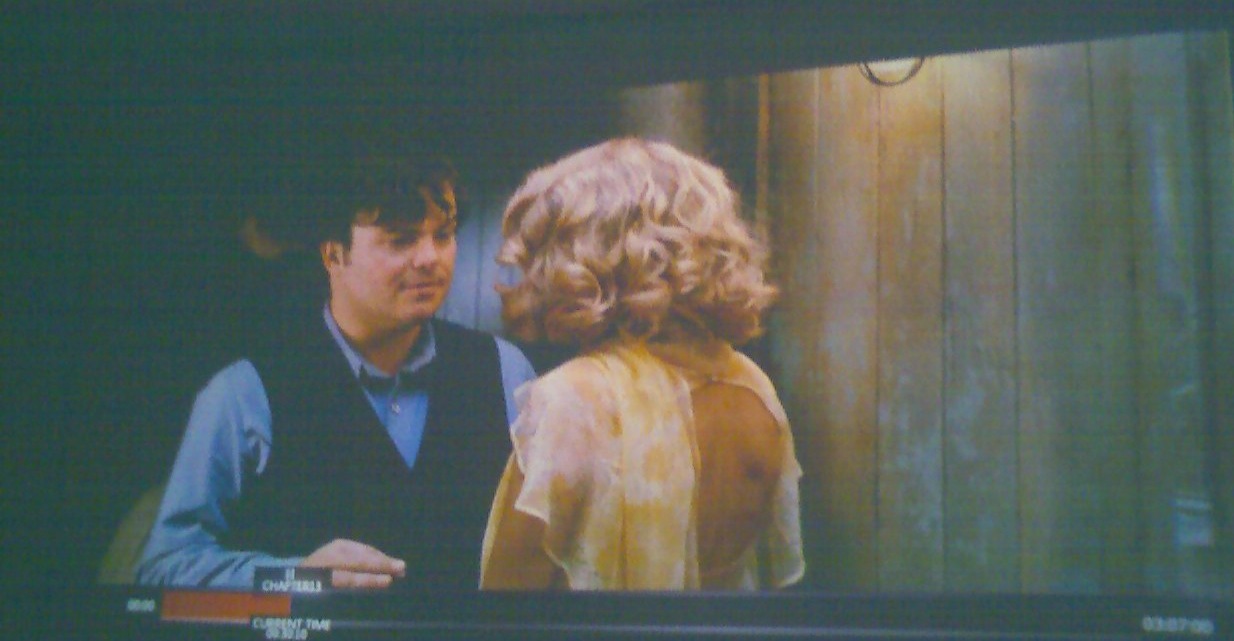
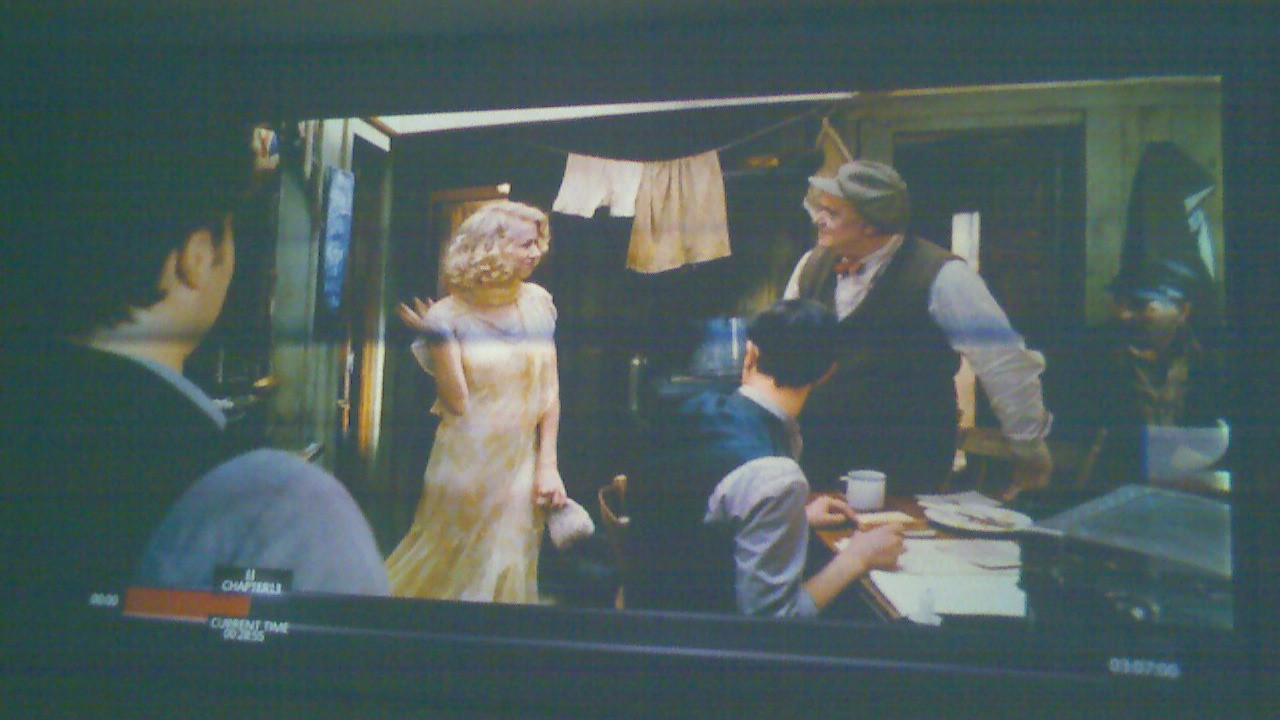
We have gone through all the settings we could find for the projector. We have done an entirely new set up. We still have the bands showing up. It is not on all screens during play. Sorry the pics are from my cell phone but the difference is pretty clear. We tried a lower resolution from the xbox and did not see the banding.
There also seems to be some overlap on the sides like the picture is doubling over with a mirror affect. We are not on the edge of the Raster. The test pattern goes well over the amount of space the image takes up but we still have the funny edges.
| Description: |
|
| Filesize: |
131.2 KB |
| Viewed: |
4463 Time(s) |
|
| Description: |
|
| Filesize: |
179 KB |
| Viewed: |
4502 Time(s) |
|
|
|
| Back to top |
|
|
WanMan

Joined: 19 Mar 2006
Posts: 10270
|
| Posted: Sun Nov 25, 2007 12:21 pm Post subject: |
|
|
Curious, using the VGA cable from the Xbox 360 is progressive-only. Are you outputting 1080P or 720P or some other progressive resolution?
_________________
Trust no one. Absolutely no one. Advice of the board.
|
|
| Back to top |
|
|
Makieo
Joined: 30 Jul 2007
Posts: 17
|
| Posted: Sun Nov 25, 2007 7:30 pm Post subject: |
|
|
We are outputting 1080p when the bands appear. I am thinking its the xbox thats messing up. I have used 1080p from my laptop without any problems.
When we try 720p there is no mirroring on the edge of screen so the bands do not appear.
If you look hard at the picture with the bands you can see that the right side is slightly brighter. Thats actually where the image has folded over on to itself. It occurs on both sides of the image, and is effected by shifting the image on the raster (if is shift the image to the left there is more overlap on the left and less on the right).
There is still plenty of room on the raster for the entire image, the edge of the image does not extend close to the edge of the raster.
Has anyone seen this mirroring effect before?
|
|
| Back to top |
|
|
Mark_A_W
Joined: 15 Mar 2006
Posts: 3068
Location: Sunny Melbourne Australia
|
| Posted: Mon Nov 26, 2007 2:14 am Post subject: |
|
|
My guess is the XG is having black level clamping issues due to the particular timings the Xbox uses for "1080p" - many have had trouble with them I believe, unless something as changed, they are SCREWED.
There is a clamp menu somewhere in the menu structure, (which should be set to AUTO, but you can fiddle around), and you can shift your raster left and image right to get rid of the fold-over and it may allow the XG to clamp black properly.
But I fear the only real solutions are 1. Scalar/Video Processor ($$$, but you can get 48/74hz, with custom timings). 2. Different standalone player (they are cheap, but stuck at 60hz). 3. PC (but they are a PITA for HD-DVD/BD right now as Powerdvd is shite, don't go there unless you are a PC geek).
|
|
| Back to top |
|
|
Makieo
Joined: 30 Jul 2007
Posts: 17
|
| Posted: Mon Nov 26, 2007 8:27 am Post subject: Still no fix |
|
|
We have tried moving the image on the raster left and right. If we go left there is more folding on the right and vice versa.
We tried calling xbox, they were of course useless. Their customer service kept telling us VGA was incapable of 1080p and we should use HDMI. We had to show him on their website that VGA was capable of displaying 1080p, and he still told us it was not capable. I guess we should have expected as much from Micro$oft.
I guess we will have to use 720p for the Xbox. On the bright side though we can still hook up the hd-dvd drive through our HTPC and get HD that way, not ideal but feasible. Only problem with doing that is the playback, there does not seem to be a good HD media player. Hopefully, MPlayer will be able to decode the hd-dvd format soon.
|
|
| Back to top |
|
|
Bert Randolph
Joined: 03 Jul 2007
Posts: 81
Location: Germany
|
| Posted: Mon Nov 26, 2007 4:46 pm Post subject: |
|
|
I don't think anybody got the 1080p - signal from the XBOX running well on a CRT. The porches are messed up, so there is this foldover effect.
720p should the best (re)solution. Looks nice too 
Daniel.
|
|
| Back to top |
|
|
|
|




