| Author |
Message |
winduptoy
Joined: 25 Nov 2006
Posts: 187
Location: Lunenburg, Nova Scotia
|
| Posted: Wed Jun 03, 2009 11:33 pm Post subject: |
|
|
| akajester wrote: | | AnalogRocks wrote: | How do the screen shot's look as compared to what YOU see on screen? Are they close? Darker? Lighter? etc....
Keep at the camera 'till you find a setting that get's you somewhat clode to what you see. You may even have to over expose things a bit. |
The pictures were WAY darker than the screen. So, I upp'ed the exposure of the shots in photoshop to match, but I think they actually lost detail in the process. The default night portrait mode worked much better. I'll try it again soon. |
Do you have any gamma adjustment available to you thru the HTPC? You might try knocking the contrast back a bit on the PJ and moving the brightness up enough to show 4% above black on the DVE PLUGE. I would seriously investigate Gamma boost. Gamma boost really does work, IMO. It is interactive with the brightness control so that once you alter the curve (which will compress the midtones slightly and increase the gamma below 20 IRE), you can then reduce the brightness to re-establish black. Take a photo of your computer screen showing the picture adjustments on your graphics card; if we're lucky we can boost the gamma through that.
|
|
| Back to top |
|
 |
perisoft

Joined: 29 Aug 2007
Posts: 2920
Location: Ithaca, NY
|
| Posted: Mon Jun 22, 2009 2:55 am Post subject: |
|
|
It's father's day. Who's your daddy?!
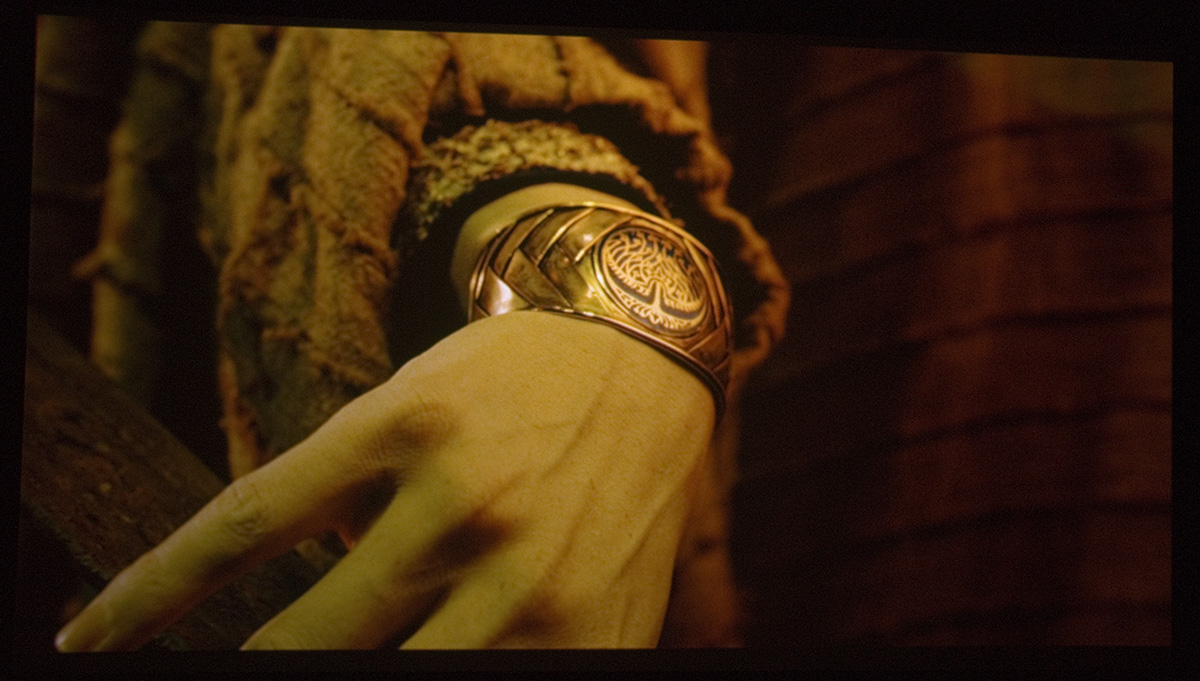
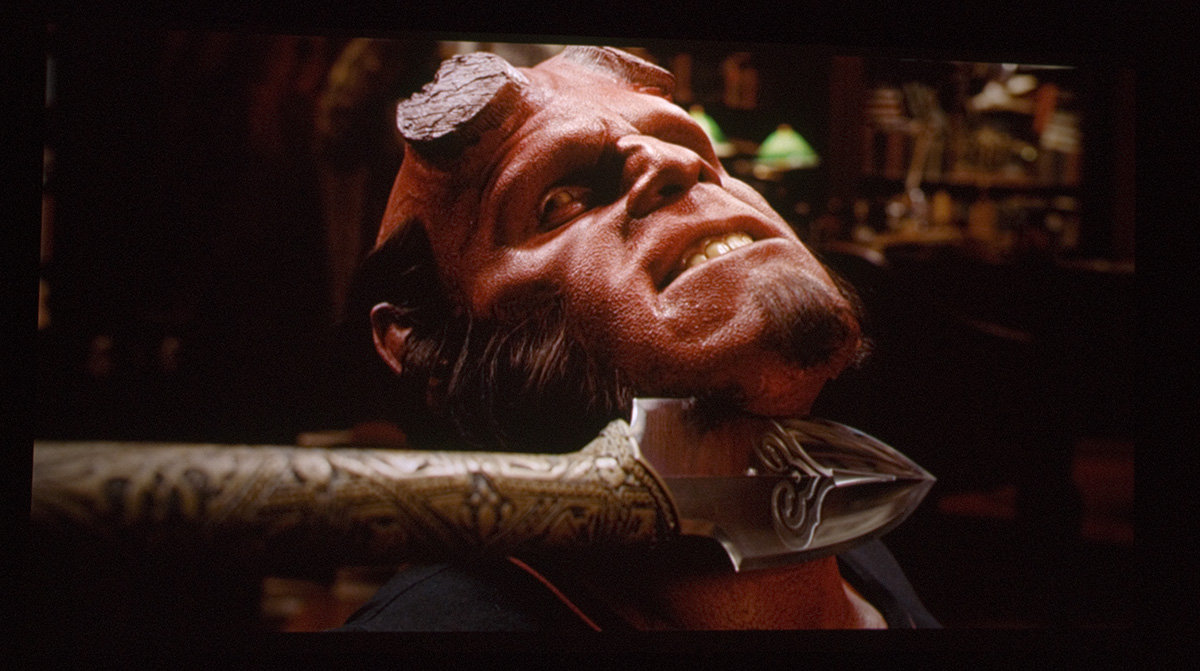
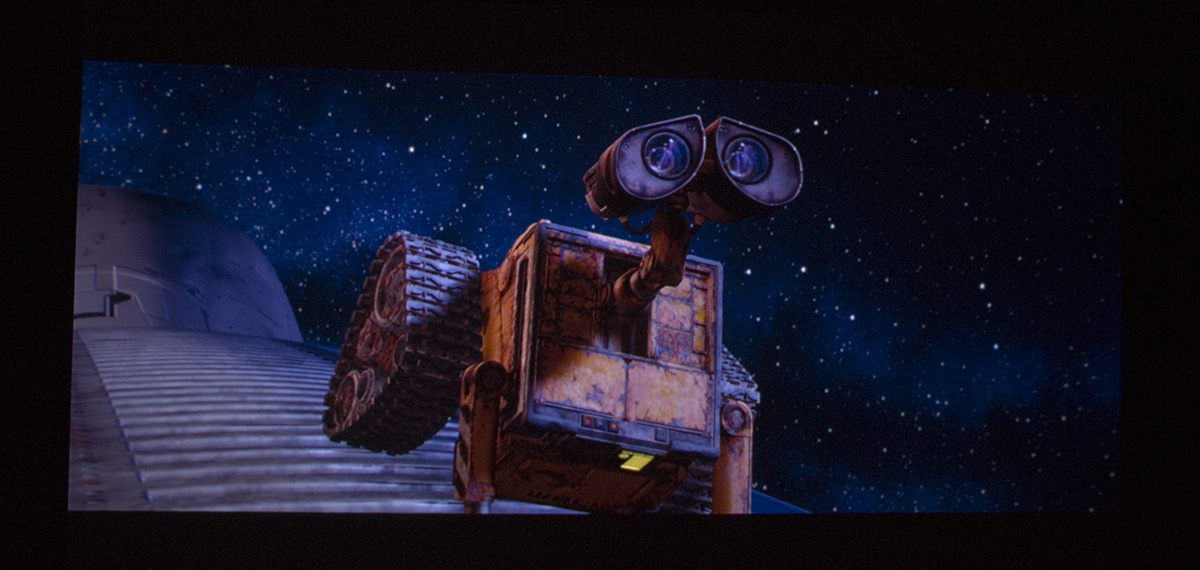
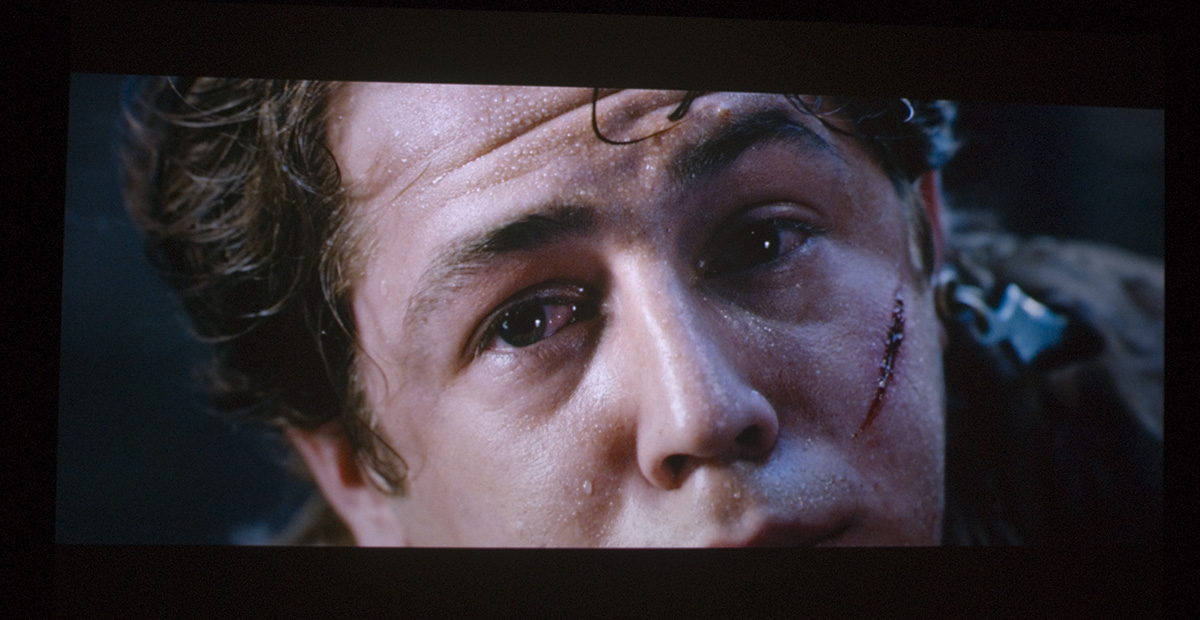
_________________

|
|
| Back to top |
|
|
jkruger

Joined: 24 Oct 2007
Posts: 2435
Location: Carlsbad, CA
|
| Posted: Mon Jun 22, 2009 3:34 am Post subject: |
|
|
|
Very nice stuff! Glad you like the lenses.
|
|
| Back to top |
|
|
mp20748
Joined: 12 Sep 2006
Posts: 5689
Location: Maryland
TV/Projector: 9500LC Ultra / Super 02 and 03 VIM
|
| Posted: Thu Jun 25, 2009 2:27 am Post subject: |
|
|
PURE 1080P


|
|
| Back to top |
|
|
Nashou66

Joined: 12 Jan 2007
Posts: 16171
Location: West Seneca NY
|
|
| Back to top |
|
|
dturco

Joined: 06 Feb 2009
Posts: 3778
Location: Eastern Shore Maryland
TV/Projector: Runco DLP VX-3000i Marquee 9500 parts doner
|
| Posted: Thu Jun 25, 2009 12:16 pm Post subject: |
|
|
This is how I want my 9500 to look. 
_________________
Firefly rules. Can't stop the signal.
http://www.hulu.com/firefly
|
|
| Back to top |
|
|
mp20748
Joined: 12 Sep 2006
Posts: 5689
Location: Maryland
TV/Projector: 9500LC Ultra / Super 02 and 03 VIM
|
| Posted: Thu Jun 25, 2009 12:49 pm Post subject: |
|
|
| dturco wrote: | | This is how I want my 9500 to look. |
You already have the potential in that 9500. What you'll need is someone to get you up and started. And for that I would suggest that you wait on Craig or Terry when they come to this area. When you make those arrangements, I'll work with them in getting the other things in your video chain up to par. there's a few other tweaks you'll need to take things to the next level. These tweaks are few, and either of these guys would be able to do them at your house.
I'll supply the parts for this (at no charge) when you're able to make this happen.
I think you of all people should put down the screw driver and turn things over to someone else. And if you're able to do that, I'll do what i can on this end to help you get to where you'll need to get things better.
Contact either Terry or Craig, and you'll get full support from me (at no charge). I want to see that Marquee at it's best almost as bad as you do.
|
|
| Back to top |
|
|
schmoe
Joined: 30 Mar 2008
Posts: 374
Location: Seattle, WA
|
| Posted: Fri Jun 26, 2009 12:34 am Post subject: |
|
|
| mp20748 wrote: | | I want to see that Marquee at it's best almost as bad as you do. |
What about my Marquee?!  
|
|
| Back to top |
|
|
mp20748
Joined: 12 Sep 2006
Posts: 5689
Location: Maryland
TV/Projector: 9500LC Ultra / Super 02 and 03 VIM
|
| Posted: Sun Jun 28, 2009 12:42 pm Post subject: |
|
|
| schmoe wrote: | | mp20748 wrote: | | I want to see that Marquee at it's best almost as bad as you do. |
What about my Marquee?! |
In due time, hopefully this can happen for almost any marquee..
See this at the next Blend meet this fall at Williams...
More:


|
|
| Back to top |
|
|
mp20748
Joined: 12 Sep 2006
Posts: 5689
Location: Maryland
TV/Projector: 9500LC Ultra / Super 02 and 03 VIM
|
| Posted: Mon Jun 29, 2009 5:39 pm Post subject: |
|
|
Trying a different camera (Fuji)
1080P into CRT


|
|
| Back to top |
|
|
overclkr

Joined: 08 Mar 2006
Posts: 4227
|
| Posted: Tue Jul 14, 2009 10:38 pm Post subject: |
|
|
Sup fella's? Baraka 1080P 5000 hour G90 Stack:


Cliffy
|
|
| Back to top |
|
|
dturco
Joined: 06 Feb 2009
Posts: 3778
Location: Eastern Shore Maryland
TV/Projector: Runco DLP VX-3000i Marquee 9500 parts doner
|
| Posted: Tue Jul 14, 2009 11:22 pm Post subject: |
|
|
Foul. No fair. I just started to close in on a good picture and now stacking to compare to?
I know it's always been here, just having a jab at humor. 
_________________
Firefly rules. Can't stop the signal.
http://www.hulu.com/firefly
|
|
| Back to top |
|
|
prover
Joined: 07 Nov 2008
Posts: 166
Location: Stuttgart, Germany
|
| Posted: Thu Jul 23, 2009 8:39 am Post subject: a few screenshots from my 1292 |
|
|
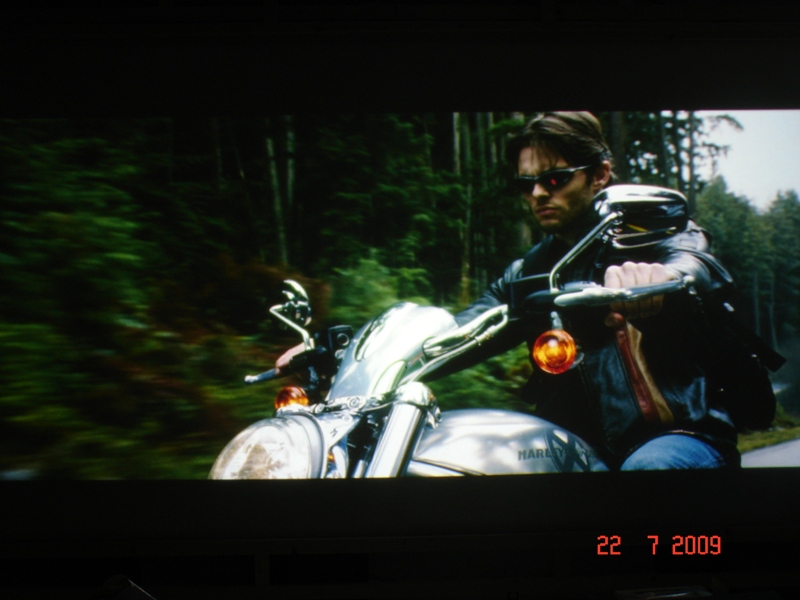
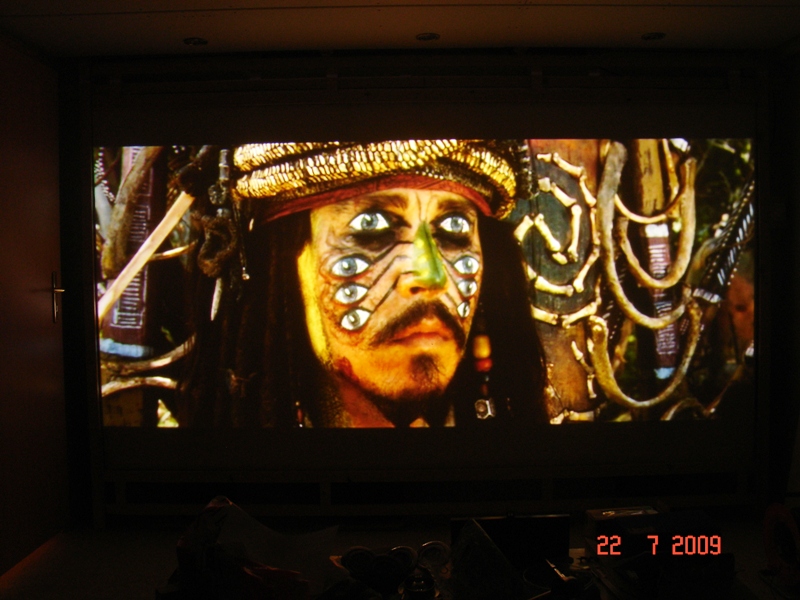
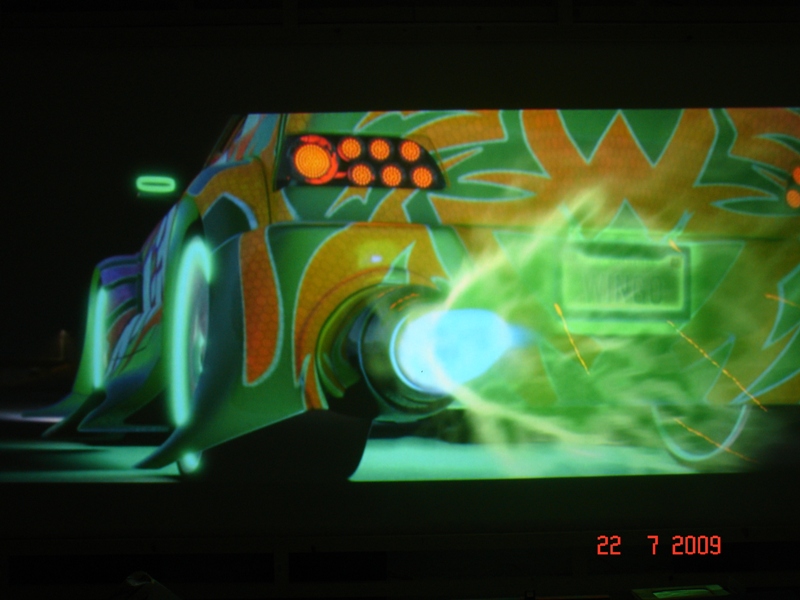
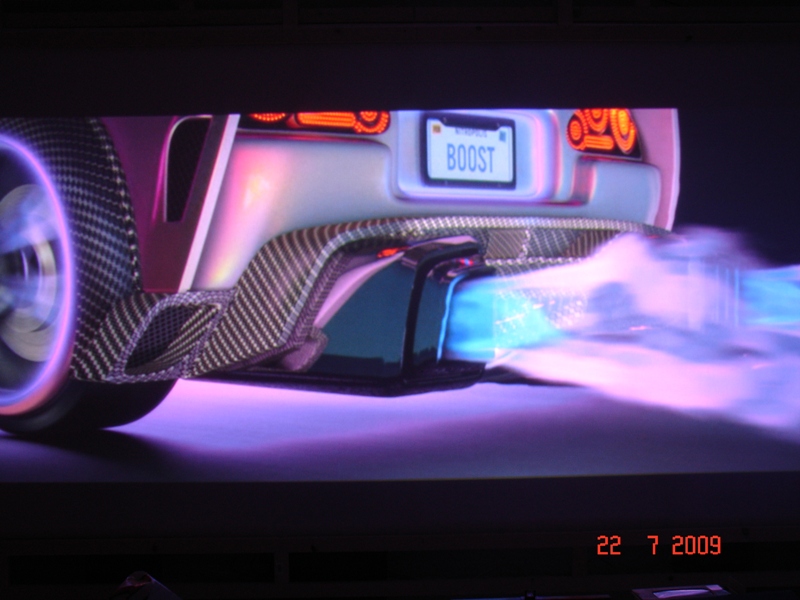
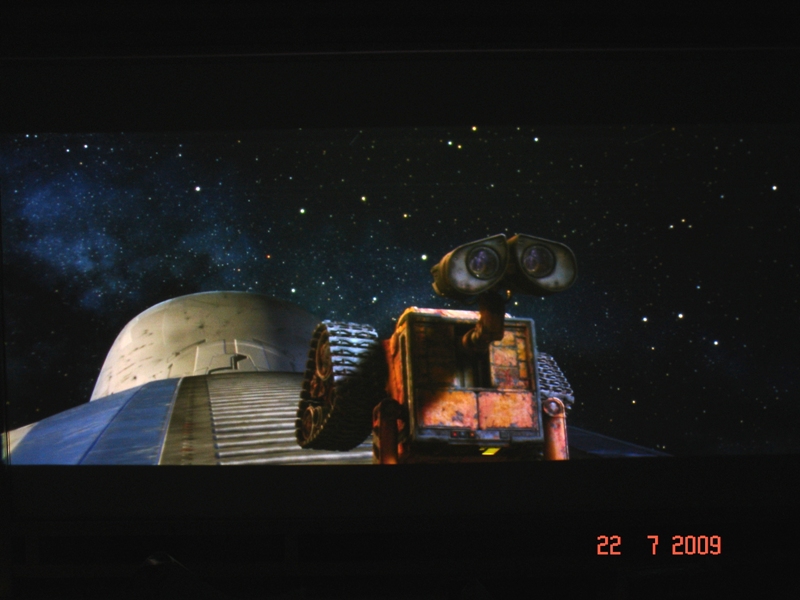
Configuration: BD-Player SAMSUNG BDP 1600, HD-Fury, SONY 1292 QMG.
Here are a few screenshots:
| Description: |
|
| Filesize: |
170.14 KB |
| Viewed: |
11624 Time(s) |
|
| Description: |
| Pirates of the Caribbean 2 PAL-DVD |
|
| Filesize: |
221.47 KB |
| Viewed: |
11624 Time(s) |
|
| Description: |
|
| Filesize: |
165.71 KB |
| Viewed: |
11624 Time(s) |
|
| Description: |
|
| Filesize: |
175.19 KB |
| Viewed: |
11624 Time(s) |
|
| Description: |
|
| Filesize: |
222.37 KB |
| Viewed: |
11624 Time(s) |
|
|
|
| Back to top |
|
|
akajester

Joined: 09 Jul 2008
Posts: 934
Location: Wisconsin
|
| Posted: Thu Jul 23, 2009 1:42 pm Post subject: |
|
|
|
prover, have you done a grayscale calibration on your setup? The detail looks nice but the colors look a little off. Or is it just the camera? If you could post larger pics we could see more. thanks!
|
|
| Back to top |
|
|
prover
Joined: 07 Nov 2008
Posts: 166
Location: Stuttgart, Germany
|
|
| Back to top |
|
|
dropzone7

Joined: 12 Jun 2007
Posts: 1069
Location: Charlotte, NC
|
| Posted: Thu Jul 23, 2009 2:21 pm Post subject: |
|
|
| prover wrote: | | greyscale still to be done, didn't have any time to do it... |
Your shots look good and I think you will see a huge difference after you tackle greyscale.
_________________
"Coffee is for Closers."
|
|
| Back to top |
|
|
mp20748
Joined: 12 Sep 2006
Posts: 5689
Location: Maryland
TV/Projector: 9500LC Ultra / Super 02 and 03 VIM
|
| Posted: Fri Jul 24, 2009 10:34 am Post subject: |
|
|
Sony BDP 360 - HD FuryII v1.51 - Super Marquee 9500LC Ultra @ 1080P


|
|
| Back to top |
|
|
akajester
Joined: 09 Jul 2008
Posts: 934
Location: Wisconsin
|
| Posted: Fri Jul 24, 2009 8:41 pm Post subject: |
|
|
Ok, here's my 4th attempt at some decent screenshots. All were cropped and resized. 3 shots of each were taken at -2, 0 and +2 with a Canon EOS Rebel SLR then combined with Photoshop CS3's HDR batch. We did the white balance on the screen with the 50ire window from AVSHD first. This is as close as I can get to an accurate representation of what I'm seeing with my eyes. Oh, and this is on my grayscale calibrated Barco Graphics 808.


Let me know what you think!
|
|
| Back to top |
|
|
Nashou66
Joined: 12 Jan 2007
Posts: 16171
Location: West Seneca NY
|
|
| Back to top |
|
|
Zebu Fellenz
Joined: 21 Dec 2006
Posts: 2567
|
| Posted: Fri Jul 24, 2009 8:51 pm Post subject: |
|
|
| akajester wrote: | Ok, here's my 4th attempt at some decent screenshots. All were cropped and resized. 3 shots of each were taken at -2, 0 and +2 with a Canon EOS Rebel SLR then combined with Photoshop CS3's HDR batch. We did the white balance on the screen with the 50ire window from AVSHD first. This is as close as I can get to an accurate representation of what I'm seeing with my eyes. Oh, and this is on my grayscale calibrated Barco Graphics 808.
Let me know what you think! |
The colors look a little muted and under saturated to me. Is this 808 color filtered? They look great otherwise but the color isn't what I would expect to see.
|
|
| Back to top |
|
|
|
|




