| Author |
Message |
km987654

Joined: 25 Jul 2007
Posts: 2874
Location: Australia
TV/Projector: Barco BG809s
|
| Posted: Thu Aug 16, 2018 9:36 am Post subject: |
|
|
| JayAllan wrote: | Well... I found my DVDO VP50 and my VP30. Found both remotes and both power cords. Neither works.  They both power up but the VP30 screen flashes on and off and the VP50 shows "serious Error 16". Ugh. They both power up but the VP30 screen flashes on and off and the VP50 shows "serious Error 16". Ugh. |
I guess you know its a serious problem 
|
|
| Back to top |
|
 |
barclay66

Joined: 27 Jun 2011
Posts: 1304
Location: Germany
TV/Projector: Marquee 9500 Ultra
|
| Posted: Thu Aug 16, 2018 12:58 pm Post subject: |
|
|
Hi,
Most problems of the DVDO VP series originate from crappy power supplies. Try to get a replacement with 6V and at least 8A or more...
Kind Regards,
barclay66
|
|
| Back to top |
|
|
crtbilly
Joined: 01 Apr 2015
Posts: 54
|
| Posted: Thu Aug 16, 2018 2:28 pm Post subject: |
|
|
| barclay66 wrote: | Hi,
Most problems of the DVDO VP series originate from crappy power supplies. Try to get a replacement with 6V and at least 8A or more...
Kind Regards,
barclay66 |
I can confirm this. I bought a cheap one off eBay for my vp50 and it seems to be holding up.
My vp50 had other problems but I knew that when I bought mine off eBay for $20. When I opened it up it had about 5 tantalum capacitor blown. Replaced and it's been working great.
I also have the latest firmware if interested.
|
|
| Back to top |
|
|
ElTopo

Joined: 07 Nov 2006
Posts: 1640
|
| Posted: Thu Aug 16, 2018 3:54 pm Post subject: |
|
|
Have you checked the 909 with another source already ?
_________________
Barco Cine 9 the one and only
|
|
| Back to top |
|
|
Curt Palme
CRT Tech
Joined: 08 Mar 2006
Posts: 24396
Location: Langley, BC
TV/Projector: All of them!
|
| Posted: Thu Aug 16, 2018 4:07 pm Post subject: |
|
|
|
Or, send me both supplies, and I'll rebuild them.
|
|
| Back to top |
|
|
JayAllan

Joined: 03 Jun 2007
Posts: 175
Location: Los Angeles
|
| Posted: Thu Aug 16, 2018 6:34 pm Post subject: |
|
|
Thanks guys! I figured it is likely the power supplies. I actually have 3 here and tried them all but they are all old and off brand. I will try the eBay route first and then if that doesn't work I will send them over to you Curt  I haven't tried another source yet ElTopo but I did find my RGB to BNC breakout cable. I am going to hook that up to a PC tonight once I find a long RGB cable to reach. I haven't tried another source yet ElTopo but I did find my RGB to BNC breakout cable. I am going to hook that up to a PC tonight once I find a long RGB cable to reach.
|
|
| Back to top |
|
|
JayAllan
Joined: 03 Jun 2007
Posts: 175
Location: Los Angeles
|
| Posted: Sun Aug 19, 2018 6:36 pm Post subject: |
|
|
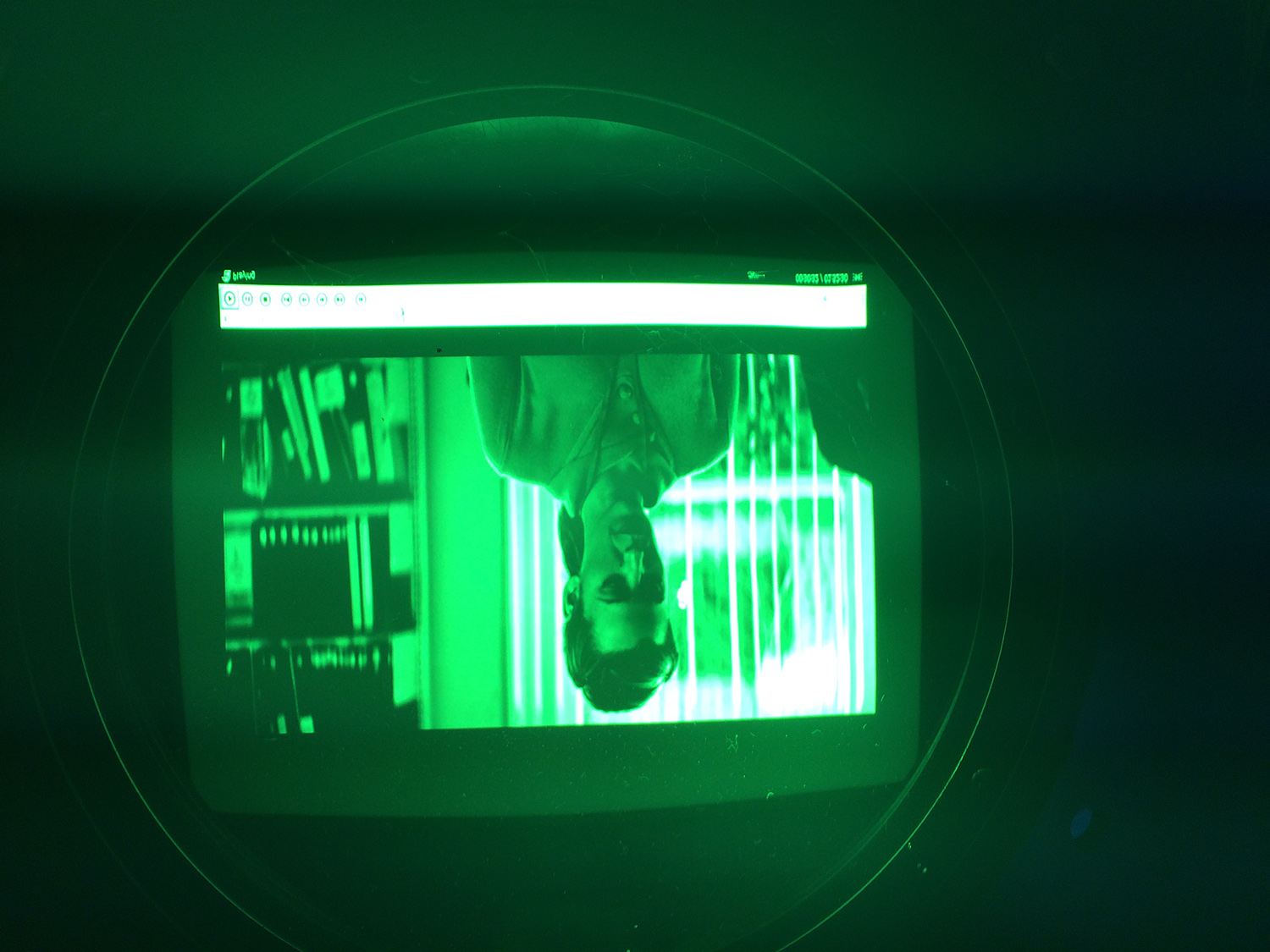
Quick update:
I managed to hook this up to my PC with an RGB breakout cable. It looks to be working well! Going to move the projector into place tonight and put on the lenses. HFQ900HM. Just need to figure out the optimal throw distance.
| Description: |
|
| Filesize: |
474.13 KB |
| Viewed: |
9095 Time(s) |
|
|
|
| Back to top |
|
|
Curt Palme
CRT Tech
Joined: 08 Mar 2006
Posts: 24396
Location: Langley, BC
TV/Projector: All of them!
|
| Posted: Sun Aug 19, 2018 8:48 pm Post subject: |
|
|
Hell yeah! 
|
|
| Back to top |
|
|
JayAllan
Joined: 03 Jun 2007
Posts: 175
Location: Los Angeles
|
| Posted: Mon Aug 20, 2018 7:01 am Post subject: |
|
|
I moved the projector tonight into position roughly. I put the lenses on and powered it up.
I noticed right away looking at the tubes that the image is going outside the raster on at least one side (which if I recall is bad!)
So... I shut it down for now. Since I have never owned a Barco and it has been 6 years since I have setup a CRT,
I am going to have to dig in the manual to see how to shrink and move over the raster.
I am feeding it 1600x900 since that is the max my video card will apparently go through the RGB port.
|
|
| Back to top |
|
|
ElTopo
Joined: 07 Nov 2006
Posts: 1640
|
| Posted: Mon Aug 20, 2018 10:58 am Post subject: |
|
|
Hey,
please be sure to center the image on the tubes.
Mostly if you center green (Raster Shift option "coarse" of "fine") the other two colors get touched also and should be centered. If not you can do raster shift on each color.
You can also use the Geometry option to shrink vertical and horizontal.
ElTopo
_________________
Barco Cine 9 the one and only
|
|
| Back to top |
|
|
JayAllan
Joined: 03 Jun 2007
Posts: 175
Location: Los Angeles
|
| Posted: Mon Aug 20, 2018 6:23 pm Post subject: |
|
|
|
Thanks ElTopo. Yes, I am not at all familiar with the Barco menus yet so I am reading up on them now so I can go in quick and shrink them down without the tubes on for long. That will be the first thing I do before working on focus.
|
|
| Back to top |
|
|
Curt Palme
CRT Tech
Joined: 08 Mar 2006
Posts: 24396
Location: Langley, BC
TV/Projector: All of them!
|
| Posted: Mon Aug 20, 2018 6:57 pm Post subject: |
|
|
|
The other 6 splitpacks are here. Brought one across the border this AM, will set it up this weekend. Lots of interest with these units..
|
|
| Back to top |
|
|
Curt Palme
CRT Tech
Joined: 08 Mar 2006
Posts: 24396
Location: Langley, BC
TV/Projector: All of them!
|
| Posted: Mon Aug 20, 2018 6:59 pm Post subject: |
|
|
|
Oh, and do a 'set to midposition, all' in the service menu, under the memory page. The keystone and everything else will be a mile off on these sets given the installation. No problem running to the edge of the tubes, but turn the contrast way down, to 10 or so, and you won't implode tubes.
|
|
| Back to top |
|
|
JayAllan
Joined: 03 Jun 2007
Posts: 175
Location: Los Angeles
|
| Posted: Mon Aug 20, 2018 8:20 pm Post subject: |
|
|
| Curt Palme wrote: | | The other 6 splitpacks are here. Brought one across the border this AM, will set it up this weekend. Lots of interest with these units.. |
Awesome! I was going to ask you about that I love the design of these units.
|
|
| Back to top |
|
|
JayAllan
Joined: 03 Jun 2007
Posts: 175
Location: Los Angeles
|
| Posted: Mon Aug 20, 2018 8:22 pm Post subject: |
|
|
| Curt Palme wrote: | | Oh, and do a 'set to midposition, all' in the service menu, under the memory page. The keystone and everything else will be a mile off on these sets given the installation. No problem running to the edge of the tubes, but turn the contrast way down, to 10 or so, and you won't implode tubes. |
Ok good to know. I was hoping there was some sort of "revert to factory" type setting. Its hard to even read the on screen menus at this point. I have NO IDEA how to set these up lol. I am having to re-educate myself on CRTs. It's been a while!
|
|
| Back to top |
|
|
ElTopo
Joined: 07 Nov 2006
Posts: 1640
|
| Posted: Mon Aug 20, 2018 9:08 pm Post subject: |
|
|
1st = mechanichal focus on the lens
2nd = focusing inside the menu
After that reading should be no problem anymore 
_________________
Barco Cine 9 the one and only
|
|
| Back to top |
|
|
Curt Palme
CRT Tech
Joined: 08 Mar 2006
Posts: 24396
Location: Langley, BC
TV/Projector: All of them!
|
| Posted: Mon Aug 20, 2018 10:18 pm Post subject: |
|
|
|
Aww, do I have to make another drive down?
|
|
| Back to top |
|
|
HaydnG90

Joined: 22 May 2006
Posts: 1356
|
| Posted: Mon Aug 20, 2018 11:05 pm Post subject: |
|
|
|
Whats the fan noise like vs a standard 909?
|
|
| Back to top |
|
|
Curt Palme
CRT Tech
Joined: 08 Mar 2006
Posts: 24396
Location: Langley, BC
TV/Projector: All of them!
|
| Posted: Tue Aug 21, 2018 1:57 pm Post subject: |
|
|
|
Same amount of fans, but since you can place the electronics with the fans up to 2m away, it should be less noisy.
|
|
| Back to top |
|
|
JayAllan
Joined: 03 Jun 2007
Posts: 175
Location: Los Angeles
|
| Posted: Sat Aug 25, 2018 1:45 am Post subject: |
|
|
| Curt Palme wrote: | | Aww, do I have to make another drive down? |
Not until I am ready to set up the stack!
|
|
| Back to top |
|
|
|
|





