| Author |
Message |
larsmartinxt
Joined: 15 Feb 2014
Posts: 6
Location: Norway
|
| Posted: Sat Feb 15, 2014 11:35 am Post subject: Barco 1208s, No Barco home screen. |
|
|
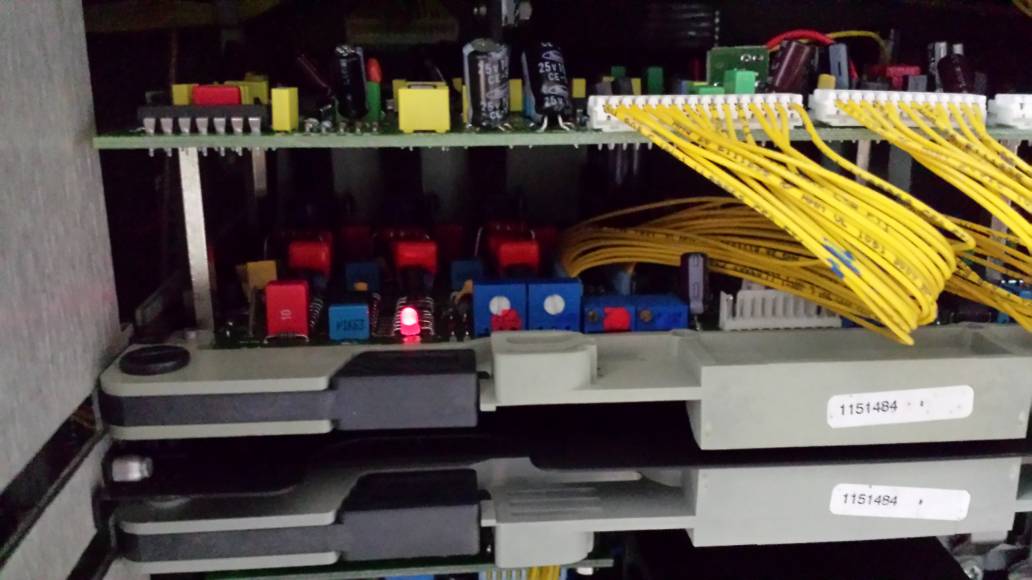
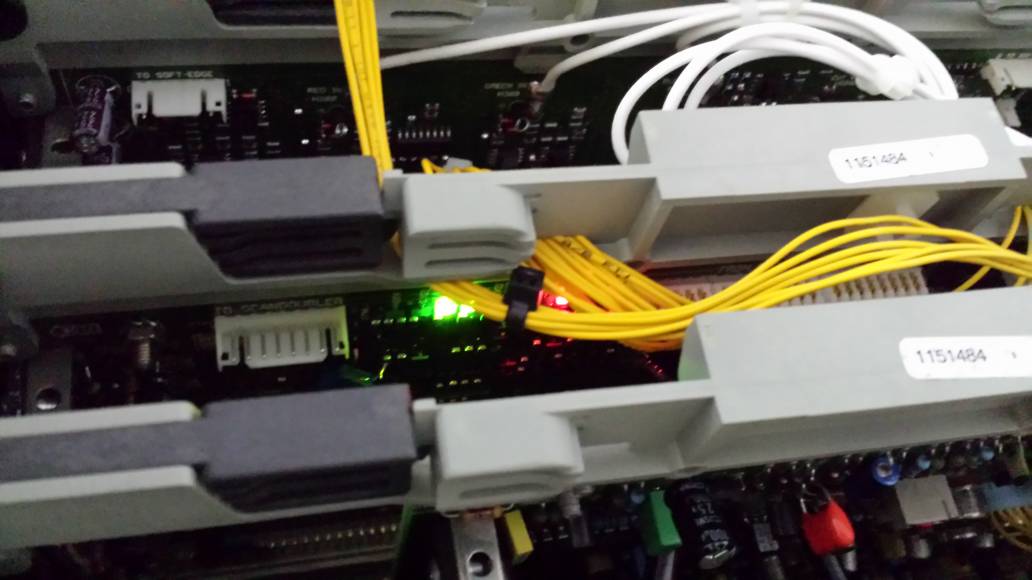
I have aquired 3 Barco 1208s that was supposed to be in good working condition (no visible tube wear) . The projectors have been in storage for 3 years before I tried to get one working yesterday.
First thing first.
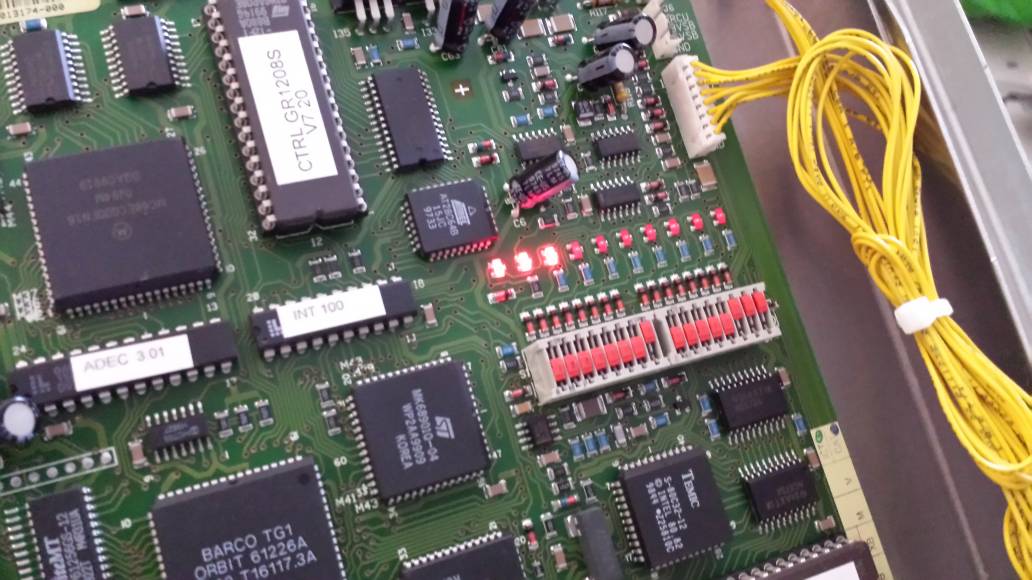
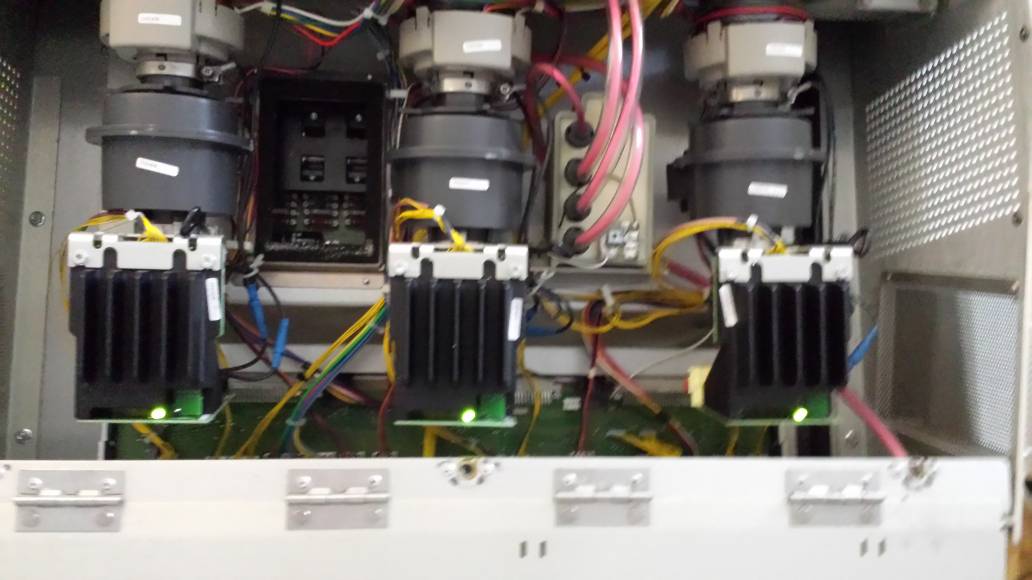
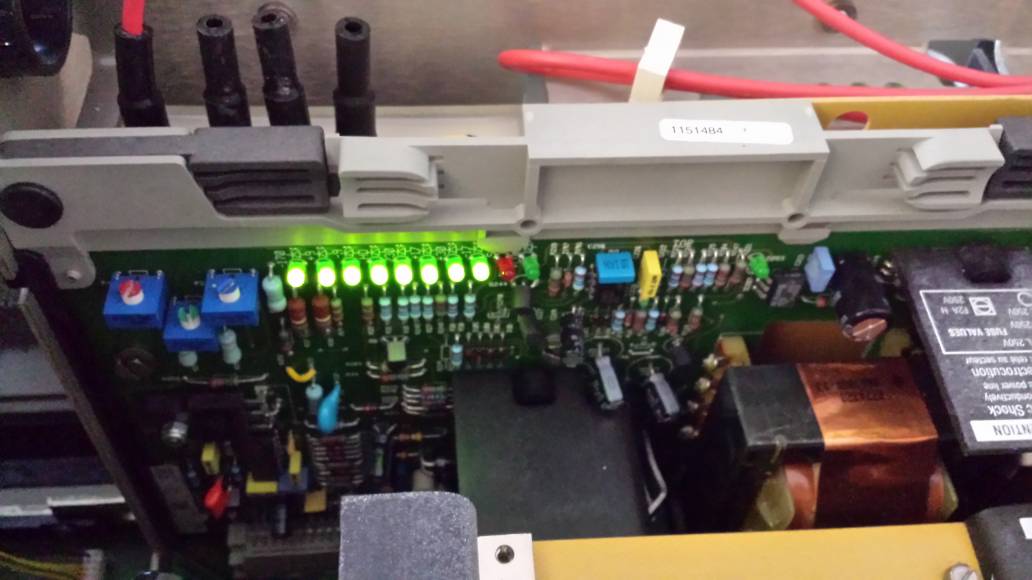
The first time I turned it on the leds would flicker indicating a short somewhere. After trying to swap out the "H output board" from one of my other sets the flickering went away. Still I get no welcome screen when turning the PJ on.
Also the remotes does not respond. The "on-board remote" responds only on a few keys: 0,8,4,3,Text,Sharpness, Tint, Color.
When pressing one of the functioning numeric keys the projectors fires up (with no welcome screen).
Also the tubes does fire up but with flickering lines in the edge.
Please help.
| Description: |
|
| Filesize: |
95.8 KB |
| Viewed: |
3926 Time(s) |
|
| Description: |
|
| Filesize: |
64.93 KB |
| Viewed: |
3926 Time(s) |
|
| Description: |
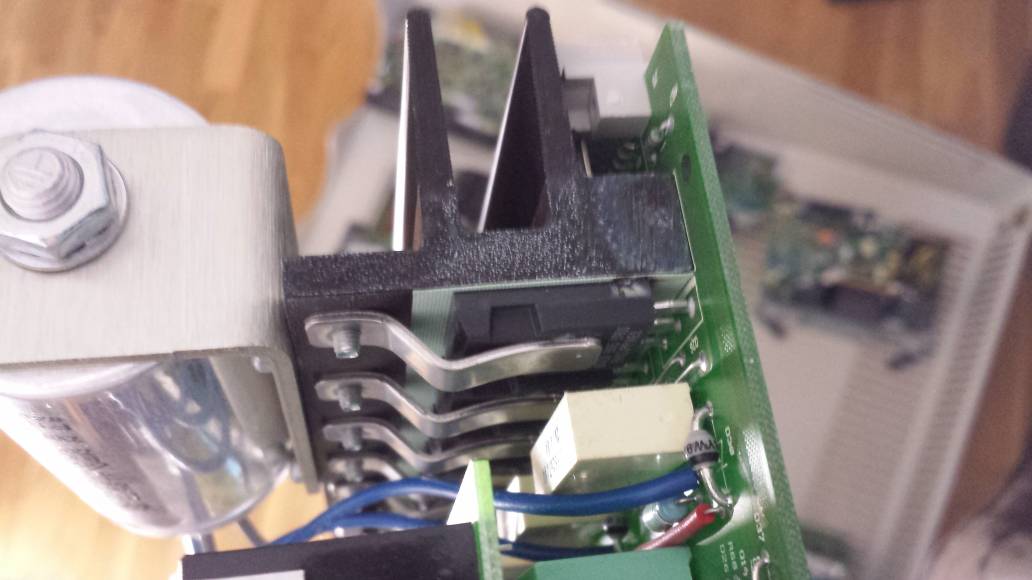
| H driver. Transistor that failed |
|
| Filesize: |
83.45 KB |
| Viewed: |
3932 Time(s) |
|
| Description: |
|
| Filesize: |
29.56 KB |
| Viewed: |
3933 Time(s) |
|
| Description: |
|
| Filesize: |
65.44 KB |
| Viewed: |
3933 Time(s) |
|
| Description: |
|
| Filesize: |
59.32 KB |
| Viewed: |
3933 Time(s) |
|
| Description: |
|
| Filesize: |
63.85 KB |
| Viewed: |
3933 Time(s) |
|
|
|
| Back to top |
|
 |
larsmartinxt
Joined: 15 Feb 2014
Posts: 6
Location: Norway
|
| Posted: Sat Feb 15, 2014 12:20 pm Post subject: |
|
|
Double post
Last edited by larsmartinxt on Sat Feb 15, 2014 1:11 pm; edited 1 time in total
|
|
| Back to top |
|
|
larsmartinxt
Joined: 15 Feb 2014
Posts: 6
Location: Norway
|
| Posted: Sat Feb 15, 2014 12:41 pm Post subject: |
|
|
Found out that a fuse had blown on the diagnostic board. Now I get an picture on screen (port3) and after swapping out the inboard remote controller, the ir remote also works. 
|
|
| Back to top |
|
|
CasetheCorvetteman

Joined: 09 Nov 2008
Posts: 6326
Location: Australia
|
| Posted: Sat Feb 15, 2014 12:43 pm Post subject: |
|
|
Press the button on the remote and on the built in remote that is flush mounted with a pen and press 0 0 0.
The welcome screen doesnt come on with my CineMAX either. I think there is a menu setting for that.
_________________
Barco Cine 9, ,Sony VPL570ES 4K SXRD, 135" OZ Theatre Majestic 16:9 screen, Denon X6700in preamp mode, 2x 7ch Tonewinner amps, 2x Tonewinner 15" subs, 2x 10" subs, 7.2.6...
RUNCO DTV991 LC ( NEC XG 852 LC ) 100" 4:3 screen, H/K AVR 7.1...
|
|
| Back to top |
|
|
winny

Joined: 09 Oct 2013
Posts: 403
Location: Sweden
TV/Projector: BD808s, BG1209/2
|
| Posted: Sat Feb 15, 2014 8:10 pm Post subject: Re: Barco 1208s, No Barco home screen. |
|
|
| larsmartinxt wrote: | | I have aquired 3 Barco 1208s |
Sounds like borderline both "YOU SUCK!" and hoarder warning... 
_________________
| Melifluonze wrote: | | Digital is easy. This is torture, but far more interesting... |
|
|
| Back to top |
|
|
larsmartinxt
Joined: 15 Feb 2014
Posts: 6
Location: Norway
|
| Posted: Sat Feb 15, 2014 9:18 pm Post subject: Re: Barco 1208s, No Barco home screen. |
|
|
| winny wrote: | | larsmartinxt wrote: | | I have aquired 3 Barco 1208s |
Sounds like borderline both "YOU SUCK!" and hoarder warning... |
Haha Nice one.
Even better: I got them basically for free, (local high school was going to scrap them after they switched to digital in the 3d lab (av tech said he didn't know how to adjust them). The sets have 2200 hours on them
Anyway before the Barco's I had a Electrohome marquee 8500.
|
|
| Back to top |
|
|
winny
Joined: 09 Oct 2013
Posts: 403
Location: Sweden
TV/Projector: BD808s, BG1209/2
|
| Posted: Sat Feb 15, 2014 9:46 pm Post subject: Re: Barco 1208s, No Barco home screen. |
|
|
| larsmartinxt wrote: | | Even better: I got them basically for free |
YOU SUCK!
_________________
| Melifluonze wrote: | | Digital is easy. This is torture, but far more interesting... |
|
|
| Back to top |
|
|
larsmartinxt
Joined: 15 Feb 2014
Posts: 6
Location: Norway
|
| Posted: Mon May 12, 2014 8:45 pm Post subject: |
|
|
This is a followup for my barco install.
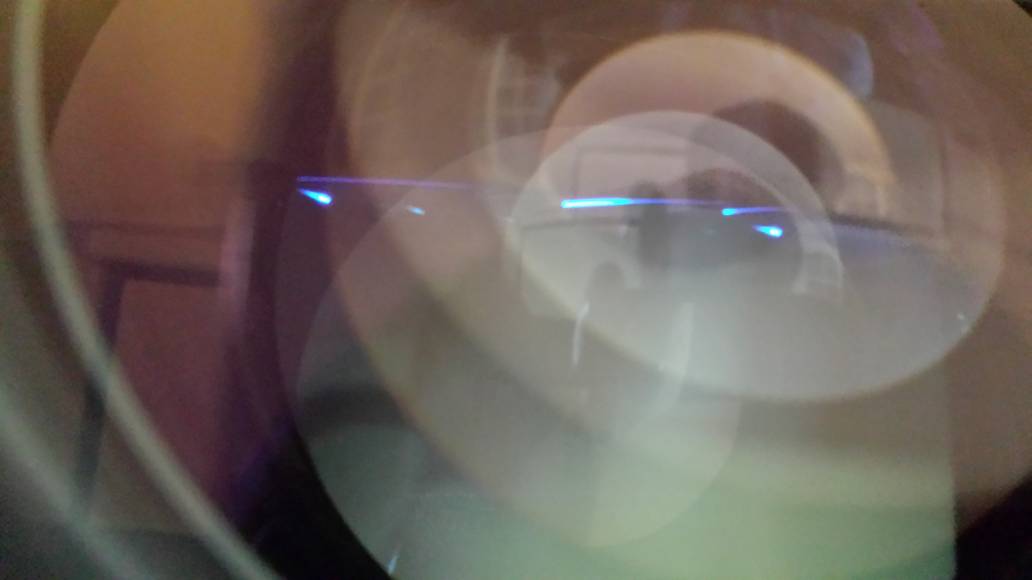
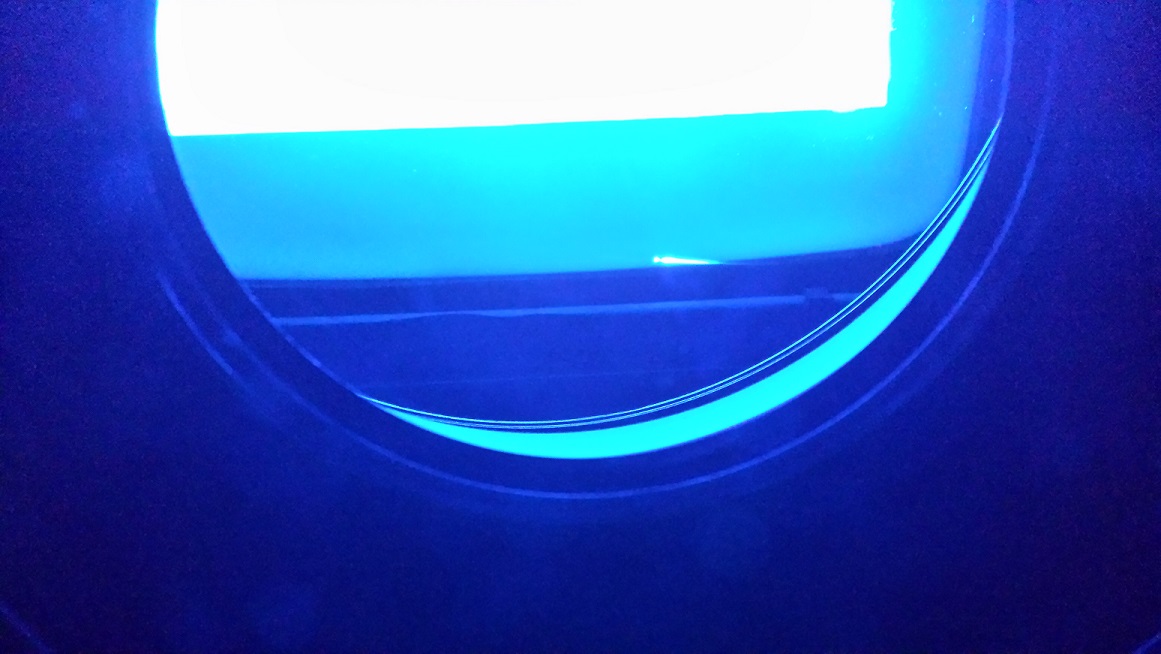
In top of the tubes (all 3) I have this distortion. When I'm running without an input it is jumping around. but when connecting an input the line's are staying still. (see attached picture)
Any ideas on what is causing this and how to get rid of it?
| Description: |
|
| Filesize: |
155.3 KB |
| Viewed: |
3657 Time(s) |
|
|
|
| Back to top |
|
|
CasetheCorvetteman
Joined: 09 Nov 2008
Posts: 6326
Location: Australia
|
| Posted: Tue May 13, 2014 12:53 am Post subject: |
|
|
Im not sure that pic shows what youre talking about.
But anyway, you only watch the machine with a source connected, so its no big deal, alot of projectors will do funny things with no source.
_________________
Barco Cine 9, ,Sony VPL570ES 4K SXRD, 135" OZ Theatre Majestic 16:9 screen, Denon X6700in preamp mode, 2x 7ch Tonewinner amps, 2x Tonewinner 15" subs, 2x 10" subs, 7.2.6...
RUNCO DTV991 LC ( NEC XG 852 LC ) 100" 4:3 screen, H/K AVR 7.1...
|
|
| Back to top |
|
|
larsmartinxt
Joined: 15 Feb 2014
Posts: 6
Location: Norway
|
| Posted: Tue May 13, 2014 10:21 am Post subject: |
|
|
| CasetheCorvetteman wrote: | Im not sure that pic shows what youre talking about.
But anyway, you only watch the machine with a source connected, so its no big deal, alot of projectors will do funny things with no source. |
The line at the bottom of the picture..
This was with a source connected.
Anyway. I found out that its normal. something to do with ABK/ABL ??
|
|
| Back to top |
|
|
Decibel

Joined: 31 May 2007
Posts: 904
Location: Roma - Italia
|
| Posted: Tue May 13, 2014 10:37 am Post subject: |
|
|
Try to shift raster vertically
_________________
Domenico (Barco fan!)
|
|
| Back to top |
|
|
Curt Palme
CRT Tech
Joined: 08 Mar 2006
Posts: 24396
Location: Langley, BC
TV/Projector: All of them!
|
| Posted: Tue May 13, 2014 1:36 pm Post subject: |
|
|
|
That is the AKB (auto brightness) line. All Barcos have them, and since it is out of the picture and very faint, it`s very normal. If for some reason you can see that line, then take the lenses off and put electrical tape over it to get rid of it.
|
|
| Back to top |
|
|
|
|





