|
As this forum is rarely used anymore, we've locked it. Feel free to browse and read. Questions? Please reach out to us directly. Cheers! |

|
 |
|
|
| Author |
Message |
Diddern

Joined: 02 Jun 2013
Posts: 821
Location: Norway
|
| Posted: Mon Mar 09, 2015 7:14 am Post subject: |
|
|
| thewolfman wrote: | | Diddern wrote: | Here 3 pictures, I marked with red where to take the picture.
Show me pictures Smile Find the picture and find the time in picture.
Who will do this...... Cant wait to see.
A little peak..from picure nr 2
Picture taken with iso 100, shutter 0,5sec. 5,6 Canon camera. |
I took the pictures and automatic settings are: Exposure 1 sec. ISO 80. F 2,7. Sharpness normal.
The eye scene, taken from the right, got hue to be the most realistic with greenish tint skin - taken from the left though, it suddenly looks like it was shot in normal lit environment, however, the greenish one is what it looks like on screen. |
Very nice pictures, I was impressed hehe
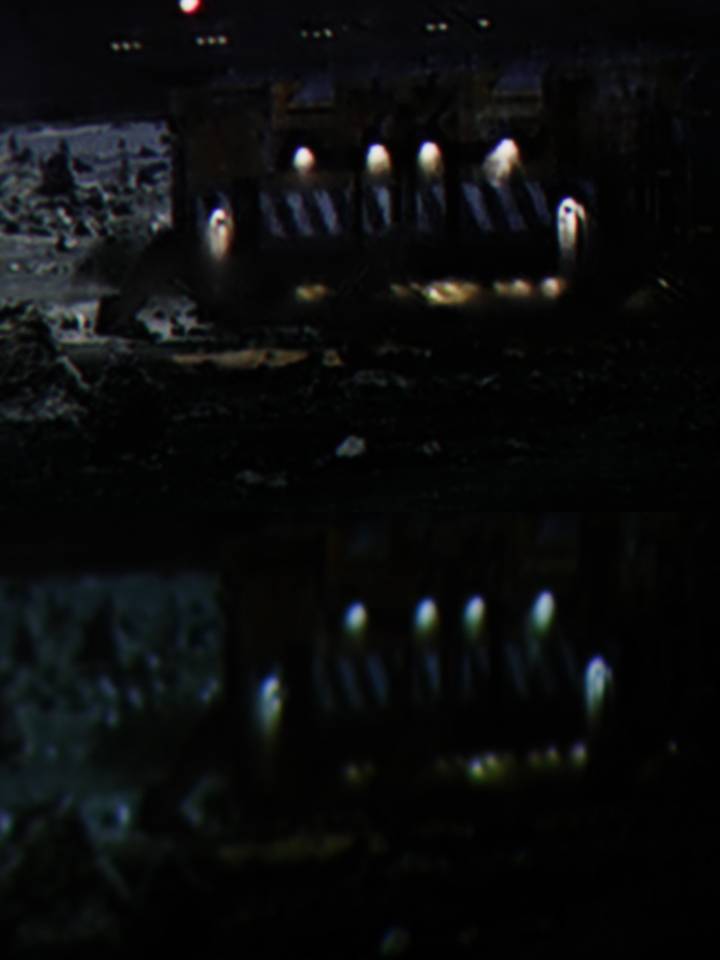
Here I put them together.
The best pic is by far the eye picture. I get much more noise, but you see mine is sharper and more clairness.
I do not see this noise on screen so I need to find out why I get it on camera.
The other pictures you see better debt clearness and more HD feeling.
You have one of the best CRTs I have seen form pictures.
| Description: |
|
| Filesize: |
28.95 KB |
| Viewed: |
2672 Time(s) |
|
Last edited by Diddern on Tue Mar 17, 2015 8:31 am; edited 1 time in total
|
|
| Back to top |
|
 |
Diddern
Joined: 02 Jun 2013
Posts: 821
Location: Norway
|
| Posted: Mon Mar 09, 2015 8:56 am Post subject: |
|
|
I watched the images from my pad and I see some edgeing on the x500 in the pictures, they are not seen on screen.
Not seen from sitting possision and not seen close to the screen.
Also noise get totally gone when pressing play.
Pause picture introduce noise on my oppo.
Just info but I see it clairly on the photos.
Just to point that out to.
But photos, and not the real thing.
And to zoom in more don't do that. Use the pictures as they are shown.
And see the total image it is a closeup.
If I find out why they get there on the x500 photos I can post new.
But like I have sayied screenshots just a indication.
And are worthless unless same screen and same camera.
|
|
| Back to top |
|
|
thewolfman

Joined: 28 Mar 2011
Posts: 1311
Location: Sweden
|
| Posted: Mon Mar 09, 2015 10:11 am Post subject: |
|
|
| Diddern wrote: | I watched the images from my pad and I see some edgeing on the x500 in the pictures, they are not seen on screen.
Not seen from sitting possision and not seen close to the screen.
Also noise get totally gone when pressing play.
Pause picture introduce noise on my oppo.
Just info but I see it clairly on the photos.
Just to point that out to.
But photos, and not the real thing.
And to zoom in more don't do that. Use the pictures as they are shown.
And see the total image it is a closeup.
If I find out why they get there on the x500 photos I can post new.
But like I have sayied screenshots just a indication.
And are worthless unless same screen and same camera. |
I can see that the JVC are better on tiny details like those compared, but wonder how they would look like when shot with your real camera at the same distance etc.
I feel that the ipad has proven a point now and that 1. Beats my "real" camera Sony DSC-W320 with better detail etc. 2. My image is not that far off (imo) and wonder how it would look like with MP mods and better set magnets.
So, if I have any say it, use more of your real camera now to remove one more anomalie, and with the same shots as before, that way we can see how much they differ from one another. A few more shots from the above mentioned will unfold how your ipad makes them look vs. a real camera on your end. If it's no trouble of course.
EDIT: A DSLR vs. my Sony "real" camera can of course introduce another anomalie but ipad vs. mine will be further apart then first one mentioned.
|
|
| Back to top |
|
|
mp20748
Joined: 12 Sep 2006
Posts: 5689
Location: Maryland
TV/Projector: 9500LC Ultra / Super 02 and 03 VIM
|
| Posted: Mon Mar 09, 2015 10:23 am Post subject: |
|
|
| Diddern wrote: |
But like I have sayied screenshots just a indication.
And are worthless unless same screen and same camera. |
| Description: |
|
| Filesize: |
7.56 KB |
| Viewed: |
2628 Time(s) |

|
|
|
| Back to top |
|
|
Diddern
Joined: 02 Jun 2013
Posts: 821
Location: Norway
|
| Posted: Mon Mar 09, 2015 11:23 am Post subject: |
|
|
| thewolfman wrote: | | Diddern wrote: | I watched the images from my pad and I see some edgeing on the x500 in the pictures, they are not seen on screen.
Not seen from sitting possision and not seen close to the screen.
Also noise get totally gone when pressing play.
Pause picture introduce noise on my oppo.
Just info but I see it clairly on the photos.
Just to point that out to.
But photos, and not the real thing.
And to zoom in more don't do that. Use the pictures as they are shown.
And see the total image it is a closeup.
If I find out why they get there on the x500 photos I can post new.
But like I have sayied screenshots just a indication.
And are worthless unless same screen and same camera. |
I can see that the JVC are better on tiny details like those compared, but wonder how they would look like when shot with your real camera at the same distance etc.
I feel that the ipad has proven a point now and that 1. Beats my "real" camera Sony DSC-W320 with better detail etc. 2. My image is not that far off (imo) and wonder how it would look like with MP mods and better set magnets.
So, if I have any say it, use more of your real camera now to remove one more anomalie, and with the same shots as before, that way we can see how much they differ from one another. A few more shots from the above mentioned will unfold how your ipad makes them look vs. a real camera on your end. If it's no trouble of course.
EDIT: A DSLR vs. my Sony "real" camera can of course introduce another anomalie but ipad vs. mine will be further apart then first one mentioned. |
There are
quote big difference and this will show even more in a side by side test.
|
|
| Back to top |
|
|
Diddern
Joined: 02 Jun 2013
Posts: 821
Location: Norway
|
| Posted: Mon Mar 09, 2015 11:25 am Post subject: |
|
|
| mp20748 wrote: | | Diddern wrote: |
But like I have sayied screenshots just a indication.
And are worthless unless same screen and same camera. |
|
I am playing and you running from the fact.
|
|
| Back to top |
|
|
Diddern
Joined: 02 Jun 2013
Posts: 821
Location: Norway
|
| Posted: Mon Mar 09, 2015 11:28 am Post subject: |
|
|
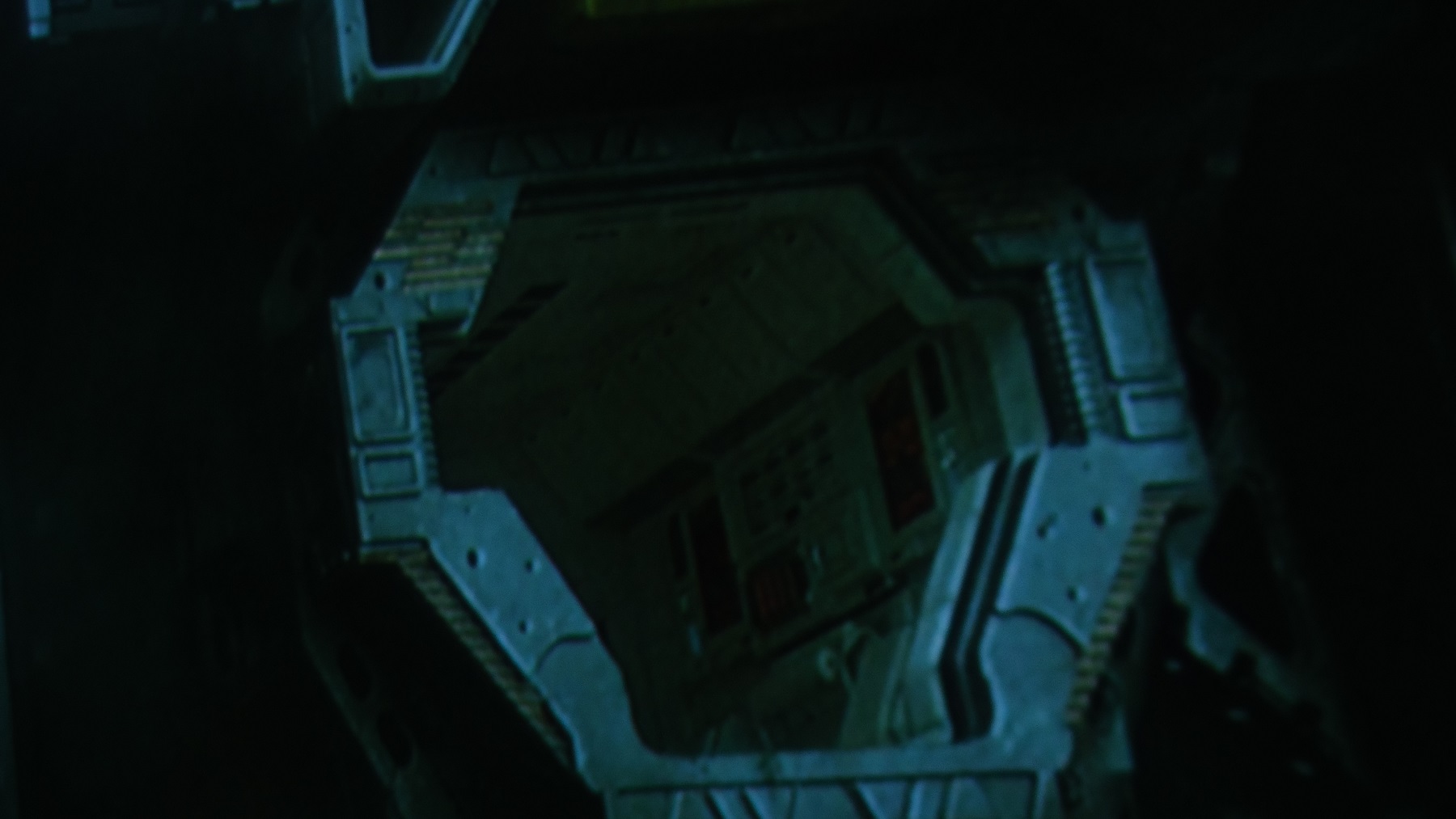
Have a look at lysbilde 2
Shadow detail, sharpness, black, dynamic, punch.
This will also be the total experience if doing a side by side test.
Details and dynamic HUGE difference.
|
|
| Back to top |
|
|
thewolfman
Joined: 28 Mar 2011
Posts: 1311
Location: Sweden
|
| Posted: Mon Mar 09, 2015 11:47 am Post subject: |
|
|
| Diddern wrote: | Have a look at lysbilde 2
Shadow detail, sharpness, black, dynamic, punch.
This will also be the total experience if doing a side by side test.
Details and dynamic HUGE difference. |
I agree. It looks duller in the darker areas on mine and less sharp. Doesn't matter, I will put them to the test again very soon with the upgrade.
Good choice on pictures, btw.
| Description: |
|
| Filesize: |
204.35 KB |
| Viewed: |
2602 Time(s) |
|
|
|
| Back to top |
|
|
Diddern
Joined: 02 Jun 2013
Posts: 821
Location: Norway
|
| Posted: Mon Mar 09, 2015 12:36 pm Post subject: |
|
|
| thewolfman wrote: | | Diddern wrote: | Have a look at lysbilde 2
Shadow detail, sharpness, black, dynamic, punch.
This will also be the total experience if doing a side by side test.
Details and dynamic HUGE difference. |
I agree. It looks duller in the darker areas on mine and less sharp. Doesn't matter, I will put them to the test again very soon with the upgrade.
Good choice on pictures, btw. |
Not that this.
Last edited by Diddern on Tue Mar 17, 2015 8:31 am; edited 1 time in total
|
|
| Back to top |
|
|
thewolfman
Joined: 28 Mar 2011
Posts: 1311
Location: Sweden
|
| Posted: Mon Mar 09, 2015 12:57 pm Post subject: |
|
|
|
I meant that to I just filled up space with the one I was happy with.
|
|
| Back to top |
|
|
Diddern
Joined: 02 Jun 2013
Posts: 821
Location: Norway
|
| Posted: Mon Mar 09, 2015 1:01 pm Post subject: |
|
|
| thewolfman wrote: | | Diddern wrote: | Have a look at lysbilde 2
Shadow detail, sharpness, black, dynamic, punch.
This will also be the total experience if doing a side by side test.
Details and dynamic HUGE difference. |
I agree. It looks duller in the darker areas on mine and less sharp. Doesn't matter, I will put them to the test again very soon with the upgrade.
Good choice on pictures, btw. |
This is not life and death.
To get this test correct modd make it 100%
I take the trip we can do areal side by side and you will see that I'm not talking bull.
Let me know I take the trip, and we can take pictures to this forum of the test.
|
|
| Back to top |
|
|
tanwn1
Joined: 08 Dec 2014
Posts: 60
|
| Posted: Mon Mar 09, 2015 1:33 pm Post subject: |
|
|
|
I sincerely hope one day everyone whether digital or CRT guys can all get along , discuss and seek improvement, after all watching movie is what we are after right? The sun is not going to burn forever, CRT quad, boards, u name it might be scarce or non existent. I hope digital or laser can improve beyond CRT so that each and everyone of us can enjoy our movie even more. I love CRT and I love my jvc. I love watching movie. Without CRT there would be no digital today, it sets the standard for which all others follow. But for now let's allow the digital to move on and do 4k and beyond.
|
|
| Back to top |
|
|
Diddern
Joined: 02 Jun 2013
Posts: 821
Location: Norway
|
| Posted: Mon Mar 09, 2015 2:02 pm Post subject: |
|
|
| tanwn1 wrote: | | I sincerely hope one day everyone whether digital or CRT guys can all get along , discuss and seek improvement, after all watching movie is what we are after right? The sun is not going to burn forever, CRT quad, boards, u name it might be scarce or non existent. I hope digital or laser can improve beyond CRT so that each and everyone of us can enjoy our movie even more. I love CRT and I love my jvc. I love watching movie. Without CRT there would be no digital today, it sets the standard for which all others follow. But for now let's allow the digital to move on and do 4k and beyond. |
How we do it now is professional, I don't call you a dick and you don't call me a dick.
hehe
Some here that go to personal about a CRT and don't know what they are talking about.
|
|
| Back to top |
|
|
Andreas21
Joined: 02 Oct 2013
Posts: 582
|
| Posted: Mon Mar 09, 2015 2:11 pm Post subject: |
|
|
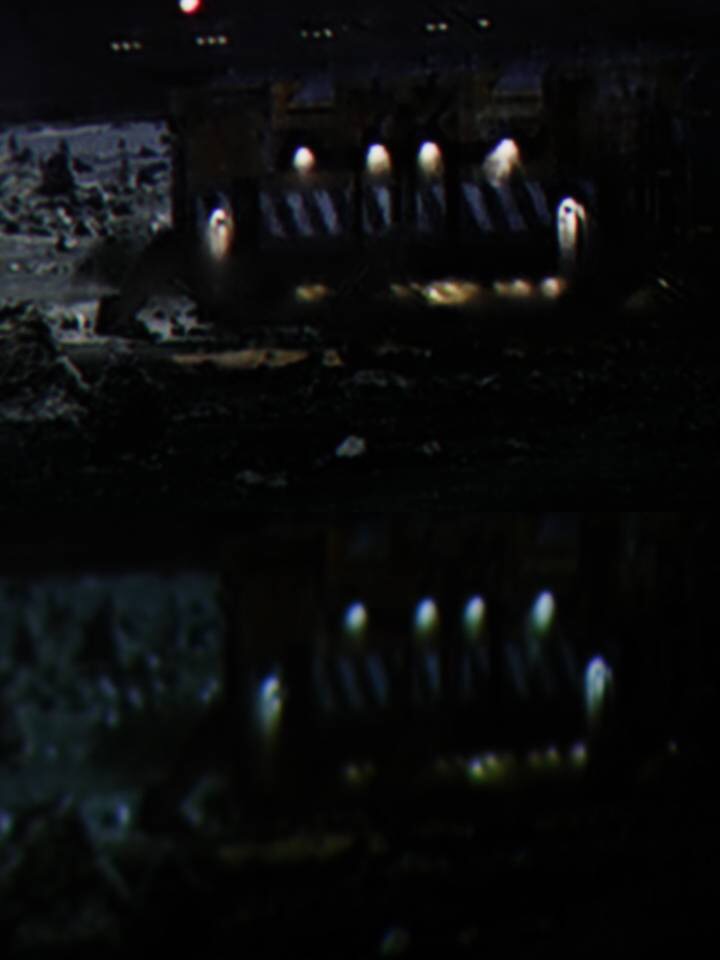
Even if I don´t like screenshots there is not difficult to see with these 3 closeups that there is a huge difference in detail and sharpness. Some of the noise we can see in the JVC pictures is caused by e-shift 3 as it can introduse some noise, but it is only visible when you stick your nose up to the screen or take closeups like this. If you turn off e-shift the noise will be gone, but you will have visible pixels and some slight stair stepping when taking these kind of closeups. The picture will also get a tad sharper with e-shift turned off and is more smooth and filmlike with e-shift on.
And Diddern, I don´t think it is edge enhancement we see as this would be present everywhere in the shot. If you look closely at the CRT you can see (where it can show the detail) that it has the same while edges.
This picture shows clearly how the CRT struggles with detail and is a clear indication of low MTF. All of them do, but this is the one with the biggest difference. And if you look at the full screensize shot you can see that it is a daylight picure with light lighting up the ground behind the spaceship.
| Description: |
|
| Filesize: |
43.58 KB |
| Viewed: |
2533 Time(s) |
|
_________________
http://www.minhembio.com/21Andreas
Last edited by Andreas21 on Mon Mar 09, 2015 2:29 pm; edited 1 time in total
|
|
| Back to top |
|
|
thewolfman
Joined: 28 Mar 2011
Posts: 1311
Location: Sweden
|
| Posted: Mon Mar 09, 2015 2:19 pm Post subject: |
|
|
| Andreas21 wrote: | Even if I don´t like screenshot there is not difficult to see with these 3 closeups that there is a huge difference in detail and sharpness. The noise we can see in the JVC pictures is caused by e-shift 3 as it can introduse some noise, but it is only visible when you stick your nose up to the screen or take closeups like this. If turn off e-shift the noise will be gone, but you will have visible pixels and some slight stair stepping when taking these kind og closeups. The picture will also get a tad sharper with e-shift turned off and is more smooth and filmlike with e-shift on.
And Diddern, I don´t think it is edge enhancement we see as this would be present everywhere in the shot. If you look closely at the CRT you can see (where it can show the detail) that it has the same while edges. |
What? You still think I tampering with my images and with edge enhancement now? I do you suppose I do that?
I have said before, in my thread, that I go past center focus by 3 clicks to get perfect edges. Since then I'm back to zero clicks past 50 on master focus and yet perfect edges so this set up is better than the previous one, and any click past fifty takes away the same amount from center focus. But now I don't have to worrie about that.
|
|
| Back to top |
|
|
Andreas21
Joined: 02 Oct 2013
Posts: 582
|
| Posted: Mon Mar 09, 2015 2:33 pm Post subject: |
|
|
| thewolfman wrote: | | Andreas21 wrote: | Even if I don´t like screenshot there is not difficult to see with these 3 closeups that there is a huge difference in detail and sharpness. The noise we can see in the JVC pictures is caused by e-shift 3 as it can introduse some noise, but it is only visible when you stick your nose up to the screen or take closeups like this. If turn off e-shift the noise will be gone, but you will have visible pixels and some slight stair stepping when taking these kind og closeups. The picture will also get a tad sharper with e-shift turned off and is more smooth and filmlike with e-shift on.
And Diddern, I don´t think it is edge enhancement we see as this would be present everywhere in the shot. If you look closely at the CRT you can see (where it can show the detail) that it has the same while edges. |
What? You still think I tampering with my images and with edge enhancement now? I do you suppose I do that?
I have said before, in my thread, that I go past center focus by 3 clicks to get perfect edges. Since then I'm back to zero clicks past 50 on master focus and yet perfect edges so this set up is better than the previous one, and any click past fifty takes away the same amount from center focus. But now I don't have to worrie about that. |
No, I said it was not edge enhancement. It is there in the source and it is only shown clearer with the JVC. 
I trust you and you take nice screenshots, and I think you like me and Diddern do not manipulate the images we post here.
_________________
http://www.minhembio.com/21Andreas
|
|
| Back to top |
|
|
thewolfman
Joined: 28 Mar 2011
Posts: 1311
Location: Sweden
|
| Posted: Mon Mar 09, 2015 2:39 pm Post subject: |
|
|
| Andreas21 wrote: | | thewolfman wrote: | | Andreas21 wrote: | Even if I don´t like screenshot there is not difficult to see with these 3 closeups that there is a huge difference in detail and sharpness. The noise we can see in the JVC pictures is caused by e-shift 3 as it can introduse some noise, but it is only visible when you stick your nose up to the screen or take closeups like this. If turn off e-shift the noise will be gone, but you will have visible pixels and some slight stair stepping when taking these kind og closeups. The picture will also get a tad sharper with e-shift turned off and is more smooth and filmlike with e-shift on.
And Diddern, I don´t think it is edge enhancement we see as this would be present everywhere in the shot. If you look closely at the CRT you can see (where it can show the detail) that it has the same while edges. |
What? You still think I tampering with my images and with edge enhancement now? I do you suppose I do that?
I have said before, in my thread, that I go past center focus by 3 clicks to get perfect edges. Since then I'm back to zero clicks past 50 on master focus and yet perfect edges so this set up is better than the previous one, and any click past fifty takes away the same amount from center focus. But now I don't have to worrie about that. |
No, I said it was not edge enhancement. It is there in the source and it is only shown clearer with the JVC.
I trust you and you take nice screenshots, and I think you like me and Diddern do not manipulate the images we post here. |
Ok, I got you. Let's not start that feud again shall we.
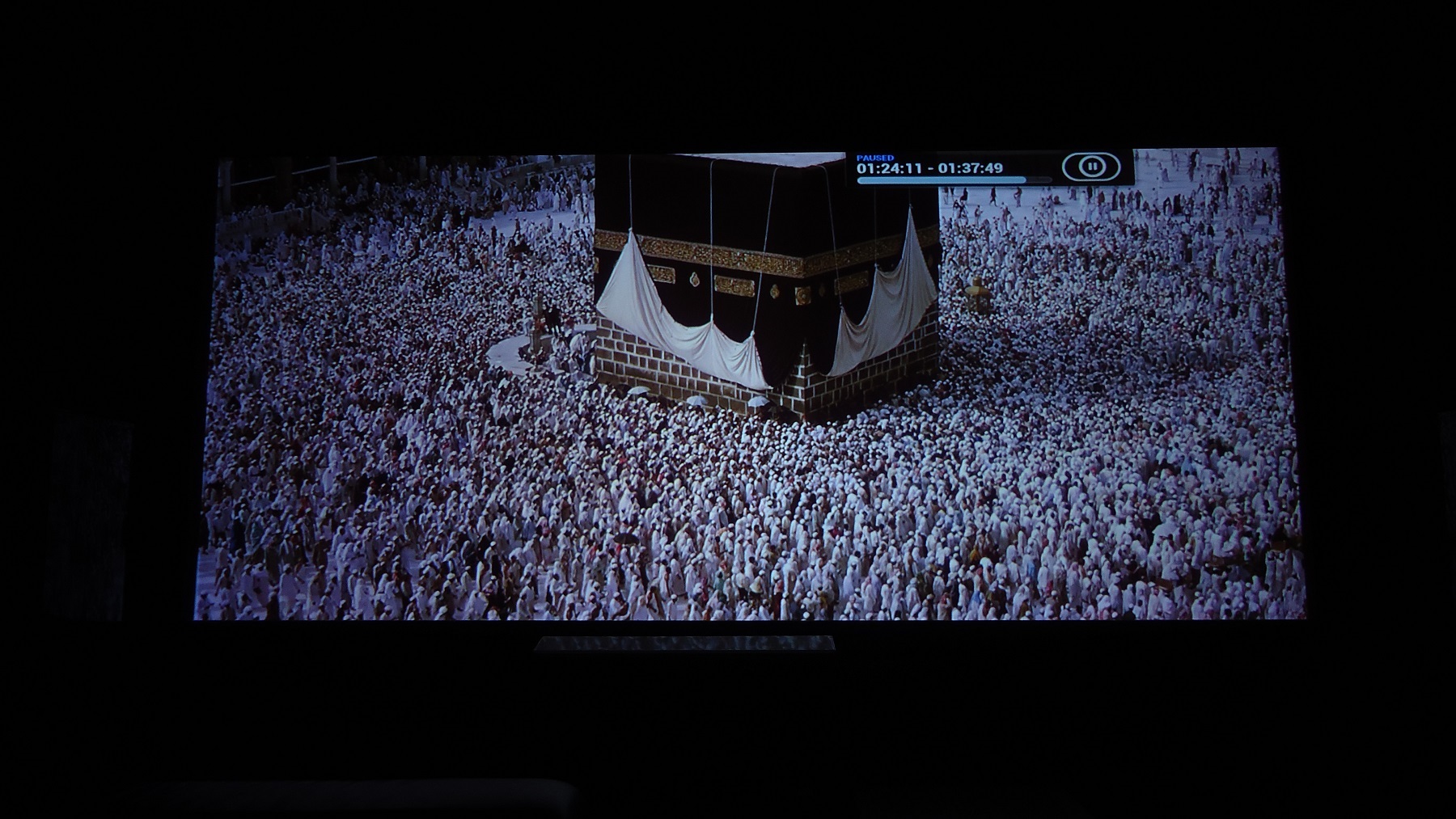
Discoloured blue on the lower left image provided.
| Description: |
|
| Filesize: |
482.21 KB |
| Viewed: |
2504 Time(s) |
|
|
|
| Back to top |
|
|
Diddern
Joined: 02 Jun 2013
Posts: 821
Location: Norway
|
| Posted: Mon Mar 09, 2015 2:49 pm Post subject: |
|
|
| thewolfman wrote: | | Andreas21 wrote: | | thewolfman wrote: | | Andreas21 wrote: | Even if I don´t like screenshot there is not difficult to see with these 3 closeups that there is a huge difference in detail and sharpness. The noise we can see in the JVC pictures is caused by e-shift 3 as it can introduse some noise, but it is only visible when you stick your nose up to the screen or take closeups like this. If turn off e-shift the noise will be gone, but you will have visible pixels and some slight stair stepping when taking these kind og closeups. The picture will also get a tad sharper with e-shift turned off and is more smooth and filmlike with e-shift on.
And Diddern, I don´t think it is edge enhancement we see as this would be present everywhere in the shot. If you look closely at the CRT you can see (where it can show the detail) that it has the same while edges. |
What? You still think I tampering with my images and with edge enhancement now? I do you suppose I do that?
I have said before, in my thread, that I go past center focus by 3 clicks to get perfect edges. Since then I'm back to zero clicks past 50 on master focus and yet perfect edges so this set up is better than the previous one, and any click past fifty takes away the same amount from center focus. But now I don't have to worrie about that. |
No, I said it was not edge enhancement. It is there in the source and it is only shown clearer with the JVC.
I trust you and you take nice screenshots, and I think you like me and Diddern do not manipulate the images we post here. |
Ok, I got you. Let's not start that feud again shall we.
Discoloured blue on the lower left image provided. |
What film?, I like to show the same form the jvc.
|
|
| Back to top |
|
|
thewolfman
Joined: 28 Mar 2011
Posts: 1311
Location: Sweden
|
| Posted: Mon Mar 09, 2015 2:57 pm Post subject: |
|
|
| Diddern wrote: | | thewolfman wrote: | | Andreas21 wrote: | | thewolfman wrote: | | Andreas21 wrote: | Even if I don´t like screenshot there is not difficult to see with these 3 closeups that there is a huge difference in detail and sharpness. The noise we can see in the JVC pictures is caused by e-shift 3 as it can introduse some noise, but it is only visible when you stick your nose up to the screen or take closeups like this. If turn off e-shift the noise will be gone, but you will have visible pixels and some slight stair stepping when taking these kind og closeups. The picture will also get a tad sharper with e-shift turned off and is more smooth and filmlike with e-shift on.
And Diddern, I don´t think it is edge enhancement we see as this would be present everywhere in the shot. If you look closely at the CRT you can see (where it can show the detail) that it has the same while edges. |
What? You still think I tampering with my images and with edge enhancement now? I do you suppose I do that?
I have said before, in my thread, that I go past center focus by 3 clicks to get perfect edges. Since then I'm back to zero clicks past 50 on master focus and yet perfect edges so this set up is better than the previous one, and any click past fifty takes away the same amount from center focus. But now I don't have to worrie about that. |
No, I said it was not edge enhancement. It is there in the source and it is only shown clearer with the JVC.
I trust you and you take nice screenshots, and I think you like me and Diddern do not manipulate the images we post here. |
Ok, I got you. Let's not start that feud again shall we.
Discoloured blue on the lower left image provided. |
What film?, I like to show the same form the jvc. |
Baraka again. I can't get enough of that one, just beautiful from start to finish. This shot in particular is not representative for my screen though, and so never bothered to post it because it does look like sh*t, but for edge-to-edge uniformity it looks good enough. I'll redo it some day and post.
|
|
| Back to top |
|
|
Diddern
Joined: 02 Jun 2013
Posts: 821
Location: Norway
|
| Posted: Mon Mar 09, 2015 3:04 pm Post subject: |
|
|
| thewolfman wrote: | | Diddern wrote: | | thewolfman wrote: | | Andreas21 wrote: | | thewolfman wrote: | | Andreas21 wrote: | Even if I don´t like screenshot there is not difficult to see with these 3 closeups that there is a huge difference in detail and sharpness. The noise we can see in the JVC pictures is caused by e-shift 3 as it can introduse some noise, but it is only visible when you stick your nose up to the screen or take closeups like this. If turn off e-shift the noise will be gone, but you will have visible pixels and some slight stair stepping when taking these kind og closeups. The picture will also get a tad sharper with e-shift turned off and is more smooth and filmlike with e-shift on.
And Diddern, I don´t think it is edge enhancement we see as this would be present everywhere in the shot. If you look closely at the CRT you can see (where it can show the detail) that it has the same while edges. |
What? You still think I tampering with my images and with edge enhancement now? I do you suppose I do that?
I have said before, in my thread, that I go past center focus by 3 clicks to get perfect edges. Since then I'm back to zero clicks past 50 on master focus and yet perfect edges so this set up is better than the previous one, and any click past fifty takes away the same amount from center focus. But now I don't have to worrie about that. |
No, I said it was not edge enhancement. It is there in the source and it is only shown clearer with the JVC.
I trust you and you take nice screenshots, and I think you like me and Diddern do not manipulate the images we post here. |
Ok, I got you. Let's not start that feud again shall we.
Discoloured blue on the lower left image provided. |
What film?, I like to show the same form the jvc. |
Baraka again. I can't get enough of that one, just beautiful from start to finish. This shot in particular is not representative for my screen though, and so never bothered to post it because it does look like sh*t, but for edge-to-edge uniformity it looks good enough. I'll redo it some day and post. |
Have a remux post later what time in the movie?
|
|
| Back to top |
|
|
|
|
|
|
|
You cannot post new topics in this forum
You cannot reply to topics in this forum
You cannot edit your posts in this forum
You cannot delete your posts in this forum
You cannot vote in polls in this forum
You cannot attach files in this forum
You can download files in this forum
|
Forum powered by phpBB © phpBB Group
|
|




