| Author |
Message |
Phoenixed
Joined: 13 Oct 2011
Posts: 514
Location: The mitten
|
| Posted: Mon May 13, 2013 2:45 am Post subject: |
|
|
Stones and fathoms ?
_________________
Planar PD-8150/Runco LS-5
|
|
| Back to top |
|
 |
nettwerkjohn

Joined: 08 Mar 2006
Posts: 921
Location: Blenheim, Marlborough, New Zealand
|
| Posted: Mon May 13, 2013 3:47 am Post subject: |
|
|
nash -
you seem to be missing a projector...
|
|
| Back to top |
|
|
AnalogRocks
Forum Moderator

Joined: 08 Mar 2006
Posts: 26706
Location: Toronto, Ontario, Canada
TV/Projector: Sony 1252Q, AMPRO 4000G
|
| Posted: Mon May 13, 2013 6:10 am Post subject: |
|
|
| mc86 wrote: |
Taking my room as an example, distance from screen surface to seating area is just under 14ft (4.2m). My 80" (2m) screen is 14ft away and this gives a 26degree angle. It is so small as I have a 7" machine. I'd like 100" (2.5m) screen to get to 33degrees -- a 9" machine ought to do a 100" screen really well and an 8" machine OK.
cheers,
Matt |
You sit too far away from your screen.
I sit 5 feet away from my portable 5 foot wide/60 inch/0.833333333 fathoms/ 3.33333333 cubits/1.524 metre screen. 
I sit 10 feet/3.048 metres/1.66666667 fathoms/ 6.66666667 cubits from my 120 inch wide screen.
Or 1x width, much better for an immersive picture.
When I use to goto the movies it was even better. Front row center!
_________________
Tech support for nothing
CRT.
HD done right!
|
|
| Back to top |
|
|
ElTopo

Joined: 07 Nov 2006
Posts: 1640
|
| Posted: Mon May 13, 2013 7:27 am Post subject: |
|
|
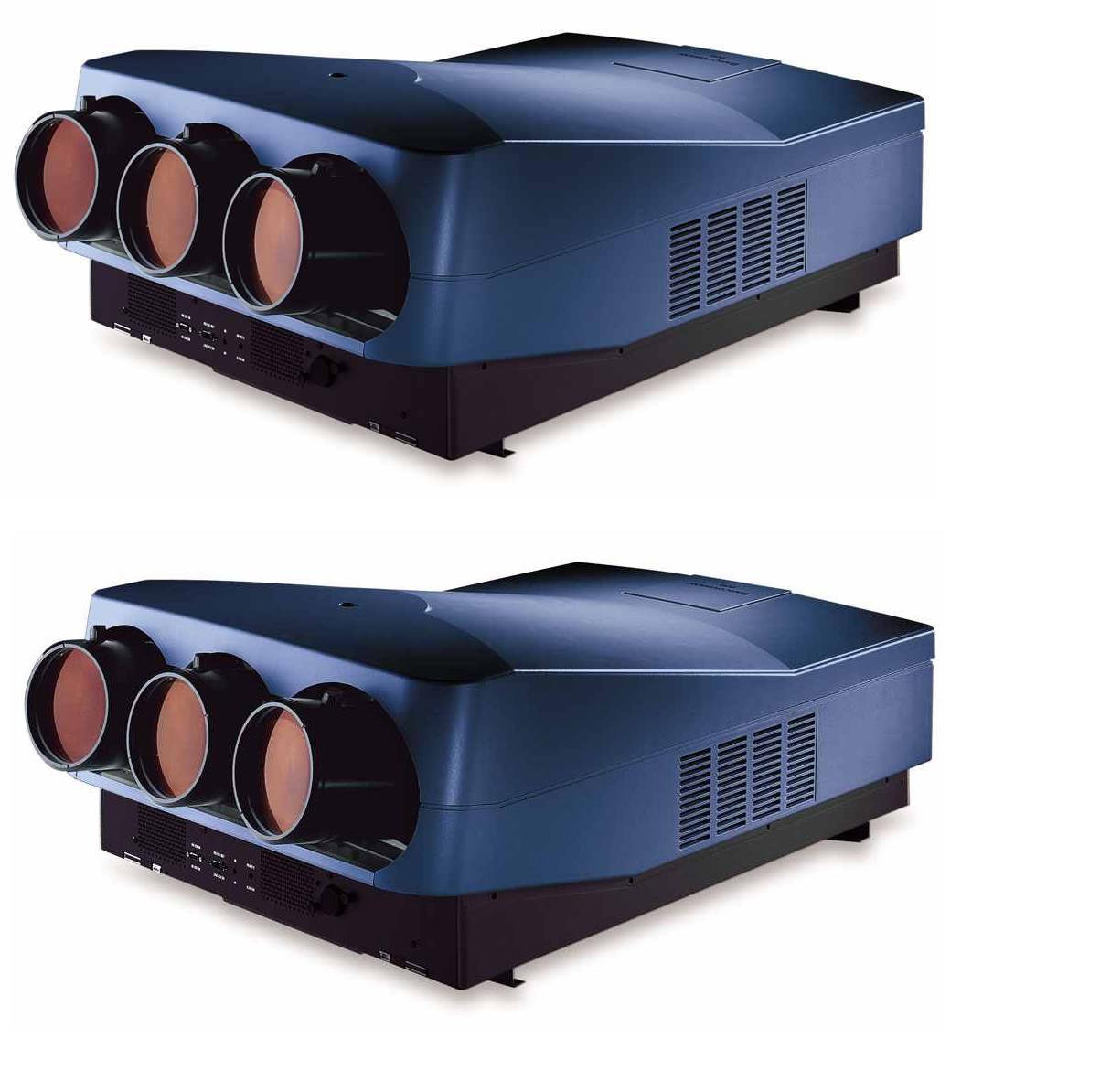
Entry Level Blend Setup

| Description: |
|
| Filesize: |
93.64 KB |
| Viewed: |
7886 Time(s) |
|
_________________
Barco Cine 9 the one and only
|
|
| Back to top |
|
|
mc86
Joined: 20 Sep 2008
Posts: 767
Location: pittsburgh, pa
TV/Projector: ECP 4500 (Vidikron box), ECP4500+, wanting 07MS/07MTS, evaluating pc soft-blend
|
| Posted: Mon May 13, 2013 2:37 pm Post subject: |
|
|
Wow AR, sitting 1X back and playing video games 4:3 must strain your neck! I setup my original NES just to play Ice Hockey (fatty, slims, and regular players -- yea baby!) a while back -- sitting on the floor at maybe 6ft back from the 80" screen and, within a minute, I hadta' move back to about 10ft!
I could never understand you first-rowers at the theater...I had to sit so far down in the seat to see up enough (and had no seats in front to prop my feet on) that it was just uncomfortable. I always liked to be about 7 or 8 rows back. I guess all of us are a bit differently strange in our own ways...
Cheers,
Matt
|
|
| Back to top |
|
|
Tim in Phoenix

Joined: 21 Oct 2006
Posts: 4409
Location: Phoenix
|
| Posted: Tue May 14, 2013 2:00 pm Post subject: |
|
|
Guys
A few more pictures showing that two 4:3 images can be faded into each other and enable maximum phosphor use.


.
|
|
| Back to top |
|
|
the big E
Joined: 20 Apr 2013
Posts: 1928
Location: speedwell Tn.
|
| Posted: Wed May 15, 2013 3:45 am Post subject: |
|
|
| mc86 wrote: | Wow AR, sitting 1X back and playing video games 4:3 must strain your neck! I setup my original NES just to play Ice Hockey (fatty, slims, and regular players -- yea baby!) a while back -- sitting on the floor at maybe 6ft back from the 80" screen and, within a minute, I hadta' move back to about 10ft!
I could never understand you first-rowers at the theater...I had to sit so far down in the seat to see up enough (and had no seats in front to prop my feet on) that it was just uncomfortable. I always liked to be about 7 or 8 rows back. I guess all of us are a bit differently strange in our own ways...
Cheers,
Matt |
i tried that one time and haven't done it since it just kills my back plus no place to prop my feet(i have to be at least 8-10 feet from my home theater screen so i don't have to turn my head to see the picture
|
|
| Back to top |
|
|
Spanky Ham

Joined: 22 Mar 2006
Posts: 5643
Location: Comedy Central
|
| Posted: Wed May 15, 2013 3:52 am Post subject: |
|
|
Tim,
I don't see how your math works for 16x9 with a blend for maximum phosphor use. Your blend zone would be really large.
Incova,
Honestly unless you watch almost exclusively scope, I wouldn't blend. After listening to Craig tell me how much of a pain in the rear it is, any small desire I had left for blending was evaporated.
One thing that no one ever mentions about blending is you are going to need good calibration equipment along with the desire to learn how to do it. With a single pj, you can get by without calibrating or being close. With a blend, it needs to be spot on or you will see the blend zone.
|
|
| Back to top |
|
|
the big E
Joined: 20 Apr 2013
Posts: 1928
Location: speedwell Tn.
|
| Posted: Wed May 15, 2013 4:27 am Post subject: |
|
|
| Spanky Ham wrote: | Tim,
I don't see how your math works for 16x9 with a blend for maximum phosphor use. Your blend zone would be really large.
Incova,
Honestly unless you watch almost exclusively scope, I wouldn't blend. After listening to Craig tell me how much of a pain in the rear it is, any small desire I had left for blending was evaporated.
One thing that no one ever mentions about blending is you are going to need good calibration equipment along with the desire to learn how to do it. With a single pj, you can get by without calibrating or being close. With a blend, it needs to be spot on or you will see the blend zone. |
After reading your post I don't think a blend setup would work for me(plus my room isn't big enough for two of these big beasts)
|
|
| Back to top |
|
|
Tim in Phoenix
Joined: 21 Oct 2006
Posts: 4409
Location: Phoenix
|
| Posted: Wed May 15, 2013 12:57 pm Post subject: |
|
|
Guys
The processor can be set from 0 (tiled) to 25& overlap, I am using 20% overlap and full phosphor height and maybe 85% width each tube, the most phosphor use possible for displaying 16:9.
.
|
|
| Back to top |
|
|
mc86
Joined: 20 Sep 2008
Posts: 767
Location: pittsburgh, pa
TV/Projector: ECP 4500 (Vidikron box), ECP4500+, wanting 07MS/07MTS, evaluating pc soft-blend
|
| Posted: Wed May 15, 2013 6:19 pm Post subject: |
|
|
Tim -
Was the decision to support 16:9 at full tube face height and thereby letterboxing 2.4 made b/c you wanted the widest screen you could have for the most content AR you watch? If so, I can totally understand that.
Also Tim, I presume the phosphor area that is in the blend area wears more slowly than the other areas? Does this mean the color calibration will change differently over time for the blend zone compared to the other tube areas? I recall Nashou wished for color-calibration of the blend zone differently from the rest of the tube face and am thnking this was why...
For others, the math that Spanky was doing was to say the blend makes more sense for a 2.4:1 AR, with all phosphor use and not 85% as in Tim's case.
(4:3 native) 1.33 x 2 = 2.66.
2.6 - 2.4 = 0.26.
0.26/2.4 = ~10% blend.
1.78 (16:9) would use constant image height (CIH)/phosphor height and just pillarbox 16:9 (1.78) content.
Big E: For a 7"ES machine owner, who watches mostly film (scope stuff) mixed with 4:3 from crappy HTPC (bewitched is fine in 4:3), there is another - and unique - reason I'm considering a blend. In addition to the increased brightness that enables larger screens, two 7" machines in a blend would also extend my resolution capabilities. 8" and 9" machine owners don't care about this as 1080p is no sweat. However, a 7"ES machine is only OK 1080i or awfully soft 720p. It can't handle 1080p at all. By blending, I'd be able to support (and resolve) a sharp 1920x800p (via "active area scanning") image. This is because I'd be using a ton more phosphor (tube face in height) than the soft 720p does without a blend OR about same as 540 lines scanned into a small part of the tube face under 1080i.
Matt
|
|
| Back to top |
|
|
Tim in Phoenix
Joined: 21 Oct 2006
Posts: 4409
Location: Phoenix
|
| Posted: Wed May 15, 2013 6:36 pm Post subject: |
|
|
Yes
I watch 75% HDTV satellite, so mostly 16:9 stuff and I wanted constant width for everything. I do not see phosphor wear as a big concern with Contrast in the 40's and the blend overlap would tend to hide uneven wear anyway.
Going from one nine inch projector to two nine inch projectors blended is like going from a VW to a Porsche; a big $hit-eating grin results : - )
.
|
|
| Back to top |
|
|
Tim in Phoenix
Joined: 21 Oct 2006
Posts: 4409
Location: Phoenix
|
| Posted: Wed May 15, 2013 6:45 pm Post subject: |
|
|
Guys
Here are two tube face shots with white field, the phosphor usage with one projector on 16:9, and with two blended and 16:9. Since phosphor usage is everything you can see blending is quite advantageous if a large bright display is the goal.


.
|
|
| Back to top |
|
|
Nashou66

Joined: 12 Jan 2007
Posts: 16171
Location: West Seneca NY
|
|
| Back to top |
|
|
Spanky Ham
Joined: 22 Mar 2006
Posts: 5643
Location: Comedy Central
|
| Posted: Thu May 16, 2013 3:49 am Post subject: |
|
|
| mc86 wrote: | Tim -
Was the decision to support 16:9 at full tube face height and thereby letterboxing 2.4 made b/c you wanted the widest screen you could have for the most content AR you watch? If so, I can totally understand that.
Also Tim, I presume the phosphor area that is in the blend area wears more slowly than the other areas? Does this mean the color calibration will change differently over time for the blend zone compared to the other tube areas? I recall Nashou wished for color-calibration of the blend zone differently from the rest of the tube face and am thnking this was why...
For others, the math that Spanky was doing was to say the blend makes more sense for a 2.4:1 AR, with all phosphor use and not 85% as in Tim's case.
(4:3 native) 1.33 x 2 = 2.66.
2.6 - 2.4 = 0.26.
0.26/2.4 = ~10% blend.
1.78 (16:9) would use constant image height (CIH)/phosphor height and just pillarbox 16:9 (1.78) content.
Big E: For a 7"ES machine owner, who watches mostly film (scope stuff) mixed with 4:3 from crappy HTPC (bewitched is fine in 4:3), there is another - and unique - reason I'm considering a blend. In addition to the increased brightness that enables larger screens, two 7" machines in a blend would also extend my resolution capabilities. 8" and 9" machine owners don't care about this as 1080p is no sweat. However, a 7"ES machine is only OK 1080i or awfully soft 720p. It can't handle 1080p at all. By blending, I'd be able to support (and resolve) a sharp 1920x800p (via "active area scanning") image. This is because I'd be using a ton more phosphor (tube face in height) than the soft 720p does without a blend OR about same as 540 lines scanned into a small part of the tube face under 1080i.
Matt |
That may be true about the 7" pjs, but with 8" LCs being so cheap ($500 or so) it is easier to go that route than blend. I know you want to try to do it with a HTPC, but I can count on one hand (one finger ?) how many have done this with CRT. Even with a HTPC, you are going to need calibration equipment and not the cheap crap either.
Look I am not trying to talk anyone out of blending, but just giving the cons to the others pros. Are there advantages? Yes and they have been mentioned. On the flip side, the downsides are usually not mentioned like cost, time, center of the screen is the edge of lenses, etc.
Honestly the way I see it is CRT is a hobby and blending is fanatical obsession.
|
|
| Back to top |
|
|
ElTopo
Joined: 07 Nov 2006
Posts: 1640
|
| Posted: Thu May 16, 2013 9:24 am Post subject: |
|
|
Obsession = buying a new digital every year 
_________________
Barco Cine 9 the one and only
|
|
| Back to top |
|
|
stridsvognen
Guest
|
| Posted: Thu May 16, 2013 10:21 am Post subject: |
|
|
| ElTopo wrote: | | Obsession = buying a new digital every year |
You have misunderstood... Thats needet.. They dont last much longer..
|
|
| Back to top |
|
|
mc86
Joined: 20 Sep 2008
Posts: 767
Location: pittsburgh, pa
TV/Projector: ECP 4500 (Vidikron box), ECP4500+, wanting 07MS/07MTS, evaluating pc soft-blend
|
| Posted: Thu May 16, 2013 6:00 pm Post subject: |
|
|
Hi hear you spanky - I'm still debating doing a stack of ECPs to get me to a bright ~100" screen at 1080i (still sitting ~14ft back). I've been watching the convergence stability of my machine the last month or so to see how stable it is and adjustable at the edges. I won't have much patience for the hassle of blending, but am willing to play with it -- the act itself will be educational and fun. And to properly color calibrate won't hurt.
At the end of the day, my being pretty happy with a single ECP is all the proof you need that I don't have anywhere near the exacting standards of others on here. While others might say some have a mania, obsession, sickness, etc., I say to each his own.
cheers,
Matt
|
|
| Back to top |
|
|
416ray4538
Joined: 14 Jul 2009
Posts: 517
Location: near Toronto Ont
|
| Posted: Tue May 21, 2013 11:10 pm Post subject: |
|
|
How does the increase in brightness from a blend compare to the increase using a stack using the same models?
_________________
When the first clock was invented, how did they know what time to set it to?
No point being pessimistic; it probably would't work anyway.
|
|
| Back to top |
|
|
Nashou66
Joined: 12 Jan 2007
Posts: 16171
Location: West Seneca NY
|
|
| Back to top |
|
|
|
|





