| Author |
Message |
macgyver655
Joined: 22 Aug 2007
Posts: 8508
|
| Posted: Mon Apr 21, 2008 2:15 am Post subject: |
|
|
|
Wait a minute. If you left the 2 wire connector to the HVPS off then the supply is not doing anything. If your still getting high beam current it should be another issue, not the HVPS. Something in the detecting circuit. Let me look unless Scott replies first.
|
|
| Back to top |
|
 |
AnalogRocks
Forum Moderator

Joined: 08 Mar 2006
Posts: 26706
Location: Toronto, Ontario, Canada
TV/Projector: Sony 1252Q, AMPRO 4000G
|
| Posted: Mon Apr 21, 2008 2:32 am Post subject: |
|
|
See that's what I was thinking. The last HVPS that blew up smoked and made a nice snap, took out the LVPS and then poped the circut breaker leaving me in the dark. LOL that was sooooo coool!
Can the CPU card be stuck in a loop?
_________________
Tech support for nothing
CRT.
HD done right!
|
|
| Back to top |
|
|
macgyver655
Joined: 22 Aug 2007
Posts: 8508
|
| Posted: Mon Apr 21, 2008 2:51 am Post subject: |
|
|
|
Man, this Ampro 2000 service manual is so bad I cant read it. I'll have to give you best guess. I take it you moved the switch on the cpu board like scott said to eliminate the interlock error. I'll also assume your left the 2 wire connector to the HVPS disconnected and you got the high beam. Try disconnecting the other plug to the HVPS and see if you lose the high beam error.
|
|
| Back to top |
|
|
AnalogRocks
Forum Moderator
Joined: 08 Mar 2006
Posts: 26706
Location: Toronto, Ontario, Canada
TV/Projector: Sony 1252Q, AMPRO 4000G
|
| Posted: Mon Apr 21, 2008 3:01 am Post subject: |
|
|
| macgyver655 wrote: | | Man, this Ampro 2000 service manual is so bad I cant read it. I'll have to give you best guess. I take it you moved the switch on the cpu board like scott said to eliminate the interlock error. I'll also assume your left the 2 wire connector to the HVPS disconnected and you got the high beam. Try disconnecting the other plug to the HVPS and see if you lose the high beam error. |
OK BACK IN A FEW
_________________
Tech support for nothing
CRT.
HD done right!
|
|
| Back to top |
|
|
AnalogRocks
Forum Moderator
Joined: 08 Mar 2006
Posts: 26706
Location: Toronto, Ontario, Canada
TV/Projector: Sony 1252Q, AMPRO 4000G
|
| Posted: Mon Apr 21, 2008 3:21 am Post subject: |
|
|
Sorry didn't mean to shout.
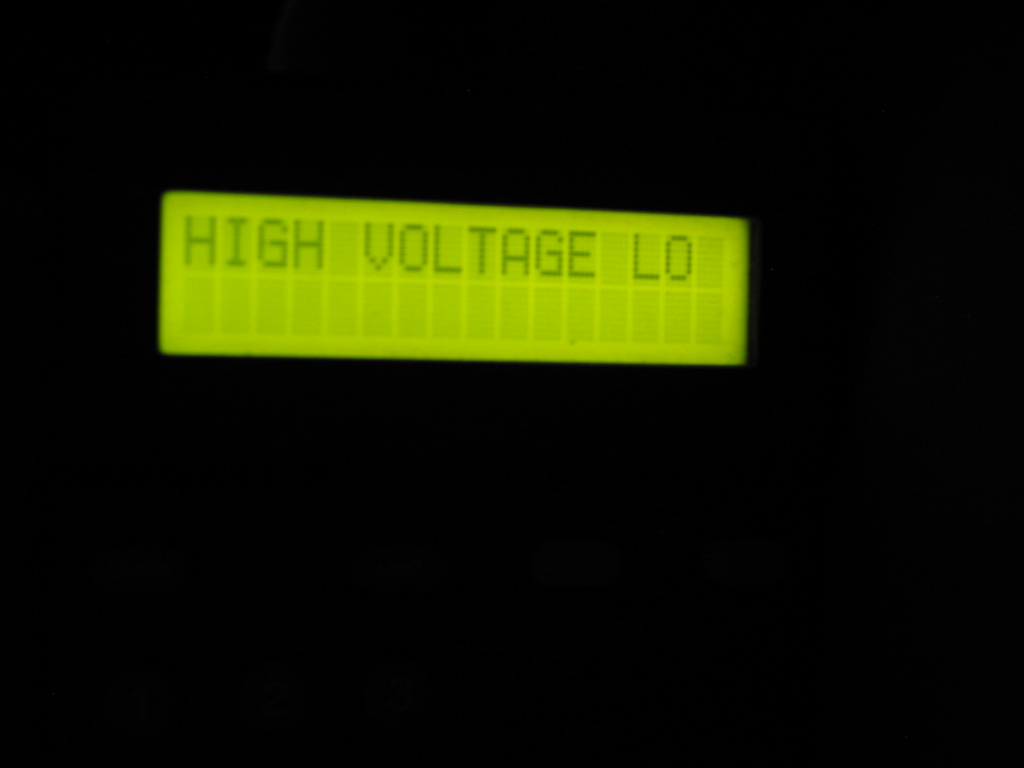
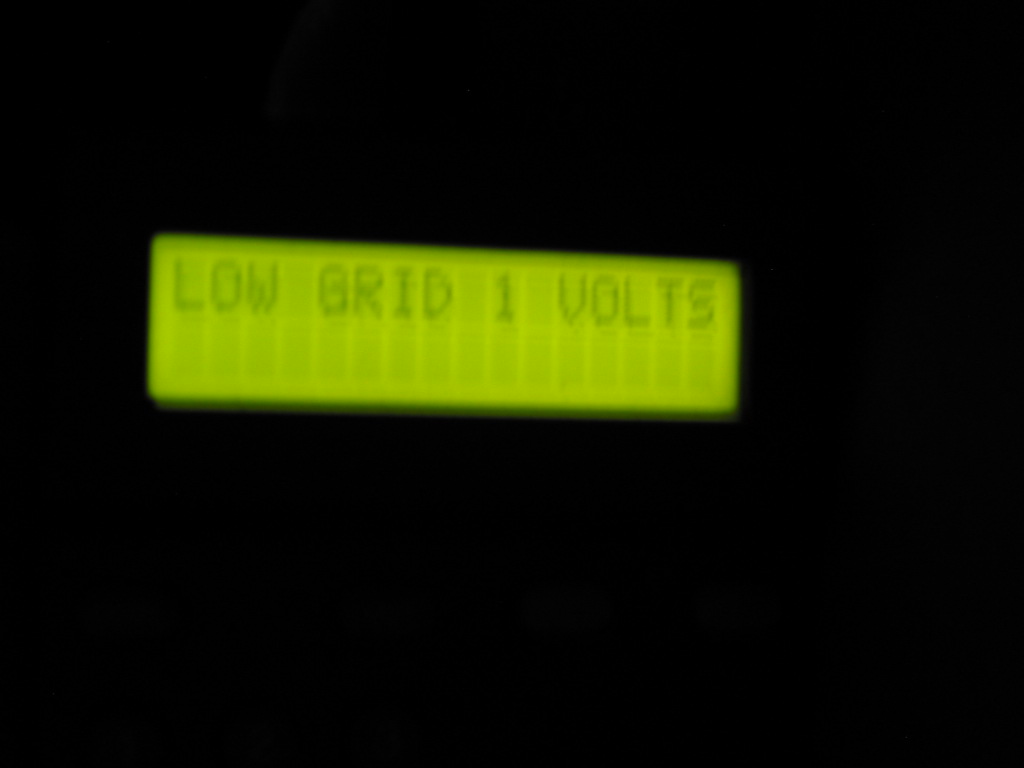
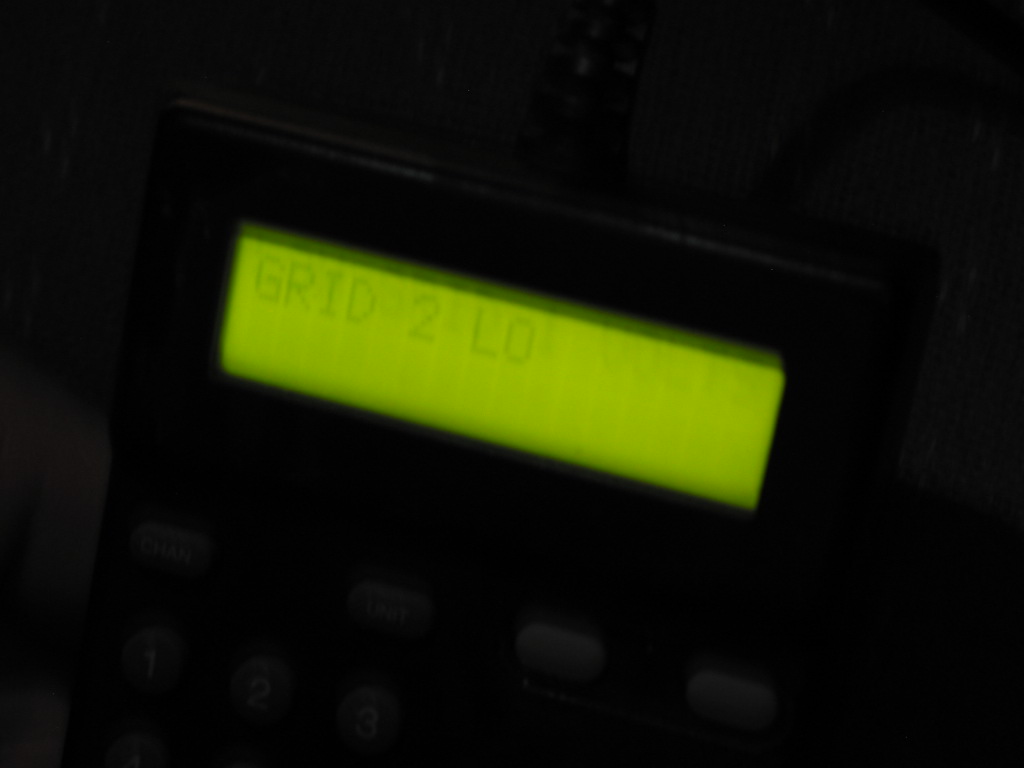
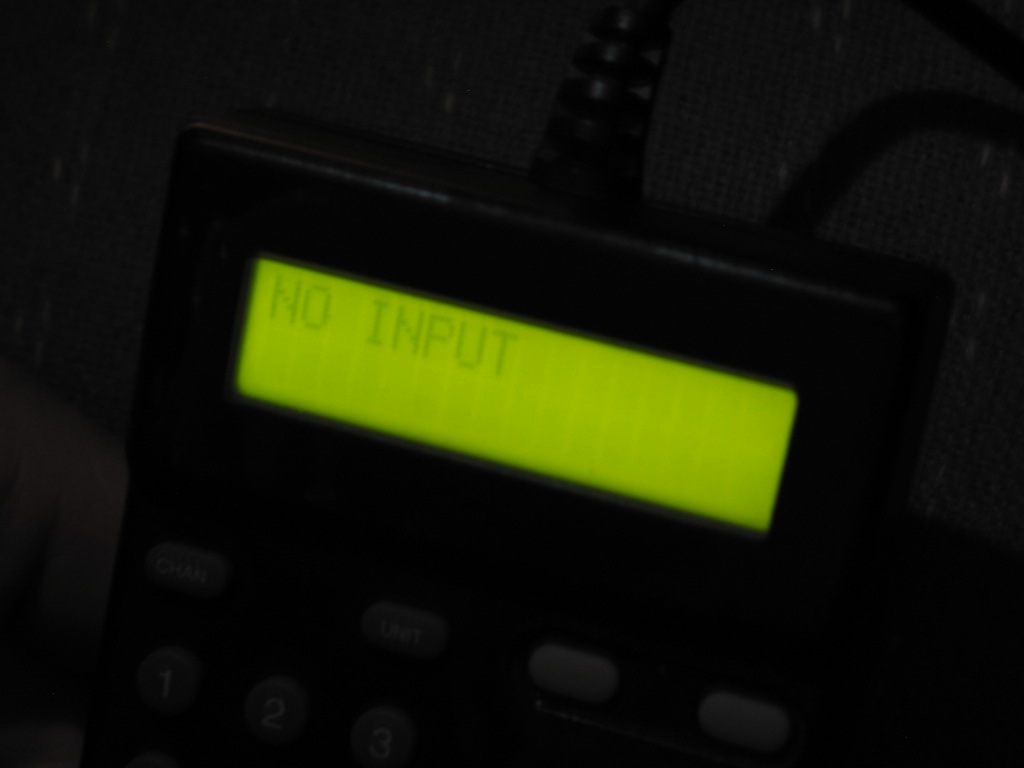
I got to do the 30 code and here's what I got:
Keep in mind the neck cards are disconected from the HV, G2, interface so the only conector that's still on there is the coaxial cable for RGB and the ground's.
Would you like me to re-connect the neck boards and try again?
| Description: |
|
| Filesize: |
60.42 KB |
| Viewed: |
9240 Time(s) |
|
| Description: |
|
| Filesize: |
55.94 KB |
| Viewed: |
9240 Time(s) |
|
| Description: |
|
| Filesize: |
72.84 KB |
| Viewed: |
9240 Time(s) |
|
| Description: |
|
| Filesize: |
78.51 KB |
| Viewed: |
9240 Time(s) |
|
_________________
Tech support for nothing
CRT.
HD done right!
|
|
| Back to top |
|
|
AnalogRocks
Forum Moderator
Joined: 08 Mar 2006
Posts: 26706
Location: Toronto, Ontario, Canada
TV/Projector: Sony 1252Q, AMPRO 4000G
|
| Posted: Mon Apr 21, 2008 3:25 am Post subject: |
|
|
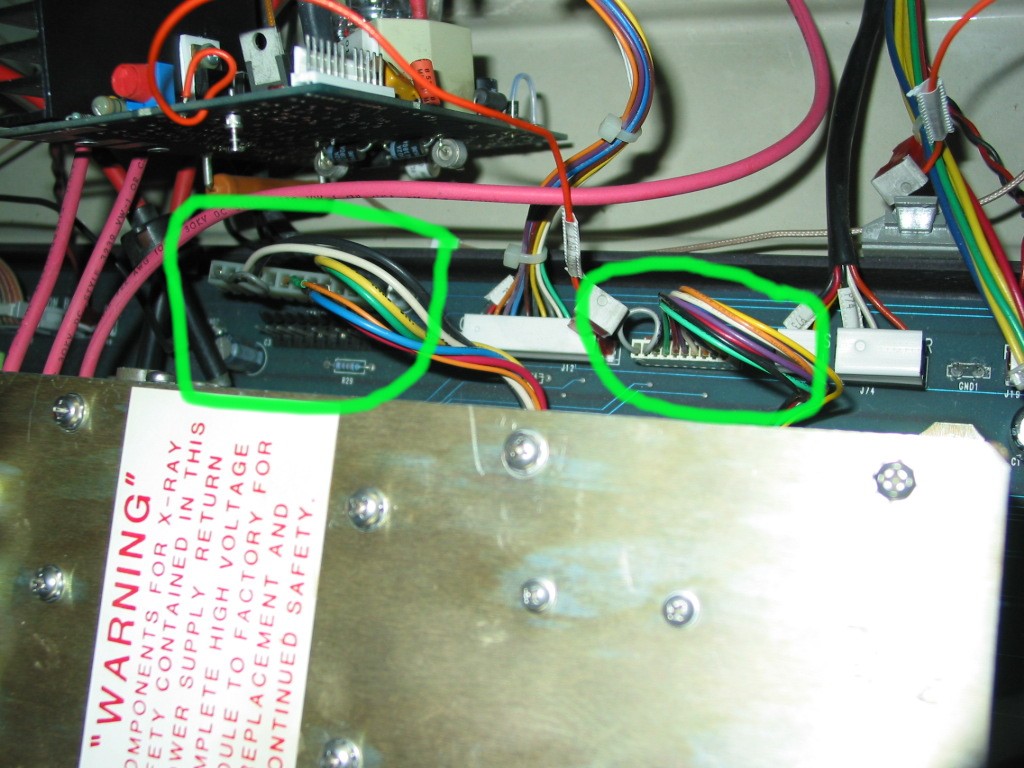
Oh any by the way, just so we're on the same page....my HVPS doens't have the 2 wire connector. It has these:
| Description: |
|
| Filesize: |
182.36 KB |
| Viewed: |
9238 Time(s) |
|
_________________
Tech support for nothing
CRT.
HD done right!
|
|
| Back to top |
|
|
macgyver655
Joined: 22 Aug 2007
Posts: 8508
|
| Posted: Mon Apr 21, 2008 3:36 am Post subject: |
|
|
|
Well it looks like the high beam current is being triggered within the HVPS however without the high voltage, which may mean its a problem with a component that maynot be in the potted section. Unfortunately without the proper schematics for the HVPS its difficult to give you more suggestions. I do have a schematic for an Ampro HVPS but I'm not sure its the same for yours so any info maynot be accurate. I did notice in the 2000 manual and other manuals I've been looking at that the last plug you disconnected to eliminate the high beam also supplies +20 and -20 volts to the HVPS. I would check those voltages to see if they are way off or not. To bad you dont have another HVPS just to verify it is that because you still cant rule out the CPU board because it samples the beam current, but by disconnecting that last plug may confirm its not the CPU. OH hum,
|
|
| Back to top |
|
|
macgyver655
Joined: 22 Aug 2007
Posts: 8508
|
| Posted: Mon Apr 21, 2008 3:39 am Post subject: |
|
|
| AnalogRocks wrote: | | Oh any by the way, just so we're on the same page....my HVPS doens't have the 2 wire connector. It has these: |
Yes I saw that in the 2000 schematic but it didnt matter for our diagnostic procedure.
|
|
| Back to top |
|
|
AnalogRocks
Forum Moderator
Joined: 08 Mar 2006
Posts: 26706
Location: Toronto, Ontario, Canada
TV/Projector: Sony 1252Q, AMPRO 4000G
|
| Posted: Mon Apr 21, 2008 3:41 am Post subject: |
|
|
So shal I probe the 20 volt line to see what we have?
_________________
Tech support for nothing
CRT.
HD done right!
|
|
| Back to top |
|
|
macgyver655
Joined: 22 Aug 2007
Posts: 8508
|
| Posted: Mon Apr 21, 2008 3:51 am Post subject: |
|
|
|
+20 and -20. Do you know how?
|
|
| Back to top |
|
|
AnalogRocks
Forum Moderator
Joined: 08 Mar 2006
Posts: 26706
Location: Toronto, Ontario, Canada
TV/Projector: Sony 1252Q, AMPRO 4000G
|
| Posted: Mon Apr 21, 2008 3:52 am Post subject: |
|
|
I tested at the fuse pannel in the LVPS the +20 line is at 19.6 volt's. ALl the other's we pretty good. Except the 40 volt line it was at 50 volt's. Would this cause a problem?
_________________
Tech support for nothing
CRT.
HD done right!
|
|
| Back to top |
|
|
AnalogRocks
Forum Moderator
Joined: 08 Mar 2006
Posts: 26706
Location: Toronto, Ontario, Canada
TV/Projector: Sony 1252Q, AMPRO 4000G
|
| Posted: Mon Apr 21, 2008 3:54 am Post subject: |
|
|
| macgyver655 wrote: | | +20 and -20. Do you know how? |
Where did you want me to prob it?
_________________
Tech support for nothing
CRT.
HD done right!
|
|
| Back to top |
|
|
AnalogRocks
Forum Moderator
Joined: 08 Mar 2006
Posts: 26706
Location: Toronto, Ontario, Canada
TV/Projector: Sony 1252Q, AMPRO 4000G
|
| Posted: Mon Apr 21, 2008 3:58 am Post subject: |
|
|
Ok I'll pick this up later. I need food, drink, and bed in that order.
Thanks Mac, have a good night.
~AR~
_________________
Tech support for nothing
CRT.
HD done right!
|
|
| Back to top |
|
|
macgyver655
Joined: 22 Aug 2007
Posts: 8508
|
| Posted: Mon Apr 21, 2008 4:03 am Post subject: |
|
|
|
Testing at the fuses is fine. there should be a -20 fuse also but like I said the 2000 manual is almost impossible to read. Also recheck the voltages with the connector from the HVPS plugged back in. Just the plug that gives you the high beam, not the one that powers the HVPS.
|
|
| Back to top |
|
|
tse
Joined: 03 May 2006
Posts: 1014
Location: Sweatbucket, Fl.
|
| Posted: Mon Apr 21, 2008 12:34 pm Post subject: |
|
|
Interesting.
Are you saying that you still have the high beam current error with the larger HVPS connector unplugged?
If yes, then unplug the smaller HVPS connector and try again.
If the error message is still there the problem is on the CPU card.
If the error goes away the problem is in the control circuits of the HVPS. In other words somerthing that should be repairable.
Scott
_________________
"Were we directed from Washington when to sow and when to reap, we would soon want bread."
Thomas Jefferson
|
|
| Back to top |
|
|
AnalogRocks
Forum Moderator
Joined: 08 Mar 2006
Posts: 26706
Location: Toronto, Ontario, Canada
TV/Projector: Sony 1252Q, AMPRO 4000G
|
| Posted: Tue Apr 22, 2008 1:42 am Post subject: |
|
|
| tse wrote: | Interesting.
Are you saying that you still have the high beam current error with the larger HVPS connector unplugged?
If yes, then unplug the smaller HVPS connector and try again.
If the error message is still there the problem is on the CPU card.
If the error goes away the problem is in the control circuits of the HVPS. In other words somerthing that should be repairable.
Scott |
OK with the smaller of the two connector's plugged in to the motherboard and the larger connector unplugged, I get the HIGH BEAMCURENT message. Unpluged both connector's and the PJ start's up.
Control board in the HVPS?
That was Curt's guess when I spoke with him earlier.
_________________
Tech support for nothing
CRT.
HD done right!
|
|
| Back to top |
|
|
AnalogRocks
Forum Moderator
Joined: 08 Mar 2006
Posts: 26706
Location: Toronto, Ontario, Canada
TV/Projector: Sony 1252Q, AMPRO 4000G
|
| Posted: Tue Apr 29, 2008 2:30 am Post subject: |
|
|
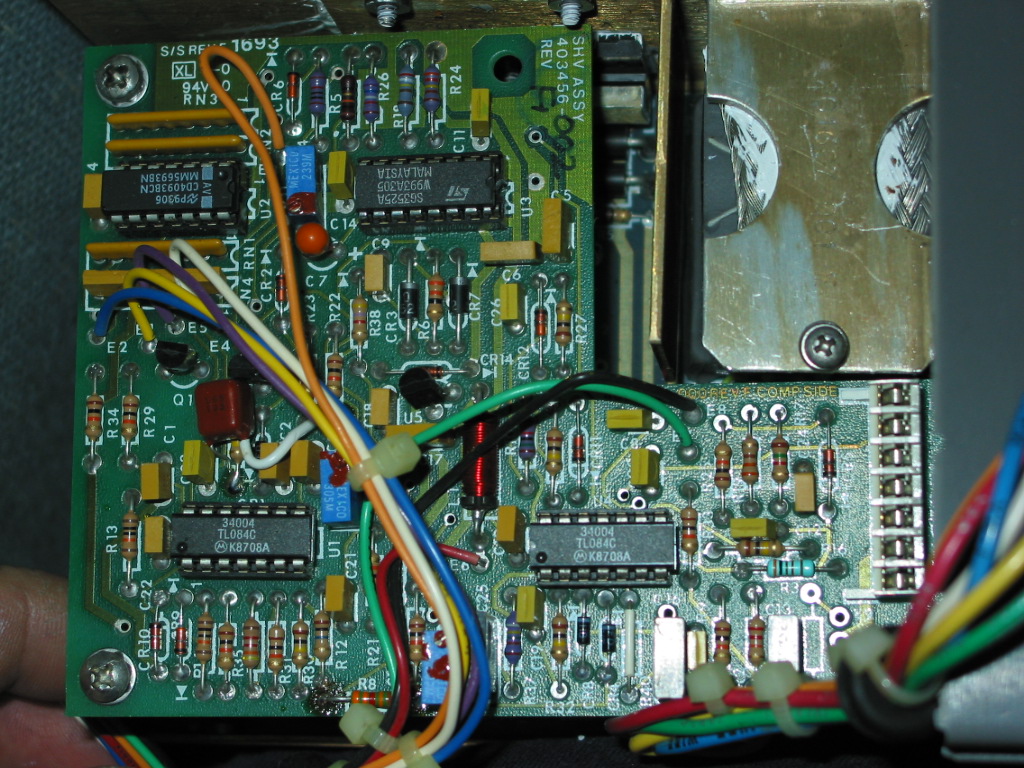
Okay, I had some time tongiht to remove the 3000 screws from the spellman, plus the 4 screws to get it out of the projector. Here's a picture of the control board. Which op amp should I replace?
| Description: |
| Spellman ohh Spellman.Come rescue me from the AM-Pro hell that has be-fallen me. Ohhh ohhhh ohhh ohh. :D |
|
| Filesize: |
341.43 KB |
| Viewed: |
9152 Time(s) |
|
_________________
Tech support for nothing
CRT.
HD done right!
|
|
| Back to top |
|
|
AnalogRocks
Forum Moderator
Joined: 08 Mar 2006
Posts: 26706
Location: Toronto, Ontario, Canada
TV/Projector: Sony 1252Q, AMPRO 4000G
|
| Posted: Sun Sep 14, 2008 4:02 am Post subject: |
|
|
Hey, thought I forgot about this didn't you?? Nope.
I sent the power supply out to be tested. All is well with it. I installed a few minutes ago and all I get is....nothing. No HV at all. If I do a code 30 I get the same messages as above:
"High Voltage Low"
"Low Grid 1 Volts"
"No High Voltage"
"Kill me now, please"
Whaddayathink?
_________________
Tech support for nothing
CRT.
HD done right!
|
|
| Back to top |
|
|
XANATOS

Joined: 22 Mar 2006
Posts: 130
|
| Posted: Sun Sep 14, 2008 7:01 am Post subject: |
|
|
i only know one person that has had such bad luck with a projector myself
one was a nec xg this unit hated me ended up giving it away as a parts unit,i should have shot it to scrap
with my AK, the other was a runco dtv 1200 ,i spent allmost as much money trying to have this projector
fixed as it cost me to buy it . sometimes you just have to say %uck it buy a new projector
XANATOS
_________________
IN THE LAND OF HOME THEATER
THE THREE EYED MONSTER IS
KING
|
|
| Back to top |
|
|
stefuel

Joined: 07 Mar 2006
Posts: 3353
Location: Green Harbor MA USA
|
| Posted: Sun Sep 14, 2008 1:29 pm Post subject: |
|
|
Pull the SMPS, blow it out and do a visual inspection then re-seat it. It sound as if you are not getting power to the HVPS.
_________________
Chip
A Barco is only a AmPro with training wheels
Card carrying member of the AVS chain gang.
|
|
| Back to top |
|
|
|
|




