| Author |
Message |
Mark_A_W
Joined: 15 Mar 2006
Posts: 3068
Location: Sunny Melbourne Australia
|
| Posted: Wed May 05, 2010 10:45 pm Post subject: |
|
|
I'm looking more closely, and I think I can see thin horizontal lines, not the broad colour stripes, which are camera artifacts.
Are they the other issue?
Have you tried a progressive res?
|
|
| Back to top |
|
 |
macgyver655
Joined: 22 Aug 2007
Posts: 8508
|
| Posted: Wed May 05, 2010 10:50 pm Post subject: |
|
|
| yonexsp wrote: | | macgyver655 wrote: | | I'd like to see an all white screen picture. |
Why? all 3 tubes show the lines in the same place.
I'll see what I can do |
And what does the line look like with all white? Is it a brighter white or darker? If you then shift the red raster to the right does the line change color or stay the same?
I usually ask questions for my own reasons.
|
|
| Back to top |
|
|
yonexsp
Joined: 25 Apr 2006
Posts: 311
|
| Posted: Wed May 05, 2010 10:50 pm Post subject: |
|
|
| Mark_A_W wrote: | | yonexsp wrote: | | no, only full white |
Internal test pattern only?
Or external video/images? |
Both, and it only appeared recently. I have not messed with any pots.
t is there regardless of a signal or not, and does not matter what signal I send it.
If I disconnect the video signal to the neck cards it disappears (vertical line).
So, wondering if it is some pots adjustement needing a scope why it woudl suddenly appear.
Funny thing is, I can only see the vertical line on an all white screen, never whilst watching any material, not even the windows desktop. Only if I open notepad full screen can I see it.
But I can see the horizontal line, which is brighter in the middle 25% of the screen, not really on the edges
|
|
| Back to top |
|
|
macgyver655
Joined: 22 Aug 2007
Posts: 8508
|
| Posted: Wed May 05, 2010 11:03 pm Post subject: |
|
|
|
If you disconnect the video to the neck boards how are you getting a raster on the screen? Are you turning up the brightness?
|
|
| Back to top |
|
|
yonexsp
Joined: 25 Apr 2006
Posts: 311
|
| Posted: Wed May 05, 2010 11:04 pm Post subject: |
|
|
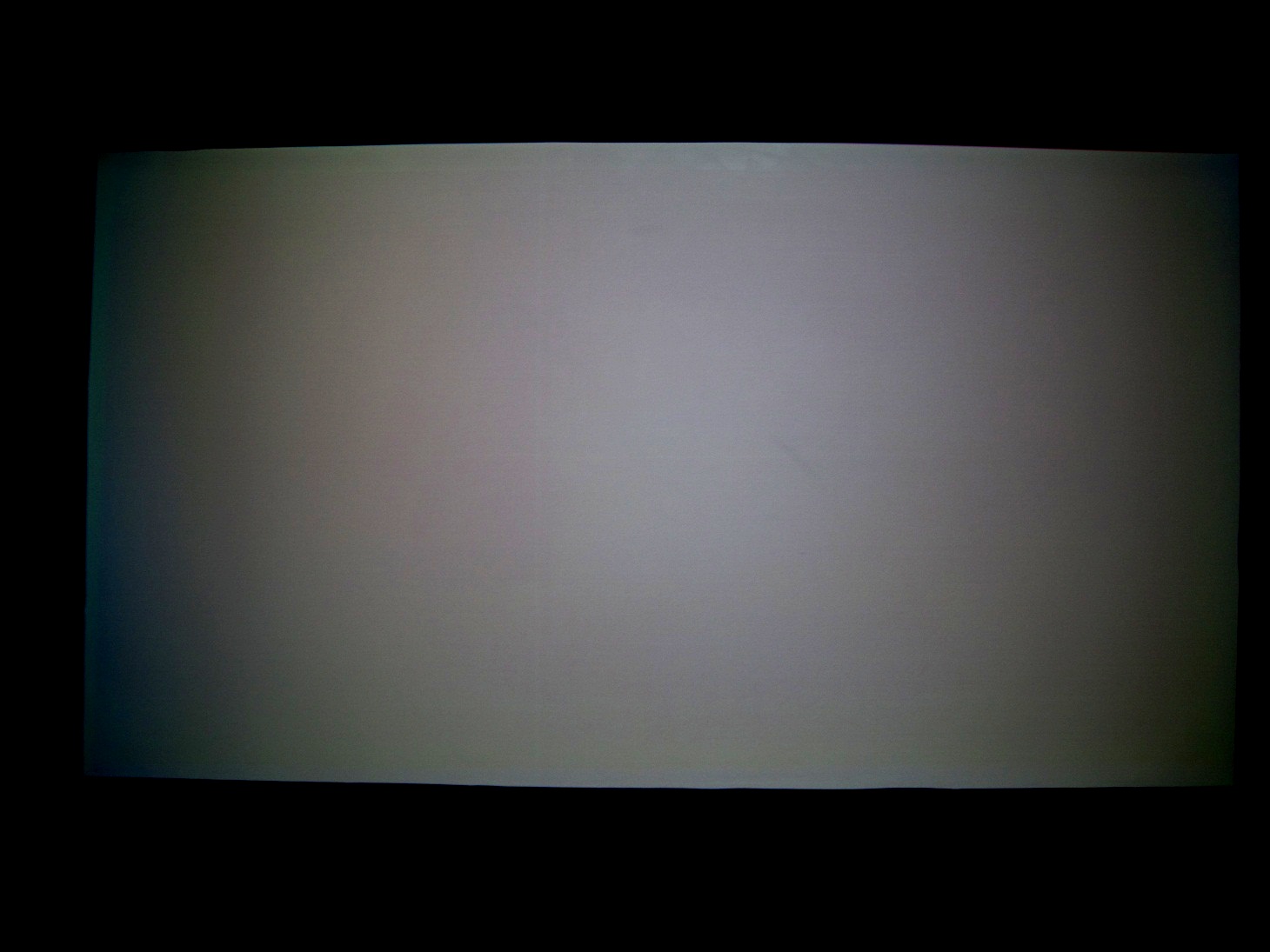
I took a photo all white, then edited it in a picture editor to emphasis the differences, blasting contrast and fiddlign with brightness to show the lines more clearly.
Good thing it does not look like that in real life!
| Description: |
|
| Filesize: |
191.49 KB |
| Viewed: |
5596 Time(s) |
|
|
|
| Back to top |
|
|
yonexsp
Joined: 25 Apr 2006
Posts: 311
|
| Posted: Wed May 05, 2010 11:06 pm Post subject: |
|
|
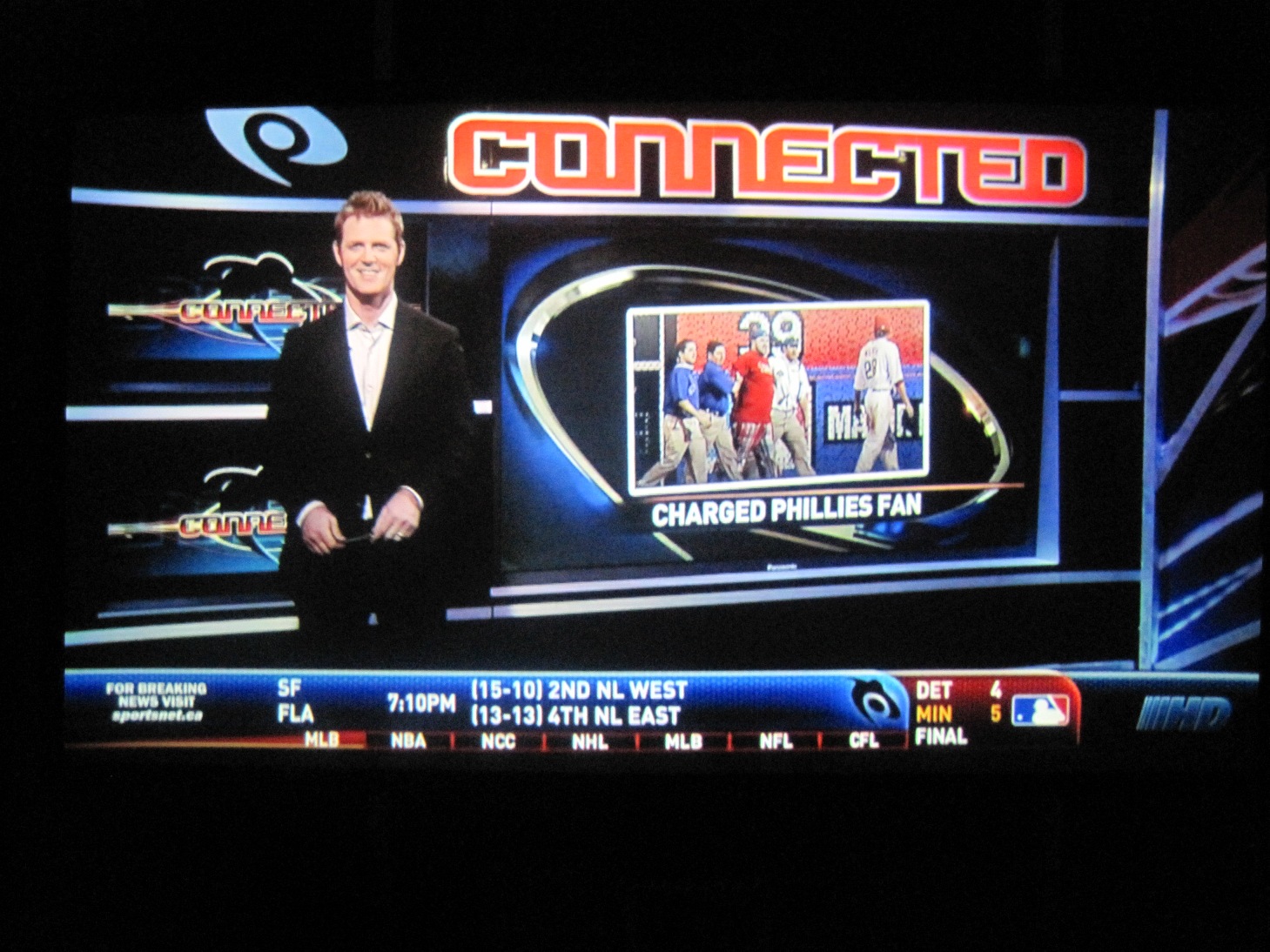
Here is how the Satellite TV looks normally
| Description: |
|
| Filesize: |
439.86 KB |
| Viewed: |
5599 Time(s) |
|
|
|
| Back to top |
|
|
yonexsp
Joined: 25 Apr 2006
Posts: 311
|
| Posted: Wed May 05, 2010 11:07 pm Post subject: |
|
|
| macgyver655 wrote: | | If you disconnect the video to the neck boards how are you getting a raster on the screen? Are you turning up the brightness? |
Yes
|
|
| Back to top |
|
|
macgyver655
Joined: 22 Aug 2007
Posts: 8508
|
| Posted: Wed May 05, 2010 11:09 pm Post subject: |
|
|
|
Alright, I have to ask. Are you sure that is not burn on the tubes? If not, if you shift the raster around do the lines move around also or stay where they are even if the image moves?
|
|
| Back to top |
|
|
yonexsp
Joined: 25 Apr 2006
Posts: 311
|
| Posted: Wed May 05, 2010 11:09 pm Post subject: |
|
|
the horizontal line is really really hard to see, the vertical line is invisible whilst watching material.
Just I can see it, streching a few inches across the middle of the screen. No one else can except my mate who is also a PJ freak
|
|
| Back to top |
|
|
yonexsp
Joined: 25 Apr 2006
Posts: 311
|
| Posted: Wed May 05, 2010 11:10 pm Post subject: |
|
|
| macgyver655 wrote: | | Alright, I have to ask. Are you sure that is not burn on the tubes? If not, if you shift the raster around do the lines move around also or stay where they are even if the image moves? |
If it was burn it should be darker than the surrounding material no? Not brighter
I'll move the raster now and check, and why would it be on the Red also, that never burns, and hard tyo see thow that can happen overnight, when the PJ has been off
Last edited by yonexsp on Wed May 05, 2010 11:11 pm; edited 1 time in total
|
|
| Back to top |
|
|
macgyver655
Joined: 22 Aug 2007
Posts: 8508
|
| Posted: Wed May 05, 2010 11:11 pm Post subject: |
|
|
| yonexsp wrote: | | macgyver655 wrote: | | If you disconnect the video to the neck boards how are you getting a raster on the screen? Are you turning up the brightness? |
Yes |
Ok, not to contradict Mark on this but without video connected I cant see it being a white balance issue since white balance comes through the video.
|
|
| Back to top |
|
|
yonexsp
Joined: 25 Apr 2006
Posts: 311
|
| Posted: Wed May 05, 2010 11:12 pm Post subject: |
|
|
| macgyver655 wrote: | | yonexsp wrote: | | macgyver655 wrote: | | If you disconnect the video to the neck boards how are you getting a raster on the screen? Are you turning up the brightness? |
Yes |
Ok, not to contradict Mark on this but without video connected I cant see it being a white balance issue since white balance comes through the video. |
To add, tyhe vertical line does not appear with the video disconnected. But the faint horizontal line is still there
|
|
| Back to top |
|
|
yonexsp
Joined: 25 Apr 2006
Posts: 311
|
| Posted: Wed May 05, 2010 11:13 pm Post subject: |
|
|
So 2 lines, of different characteristics and source by the look of it.
+ The vertical line I don;t see except on a test pattern, never when watching anything, so I don;t really care about that. But that 1 pixel wide 1/4 screen horizontal line I would like to track down the cause of
|
|
| Back to top |
|
|
macgyver655
Joined: 22 Aug 2007
Posts: 8508
|
| Posted: Wed May 05, 2010 11:13 pm Post subject: |
|
|
| yonexsp wrote: | | macgyver655 wrote: | | Alright, I have to ask. Are you sure that is not burn on the tubes? If not, if you shift the raster around do the lines move around also or stay where they are even if the image moves? |
If it was burn it should be darker than the surrounding material no? Not brighter
I'll move the raster now and check, and why would it be on the Red also, that never burns, and hard tyo see thow that can happen overnight, when the PJ has been off |
I agree, probably not burn.
|
|
| Back to top |
|
|
macgyver655
Joined: 22 Aug 2007
Posts: 8508
|
| Posted: Wed May 05, 2010 11:15 pm Post subject: |
|
|
|
The horz one is the one I'm concentrating on.
|
|
| Back to top |
|
|
macgyver655
Joined: 22 Aug 2007
Posts: 8508
|
| Posted: Wed May 05, 2010 11:17 pm Post subject: |
|
|
|
Also, have you tried disconnecting convergence like already suggested?
|
|
| Back to top |
|
|
yonexsp
Joined: 25 Apr 2006
Posts: 311
|
| Posted: Wed May 05, 2010 11:17 pm Post subject: |
|
|
| macgyver655 wrote: | | The horz one is the one I'm concentrating on. |
Appreciated 
I'll try and get a shoot in a movie that shows the line.
ANy particular scene/movie you prefer that will help?
|
|
| Back to top |
|
|
macgyver655
Joined: 22 Aug 2007
Posts: 8508
|
| Posted: Wed May 05, 2010 11:20 pm Post subject: |
|
|
| yonexsp wrote: | | macgyver655 wrote: | | The horz one is the one I'm concentrating on. |
Appreciated
I'll try and get a shoot in a movie that shows the line.
ANy particular scene/movie you prefer that will help? |
No need for that just yet. How about the convergence disconnect?
|
|
| Back to top |
|
|
yonexsp
Joined: 25 Apr 2006
Posts: 311
|
| Posted: Wed May 05, 2010 11:22 pm Post subject: |
|
|
| macgyver655 wrote: | | yonexsp wrote: | | macgyver655 wrote: | | The horz one is the one I'm concentrating on. |
Appreciated
I'll try and get a shoot in a movie that shows the line.
ANy particular scene/movie you prefer that will help? |
No need for that just yet. How about the convergence disconnect? |
where do I find that?
|
|
| Back to top |
|
|
macgyver655
Joined: 22 Aug 2007
Posts: 8508
|
| Posted: Wed May 05, 2010 11:35 pm Post subject: |
|
|
|
I dont have an image to post. Maybe someone else does.
|
|
| Back to top |
|
|
|
|




