| Author |
Message |
haireez
Joined: 14 Jun 2007
Posts: 207
Location: singapore
TV/Projector: Vidikron Vision 1 - Ultra
|
| Posted: Wed Dec 16, 2009 2:59 pm Post subject: Pictures Overlapped using Sony IFB V2 Card |
|
|
Hi Everyone,
I received Moome Sony full HD version 2 card about 2 weeks ago and install on my Sony G70 projector.
Basic setup :
1. Sony S360 Bluray player
2. Starhub HD Set-top box
I used HDMI (Better Cables) cable to connect from Bluray & HD Set-top box to 3X1 Smart HDMI switches and then, connect it directly to the Full HD V2 card. My Bluray source was perfect but when I switch the source to Starhub HD set-top box, the pictures seem to be overlapped from left to right.
I tried to 'OFF' the projector and removed & reseat the V2 card and eventually, the pictures looks fine.
Unfortunately, after coming back from my vacation, the same problem start re-curring again but this time, the reseating procedures does not help till now.
Just to get feedback from this forum whether anyone face the same problem with the V2 card & G70 combination and any help or feedback would be greatly appreciated.
Currently, I've remove the V2 card and install V1 card on my G70 and I did not face any problem my V1 card since December 2008.
Anyway, I've send an email to Moome for advice.
Regards
Faizel
| Description: |
|

Download |
| Filename: |
DSCF0019.JPG.zip |
| Filesize: |
563.61 KB |
| Downloaded: |
514 Time(s) |
|
|
| Back to top |
|
 |
moome
Joined: 01 Jun 2007
Posts: 497
|
| Posted: Wed Dec 16, 2009 3:26 pm Post subject: |
|
|
|
what resolution you set on set yop box? so if you change to V1 card, no picture overlapped?
|
|
| Back to top |
|
|
haireez
Joined: 14 Jun 2007
Posts: 207
Location: singapore
TV/Projector: Vidikron Vision 1 - Ultra
|
| Posted: Thu Dec 17, 2009 2:38 pm Post subject: |
|
|
Hi Moome,
I do not face any problem before with the V1 card but unfortunately, I don't understand why the V2 card has this overlapped issue.
The HD set-top box resolution are set at 1080i.
_________________
2 White Vision 1
|
|
| Back to top |
|
|
cinema mad
Joined: 25 Nov 2009
Posts: 219
|
| Posted: Thu Dec 17, 2009 2:59 pm Post subject: |
|
|
Hi Haireez
I have Sony G70 & latest batch V2 IFB-Full HD with know pic overlap like you show in your Pic...
I am running 1920x800 @ 48 though...
Cheers...
|
|
| Back to top |
|
|
CIR Engineering

Joined: 25 Aug 2008
Posts: 4269
Location: Chicago USA & Berlin Germany
|
| Posted: Thu Dec 17, 2009 3:05 pm Post subject: |
|
|
That doesn't look like the kind of problem the Moome card would cause. Do you have an HDMI switcher or distribution amp? You might want to try running the sat through an HDMI switch to see if that takes the problem away (as an experiment).
craigr
_________________
JETI 1501-HiRes 2nm Spectroradiometer
JETI 1211 Spectroradiometer
Photo Research PR-650 Spectroradiometer
Klein K10-A Colorimeter
Murideo Fresco SIX-G HDMI 2.x Multimedia Generator
Murideo Fresco SIX-A HDMI 2.x Analyzer
Light Illusion ColourSpace XPT Color Calibration Software
Light Illusion LightSpace XPT Pro Version 10.x Color Calibration Software
OMARDRIS JVC Software Patch to use K10-A and Jeti with JVC OEM AutoCal Software!
Sencore CR7000 CRT Tube Analyzer / Rejuvenater
Authorized Dealer for Lumagen & just about everything worth buying 
www.CIR-Engineering.com - craigr@cir-engineering.com
Phone: 865-405-6892
|
|
| Back to top |
|
|
haireez
Joined: 14 Jun 2007
Posts: 207
Location: singapore
TV/Projector: Vidikron Vision 1 - Ultra
|
| Posted: Thu Dec 17, 2009 3:06 pm Post subject: |
|
|
Hi,
Thanks for your feedback. Initially, I used the 3X1 Smart HDMI switcher that I bought from Curt Website at $69.
It failed & picture overlapped as shown. I tried to connect the Set-top box directly using a 10 meter HDMI cables (Better Cables) to the V2 card but the picture still overlapped.
However, I have not tried with another switcher to see if I would get a different result. Might consider it though.
|
|
| Back to top |
|
|
haireez
Joined: 14 Jun 2007
Posts: 207
Location: singapore
TV/Projector: Vidikron Vision 1 - Ultra
|
| Posted: Fri Dec 18, 2009 2:02 pm Post subject: |
|
|
Hi,
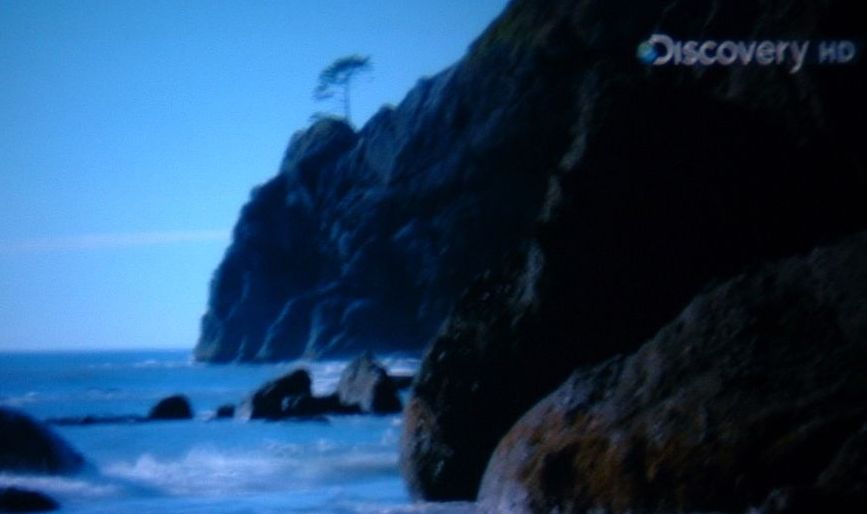
I've taken some photo for the V1 card to show that the picture is good and perfect without any distortion.
After which, I removed V1 card & re-seat V2 card and start to 'ON' the projector.
The picture for Bluray is very impressive with the V2 card but unfortunately, my HD Set-top box is still compressed.
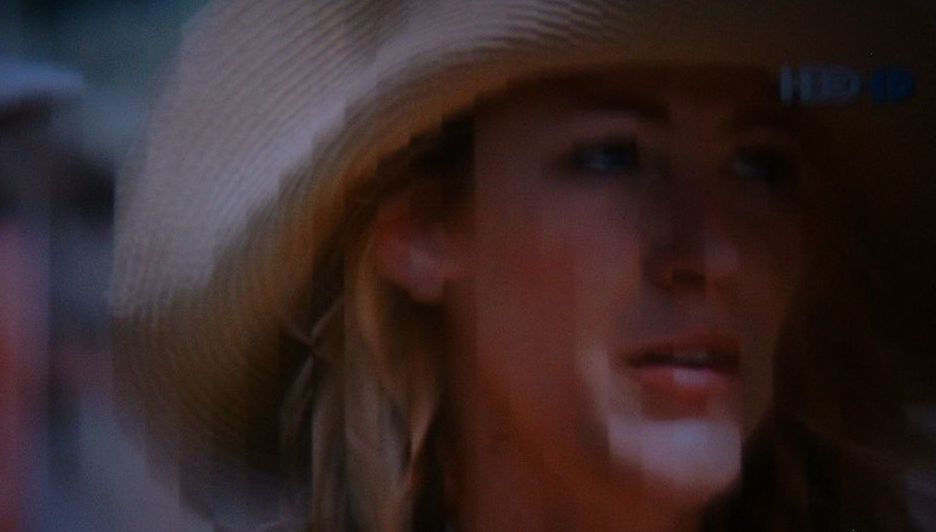
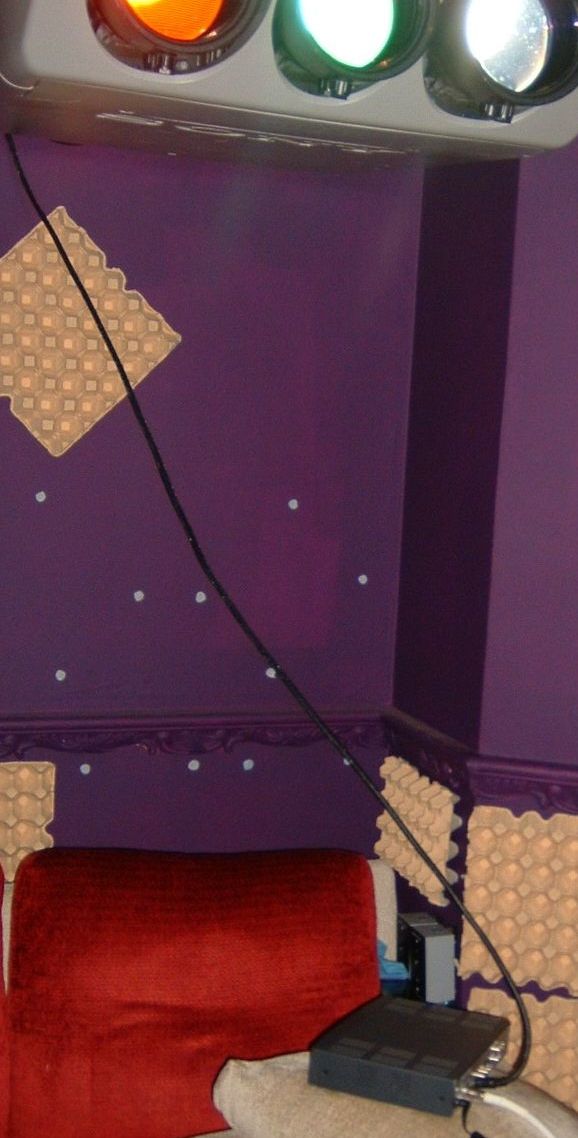
I took out my HD set top box and try to put as close to my projector and using a 3 meters HDMI cable and connect to input 1 on the V2 card. Again, the picture is still compressed. With this test, I believe the V2 card is faulty now because there is no problem at all with the V1 card on the G70.
Regards
Faizel
| Description: |
| V2 card picture still compressed after using 3 meters HDMI cable to slot 1 of V2 card |
|
| Filesize: |
39 KB |
| Viewed: |
7622 Time(s) |
|
| Description: |
| Connect directly with 3 meters HDMI cable to slot 1 od V2 Card to verify problem |
|
| Filesize: |
82.65 KB |
| Viewed: |
7622 Time(s) |
|
| Description: |
| Another Photos of V1 Card without any problem |
|
| Filesize: |
38.74 KB |
| Viewed: |
7622 Time(s) |
|
| Description: |
| V1 Card without any problem |
|
| Filesize: |
81.39 KB |
| Viewed: |
7622 Time(s) |
|
|
|
| Back to top |
|
|
haireez
Joined: 14 Jun 2007
Posts: 207
Location: singapore
TV/Projector: Vidikron Vision 1 - Ultra
|
| Posted: Sun Jan 10, 2010 4:45 am Post subject: |
|
|
Just to update that this problem is already solved. I return the faulty card and eventually received a replacement V2 card that works perfectly. Thanks to those who tried to help.
_________________
2 White Vision 1
|
|
| Back to top |
|
|
|
|




