| Author |
Message |
RobertMfromLI

Joined: 29 Jun 2009
Posts: 114
Location: West Islip, NY
|
| Posted: Tue Jul 07, 2009 1:59 am Post subject: BG800 and an outdoor screen |
|
|
Hey gang,
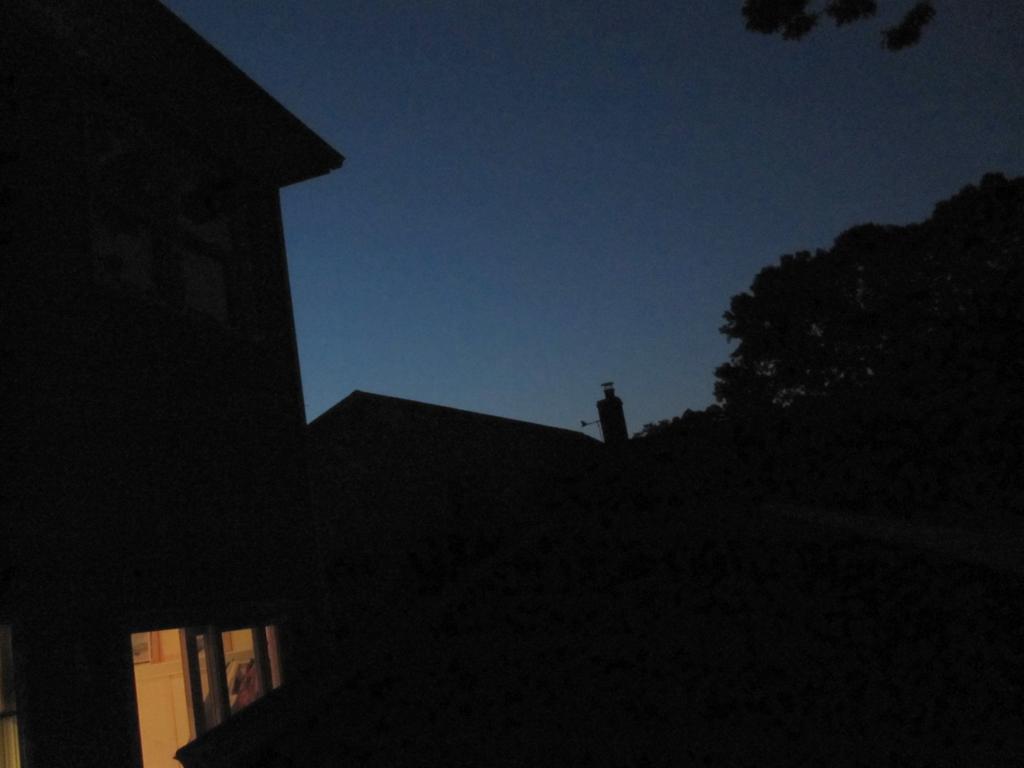
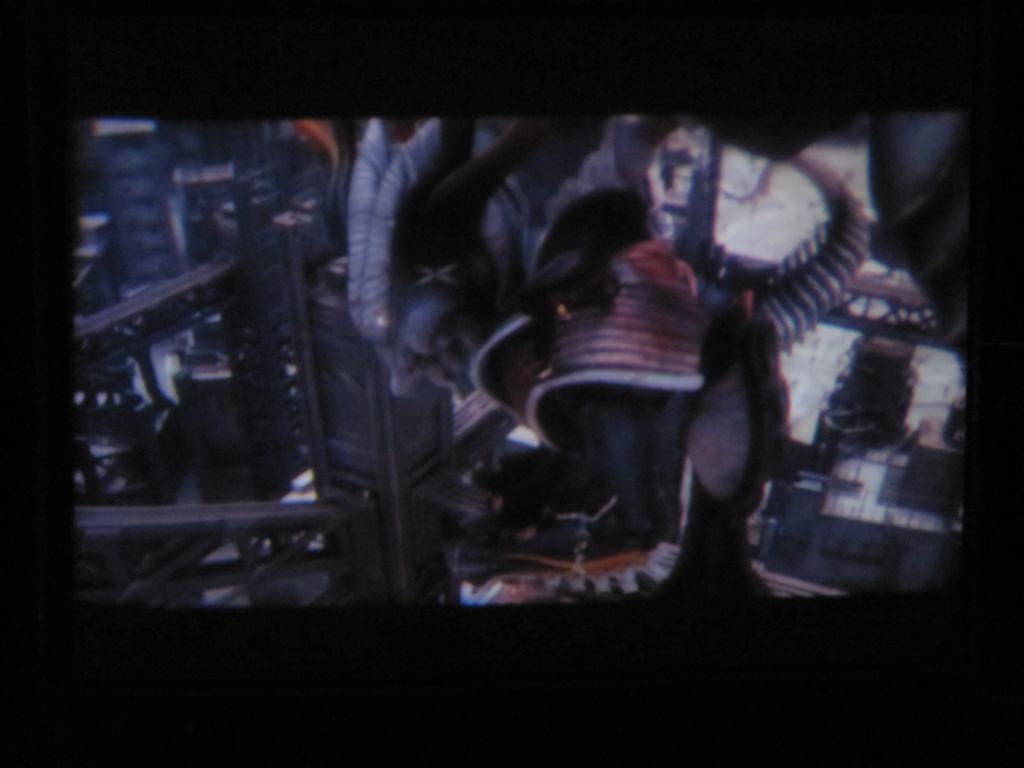
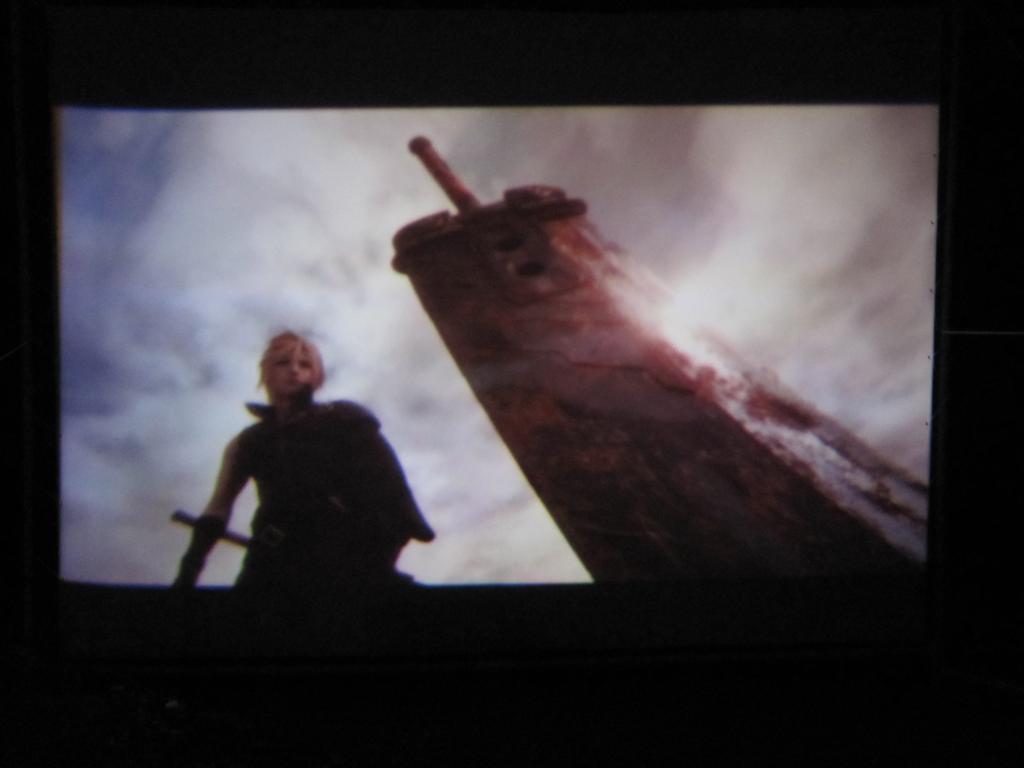
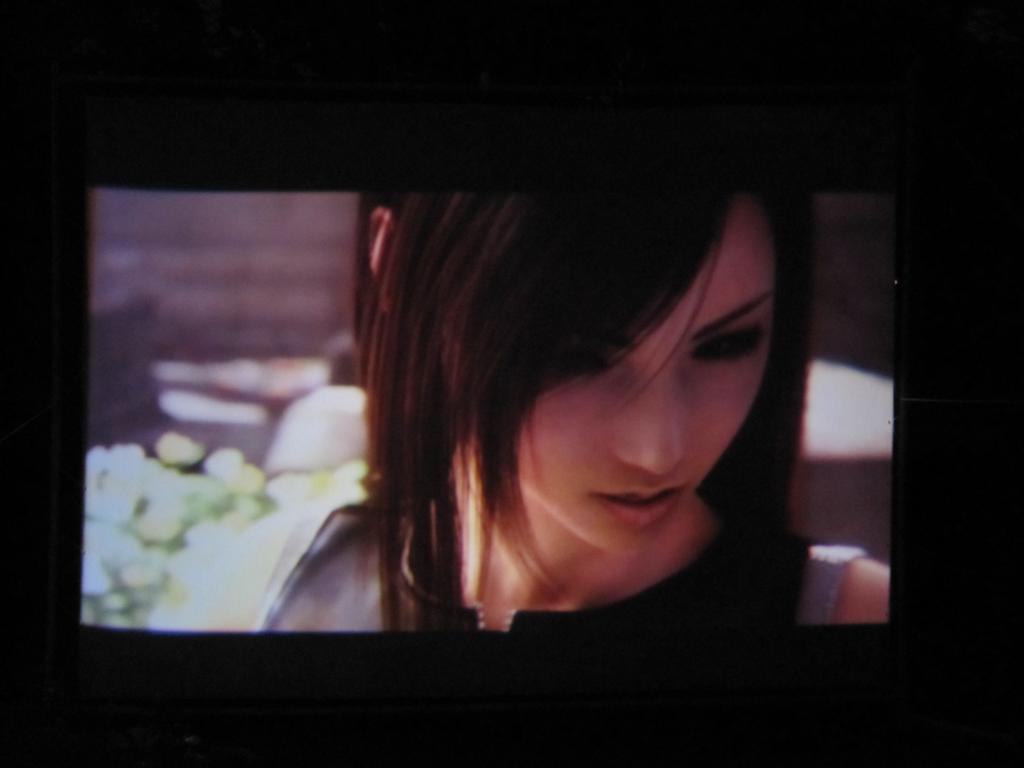
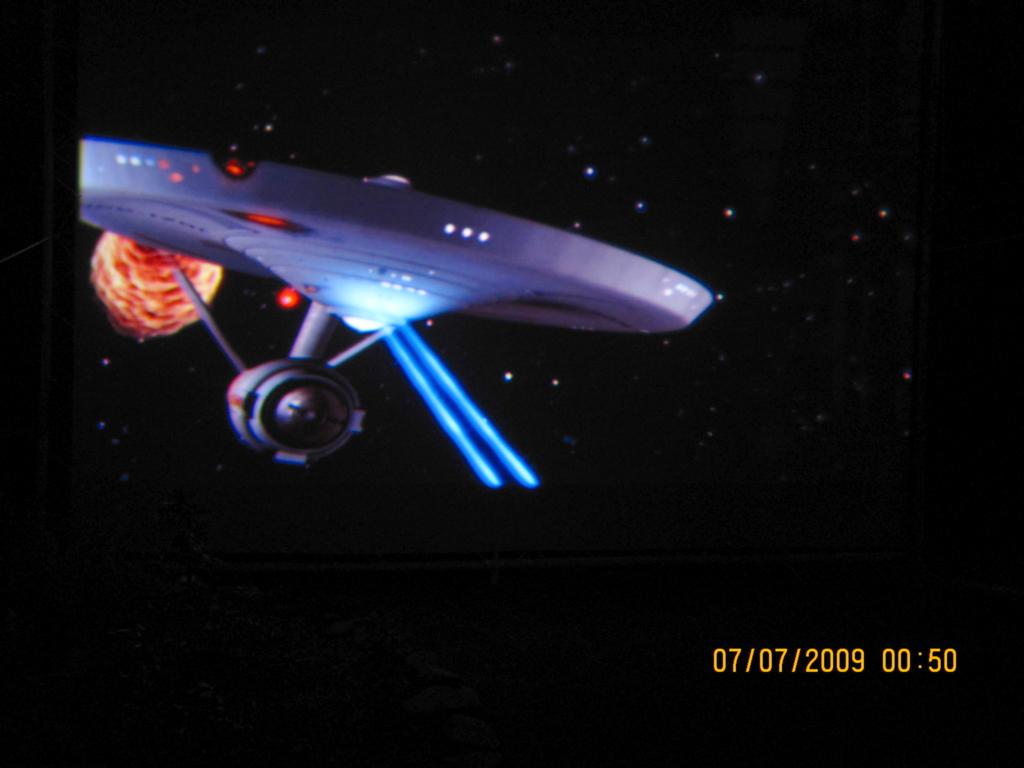
So, here's a few better pics of our 17'x12.75' screen at dusk - the BG800 seems more than up to the task (even though it is temporarily 8' too far from the screen). Not yet calibrated properly (it is in it's temporary position, and we are mostly playing at the moment - will calibrate and set it up properly when it is in it's permanent spot). So, for now, this thing is FAAAAR from calibrated in any way.
Amazingly, the PJ is more than bright enough for the task - even at dusk or dawn (see pics). I am very impressed.
Rob
| Description: |
| And it's dusk... you should see what it looks like at night... even without convergence and the rest of the setup being complete. |
|
| Filesize: |
41.83 KB |
| Viewed: |
8999 Time(s) |
|
| Description: |
|
| Filesize: |
45.68 KB |
| Viewed: |
8999 Time(s) |
|
| Description: |
|
| Filesize: |
38.46 KB |
| Viewed: |
8999 Time(s) |
|
| Description: |
|
| Filesize: |
36.14 KB |
| Viewed: |
8999 Time(s) |
|
_________________
Kirk's 5 Year Mission continues at Star Trek New Voyages: Phase 2
|
|
| Back to top |
|
 |
perisoft

Joined: 29 Aug 2007
Posts: 2920
Location: Ithaca, NY
|
| Posted: Tue Jul 07, 2009 2:47 am Post subject: |
|
|
Not bad at all! Now you just have to find some better animation to watch on it! 
_________________

|
|
| Back to top |
|
|
RobertMfromLI
Joined: 29 Jun 2009
Posts: 114
Location: West Islip, NY
|
| Posted: Tue Jul 07, 2009 2:55 am Post subject: |
|
|
| perisoft wrote: | | Not bad at all! Now you just have to find some better animation to watch on it! |
LoL! That was actually a trailer on a Godzilla DVD. I've got a looooong way to go before I am proud of this setup. I am wondering if we used the wrong side of the blackout material as it is that bright at dusk, and the PJ is 8' too far away (meaning I am guessing that when we move it 10' closer - which is the 8' + 10% I read someplace, it will be a lot brighter). One side was kinda fuzzy and closer knit, the other was kinda cotton/canvas like (the side we used).
So... right now I am just playing - partially because I missed not having one of these beasts set up, and partially because my brother has become a big enthusiast of these things after seeing the first non-converged image (I've done a very very rough convergence tonight).
______________________________________________________
QUESTION:
So... now I am running into an interesting problem. I want to take the PJ and all of it's inputs back to "zero"/"square one" but this PJ seems to be missing a menu option - namely "Service"
At first, I thought it might be something different on the BG800 series (ie: missing there) that the BG500 had... but in checking the manual, it claims it should be there.
Does anyone have any ideas?
Thanks,
Rob
_________________
Kirk's 5 Year Mission continues at Star Trek New Voyages: Phase 2
|
|
| Back to top |
|
|
Curt Palme
CRT Tech
Joined: 08 Mar 2006
Posts: 24396
Location: Langley, BC
TV/Projector: All of them!
|
| Posted: Tue Jul 07, 2009 3:00 am Post subject: |
|
|
|
I think (I could be wrong) that if it's a pre 1990 Barco 800, it might be missing the service menu. Seems to me I had one a long time ago from 1989 that also was missing it.
|
|
| Back to top |
|
|
RobertMfromLI
Joined: 29 Jun 2009
Posts: 114
Location: West Islip, NY
|
| Posted: Tue Jul 07, 2009 3:06 am Post subject: |
|
|
| Curt Palme wrote: | | I think (I could be wrong) that if it's a pre 1990 Barco 800, it might be missing the service menu. Seems to me I had one a long time ago from 1989 that also was missing it. |
I think it is Oct 1990 or Oct 1991 (may be mixing up the BG500 and BG800), but definitely 1990 or higher... maybe it is right on that borderline.
So, next question... is there an easy way to set everything back to midpoint and such so I can do a proper calibration? I've already found that some of the convergence settings were retarded (or for a rippled screen?).
For instance, going left to right across the image, the left-right convergence (for each block) was set something like this:
0% 87% 12% 98% 7% 80% etc...
Which color? Pick one. What about top-bottom? Almost as bad.
I manually reset them to 50% and started from there to do rough convergence.
Thanks,
Rob
_________________
Kirk's 5 Year Mission continues at Star Trek New Voyages: Phase 2
|
|
| Back to top |
|
|
RobertMfromLI
Joined: 29 Jun 2009
Posts: 114
Location: West Islip, NY
|
| Posted: Tue Jul 07, 2009 4:19 am Post subject: |
|
|
Here's a few more pics...
| Description: |
| Obviously, I am a big Star Trek TOS fan, so when I am not at my regular day job, or playing with this projector, I am making Star Trek New Voyages/Phase 2 episodes like the one this image is from: STP2's "Blood and Fire Part 1" (c) RFS |
|
| Filesize: |
44.33 KB |
| Viewed: |
8955 Time(s) |
|
| Description: |
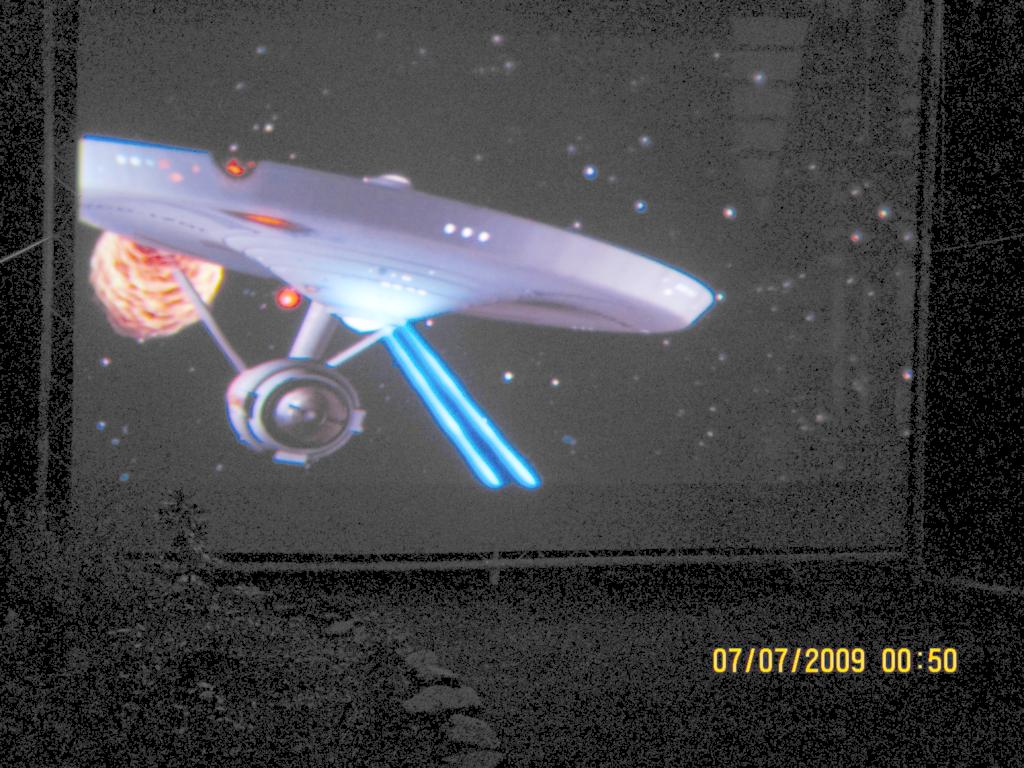
| Gamma adjusted so you can see how the screen is rigged and such |
|
| Filesize: |
149.66 KB |
| Viewed: |
8955 Time(s) |
|
| Description: |
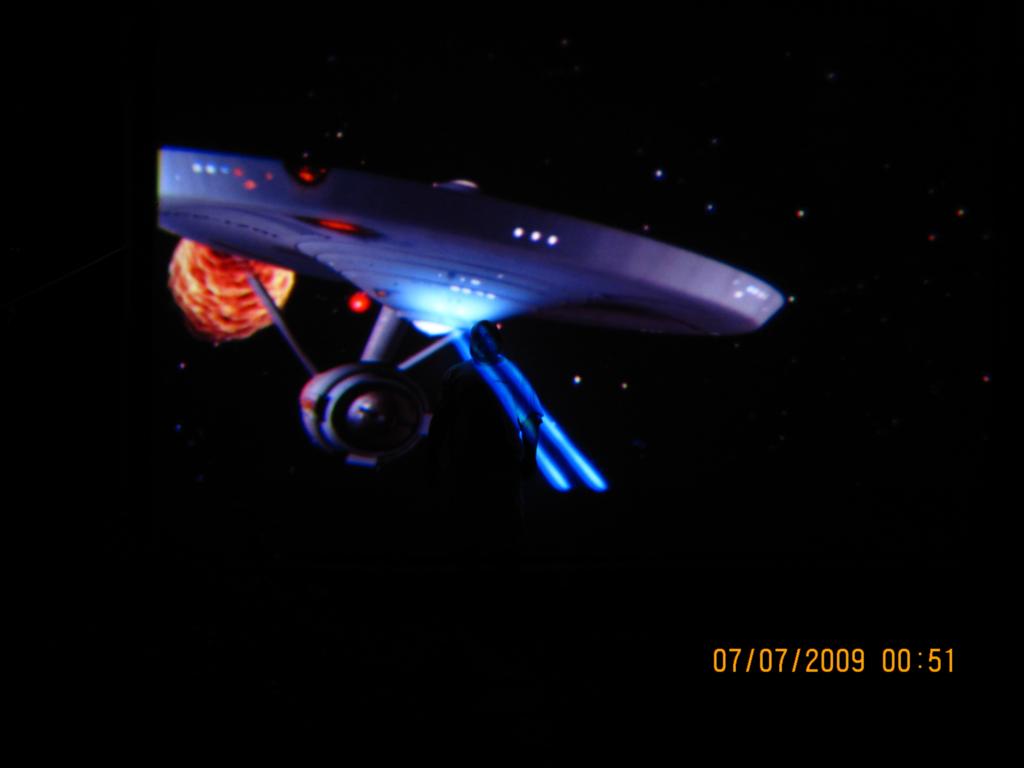
| My brother in front of the screen as a size comparison... |
|
| Filesize: |
26.65 KB |
| Viewed: |
8955 Time(s) |
|
| Description: |
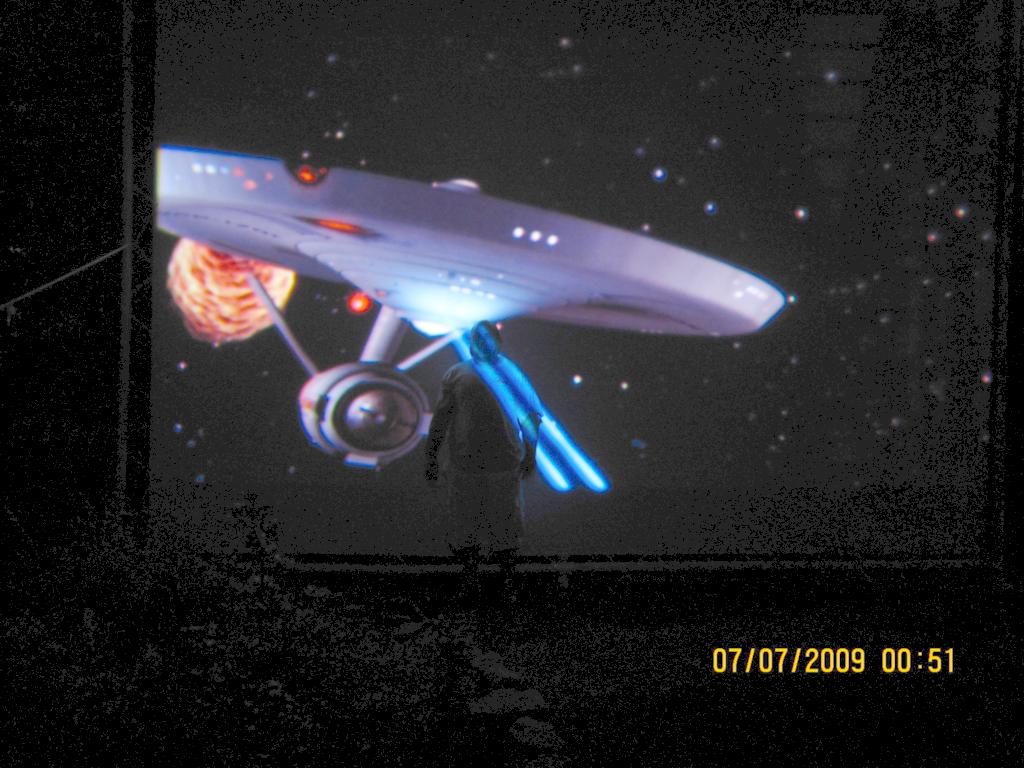
Gamma adjusted so you can see my brother in comparison to the screen...
I still want a bigger screen... got 3'x2.25 feet to go to the PJ "limit |
|
| Filesize: |
126.37 KB |
| Viewed: |
8955 Time(s) |
|
_________________
Kirk's 5 Year Mission continues at Star Trek New Voyages: Phase 2
|
|
| Back to top |
|
|
RobertMfromLI
Joined: 29 Jun 2009
Posts: 114
Location: West Islip, NY
|
| Posted: Tue Jul 07, 2009 4:34 am Post subject: |
|
|
| Curt Palme wrote: | | I think (I could be wrong) that if it's a pre 1990 Barco 800, it might be missing the service menu. Seems to me I had one a long time ago from 1989 that also was missing it. |
Based on the manual code, which seems to indicate a date in it, I think you are right, and this one, even if 1990, was a pre-software change. Ah well...
_________________
Kirk's 5 Year Mission continues at Star Trek New Voyages: Phase 2
|
|
| Back to top |
|
|
perisoft
Joined: 29 Aug 2007
Posts: 2920
Location: Ithaca, NY
|
| Posted: Tue Jul 07, 2009 1:53 pm Post subject: |
|
|
Dude... you totally made the Enterprise phaser your brother! That's not very nice! 
_________________
|
|
| Back to top |
|
|
akajester

Joined: 09 Jul 2008
Posts: 934
Location: Wisconsin
|
| Posted: Tue Jul 07, 2009 3:51 pm Post subject: |
|
|
When you first mentioned doing this I thought, that screen is way too big. I think it looks awesome though. Can't wait to see it fully setup! Are you having a neighborhood movie night or something?
Are you going to drive it with some HD material?
|
|
| Back to top |
|
|
RobertMfromLI
Joined: 29 Jun 2009
Posts: 114
Location: West Islip, NY
|
| Posted: Tue Jul 07, 2009 6:02 pm Post subject: |
|
|
| akajester wrote: | When you first mentioned doing this I thought, that screen is way too big. I think it looks awesome though. Can't wait to see it fully setup! Are you having a neighborhood movie night or something?
|
LoL... yeah, that was the big reason for running it without it being fully set up. My brother promised friends and family a movie night for the 4th. At that point it was so not set up correctly, and I had no time left; that I had to set the Windows desktop to black, open the DVD player app and size it to fit the screen (the image was a few feet bigger than the screen in each direction - partially because the screen is too far away).
The recent pics (from yesterday) are from after I centered the image, sized the image and did a very rough convergence. Fixed some bow issues top and bottom, but not the really big bow on the left middle of the image (very noticeable in the pics)... but it was still a bit better.
| akajester wrote: |
Are you going to drive it with some HD material? |
Yes, that is the plan... as soon as we get our little HTPC setup outputting a signal it likes... it doesnt like any resolution from it. It displays an image, but it is very faded and "unfocused" - at the same exact resolutions that our test laptop displays fine on it. Gonna get that program (damn, why does the name escape me at the moment) that lets me play with the refresh rates and sync direction and see how that works. Until then, we are limited to 1024x768.
Far from a pretty setup at the moment, especially compared to some of you guys' setups... but the cool thing I thought was that even with a BG800 and decent screen material, one could do an outdoor theater.
Best,
Robert
_________________
Kirk's 5 Year Mission continues at Star Trek New Voyages: Phase 2
|
|
| Back to top |
|
|
RobertMfromLI
Joined: 29 Jun 2009
Posts: 114
Location: West Islip, NY
|
| Posted: Tue Jul 07, 2009 6:03 pm Post subject: |
|
|
| perisoft wrote: | | Dude... you totally made the Enterprise phaser your brother! That's not very nice! |
LoL! I needed someplace bright to be able to see him in the camera...
_________________
Kirk's 5 Year Mission continues at Star Trek New Voyages: Phase 2
|
|
| Back to top |
|
|
AnalogRocks
Forum Moderator

Joined: 08 Mar 2006
Posts: 26706
Location: Toronto, Ontario, Canada
TV/Projector: Sony 1252Q, AMPRO 4000G
|
| Posted: Tue Jul 07, 2009 6:13 pm Post subject: |
|
|
| RobertMfromLI wrote: |
Yes, that is the plan... as soon as we get our little HTPC setup outputting a signal it likes... it doesnt like any resolution from it. It displays an image, but it is very faded and "unfocused" - at the same exact resolutions that our test laptop displays fine on it. Gonna get that program (damn, why does the name escape me at the moment) that lets me play with the refresh rates and sync direction and see how that works. Until then, we are limited to 1024x768.
Best,
Robert |
Powerstrip.
_________________
Tech support for nothing
CRT.
HD done right!
|
|
| Back to top |
|
|
kal
Forum Administrator

Joined: 06 Mar 2006
Posts: 18114
Location: Ottawa, Canada
TV/Projector: JVC DLA-NZ7
|
|
| Back to top |
|
|
RobertMfromLI
Joined: 29 Jun 2009
Posts: 114
Location: West Islip, NY
|
| Posted: Tue Jul 07, 2009 6:29 pm Post subject: |
|
|
| AnalogRocks wrote: | | RobertMfromLI wrote: |
Yes, that is the plan... as soon as we get our little HTPC setup outputting a signal it likes... it doesnt like any resolution from it. It displays an image, but it is very faded and "unfocused" - at the same exact resolutions that our test laptop displays fine on it. Gonna get that program (damn, why does the name escape me at the moment) that lets me play with the refresh rates and sync direction and see how that works. Until then, we are limited to 1024x768.
Best,
Robert |
Powerstrip. |
Duh! I knew it was Power____ and was too lazy to dig through the forums for it. I've used it elsewhere before, but am terrible at any sort of name remembering. I was looking up PowerTools, PowerToys, Power-EverythingElse...
Thanks!
Getting Senile Robert 
_________________
Kirk's 5 Year Mission continues at Star Trek New Voyages: Phase 2
|
|
| Back to top |
|
|
RobertMfromLI
Joined: 29 Jun 2009
Posts: 114
Location: West Islip, NY
|
| Posted: Tue Jul 07, 2009 6:33 pm Post subject: |
|
|
| kal wrote: | The BG800 is a great (little?) projector - I owned one for years and while my screen wasn't as big as this (mine's only 8' wide) I found the thing worked very well at 720p for DVD movies and 1080i for HD content.
I took some screenshots of the 26,000 hour projector here: https://www.curtpalme.com/forum_archived/viewtopic.php@t=107.html
Kal |
Wow! Very nice! Guess I dont have to worry about the 10,000 hours on ours. A little bit of love and care and these things seem like they will last forever! Our friends are still amazed when we tell them that this beasty turns 19 years old in October (and beats all their home theater setups even without a full setup)...
_________________
Kirk's 5 Year Mission continues at Star Trek New Voyages: Phase 2
|
|
| Back to top |
|
|
akajester
Joined: 09 Jul 2008
Posts: 934
Location: Wisconsin
|
| Posted: Tue Jul 07, 2009 6:33 pm Post subject: |
|
|
|
I stopped using powerstrip. the ati control panel is so much better than it used to, powerstrip just caused tons of problems and strange blue screens. Not to mention that I couldn't get it to do 1080i for the life of me, yet ati worked perfectly.
|
|
| Back to top |
|
|
kal
Forum Administrator
Joined: 06 Mar 2006
Posts: 18114
Location: Ottawa, Canada
TV/Projector: JVC DLA-NZ7
|
| Posted: Tue Jul 07, 2009 7:13 pm Post subject: |
|
|
| RobertMfromLI wrote: | | kal wrote: | The BG800 is a great (little?) projector - I owned one for years and while my screen wasn't as big as this (mine's only 8' wide) I found the thing worked very well at 720p for DVD movies and 1080i for HD content.
I took some screenshots of the 26,000 hour projector here: https://www.curtpalme.com/forum_archived/viewtopic.php@t=107.html
Kal |
Wow! Very nice! Guess I dont have to worry about the 10,000 hours on ours. A little bit of love and care and these things seem like they will last forever! Our friends are still amazed when we tell them that this beasty turns 19 years old in October (and beats all their home theater setups even without a full setup)... |
Yup! While the tubes in mine likely weren't 26,000 hours old, they were minty white when I got the projector and still minty white when it sold it 5,000 hours later. Some of the units you simply cannot wear out.
Kal
_________________

Support our site by using our affiliate links. We thank you!
My basement/HT/bar/brewery build 2.0
|
|
| Back to top |
|
|
RobertMfromLI
Joined: 29 Jun 2009
Posts: 114
Location: West Islip, NY
|
| Posted: Tue Jul 07, 2009 7:27 pm Post subject: |
|
|
| akajester wrote: | | I stopped using powerstrip. the ati control panel is so much better than it used to, powerstrip just caused tons of problems and strange blue screens. Not to mention that I couldn't get it to do 1080i for the life of me, yet ati worked perfectly. |
Guess I need to dig through the ATI Control Panel a bit more... it would be preferable to blue screens...
_________________
Kirk's 5 Year Mission continues at Star Trek New Voyages: Phase 2
|
|
| Back to top |
|
|
|
|




