| Author |
Message |
draganm

Joined: 08 Mar 2006
Posts: 8990
Location: Colorado
|
| Posted: Tue Mar 17, 2009 12:46 am Post subject: Synch issue with Moome HDMI 1.2 and NEW Panasonic S1800 |
|
|
Hi guys, never seen this before but a friend is getting no synch with an old panasonic dvd -RV32 and component input into a Moome 1.2 card. He's planning on a newer player but budget is kinda stretched now after PJ, screen, etc.
I've seen posts here where people had problems with 1080P24 but this is obviosuly not the case. Is it possible the signal is too low for the marquee to synch to?
Last edited by draganm on Wed Mar 18, 2009 5:20 am; edited 1 time in total
|
|
| Back to top |
|
 |
draganm
Joined: 08 Mar 2006
Posts: 8990
Location: Colorado
|
| Posted: Tue Mar 17, 2009 12:54 am Post subject: |
|
|
just found this on the player, it's a 2002 vintage
" | Quote: | | Occasional down-conversion artifacts when viewing anamorphic widescreen DVDs with a large 4:3 aspect ratio TV (40" and larger) |
Is it possible this 4:3 down-conversion, assuming it's turned on, is pushing the H-scan below the 15Khz limit?
|
|
| Back to top |
|
|
draganm
Joined: 08 Mar 2006
Posts: 8990
Location: Colorado
|
| Posted: Wed Mar 18, 2009 5:06 am Post subject: Moome V1.2 card |
|
|
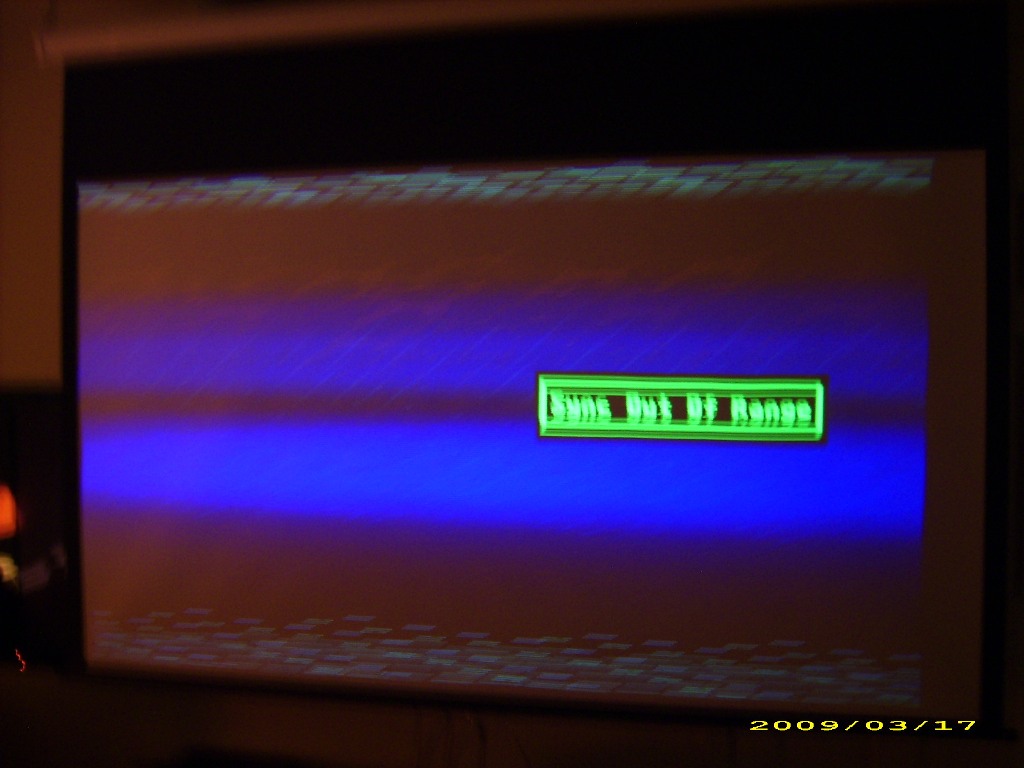
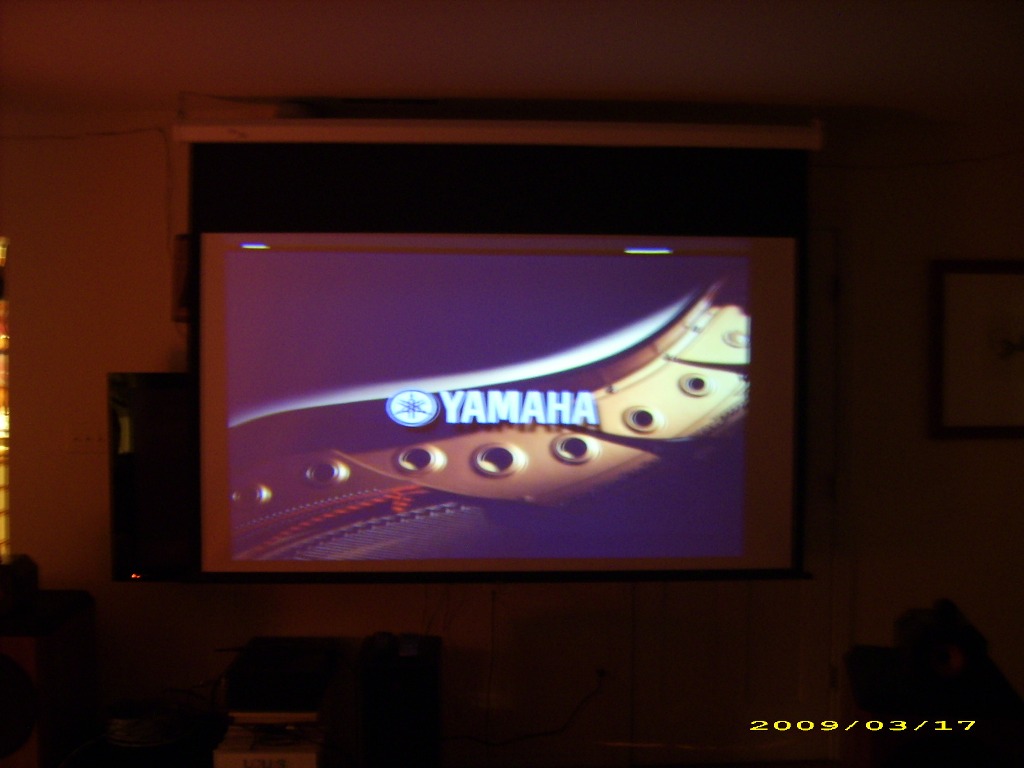
I thnik there is something wrong with this moome V1.2 card. Just hooked up a brand new Toshiba Yamaha S1800 player and it's doing the same thing. On the component the DVd menu's are fine but as soon as you put in a movie it shows "synch out of range". Can someone please chime in, has anyone had this problem before? (PICS)
BTW, the HDMI side of the card worked fine when I tested it, never tried component.
| Description: |
|
| Filesize: |
105.61 KB |
| Viewed: |
7784 Time(s) |
|
| Description: |
|
| Filesize: |
106.15 KB |
| Viewed: |
7784 Time(s) |
|
|
|
| Back to top |
|
|
moome
Joined: 01 Jun 2007
Posts: 497
|
| Posted: Thu Mar 19, 2009 6:36 am Post subject: |
|
|
what mode does panasonic and Yamaha output to the component? is it 480I?
the card will only support 480P 1080I 720P and 1080P~
|
|
| Back to top |
|
|
draganm
Joined: 08 Mar 2006
Posts: 8990
Location: Colorado
|
| Posted: Thu Mar 19, 2009 6:54 am Post subject: |
|
|
| moome wrote: | what mode does panasonic and Yamaha output to the component? is it 480I?
the card will only support 480P 1080I 720P and 1080P~ |
thank you moome for replying. I think the panasonic RV-32 from 2002 vintage might have been a 480i DVD player. However the new Yamaha S1800 shows these resolutions only
| Quote: | # Upscaling Yes
# Output Resolution 480p , 576p , 720p , 1080i , 1080p |
However I also found this
| Quote: | | Component Video Output: The DVD-S1800 features a component video output, capable of passing a progressive scan signal or an interlaced video signal. If the component output is to be used, the HDMI output must be turned off. |
so it looks like the S1800 might be outputting 480i through component. Luckilly the DVD menus are working, I will have him check this
|
|
| Back to top |
|
|
moome
Joined: 01 Jun 2007
Posts: 497
|
| Posted: Fri Mar 20, 2009 4:06 am Post subject: |
|
|
| draganm wrote: | | moome wrote: | what mode does panasonic and Yamaha output to the component? is it 480I?
the card will only support 480P 1080I 720P and 1080P~ |
thank you moome for replying. I think the panasonic RV-32 from 2002 vintage might have been a 480i DVD player. However the new Yamaha S1800 shows these resolutions only
| Quote: | # Upscaling Yes
# Output Resolution 480p , 576p , 720p , 1080i , 1080p |
However I also found this
| Quote: | | Component Video Output: The DVD-S1800 features a component video output, capable of passing a progressive scan signal or an interlaced video signal. If the component output is to be used, the HDMI output must be turned off. |
so it looks like the S1800 might be outputting 480i through component. Luckilly the DVD menus are working, I will have him check this |
hi:
please use 720P or 1080I for best performance on component card
Thanks
|
|
| Back to top |
|
|
draganm
Joined: 08 Mar 2006
Posts: 8990
Location: Colorado
|
| Posted: Sat Mar 21, 2009 5:06 pm Post subject: |
|
|
Hi Moome, I think the component side of this card is bad. This is what my friend found
| Quote: | "With HDMI cable and Yamaha S1800 it does work.
Funny enough, now with another DVD player [California Audio Labs CL2500], when I use component and certain dvds [ from both EU and US] it shows a picture with colours off but no sync error message, while with the same player and other dvds it gives sync error...
There is definitely something wrong with the Moome card: when I have the HDMI cable in,it does not matter which position the switch of the moome card is, the picture stays the same; with component in, if I switch it to the side of HDMI the image disappear...? |
The colors being off with component sounds like an old issue with the external boxes. I've never read of this with internal cards though. Is this repairable?
I have worked with about 10 different cards now for many years and never seen a single problem ever, this is unusual.
|
|
| Back to top |
|
|
moome
Joined: 01 Jun 2007
Posts: 497
|
| Posted: Mon Mar 23, 2009 10:02 am Post subject: |
|
|
| draganm wrote: | Hi Moome, I think the component side of this card is bad. This is what my friend found
| Quote: | "With HDMI cable and Yamaha S1800 it does work.
Funny enough, now with another DVD player [California Audio Labs CL2500], when I use component and certain dvds [ from both EU and US] it shows a picture with colours off but no sync error message, while with the same player and other dvds it gives sync error...
There is definitely something wrong with the Moome card: when I have the HDMI cable in,it does not matter which position the switch of the moome card is, the picture stays the same; with component in, if I switch it to the side of HDMI the image disappear...? |
The colors being off with component sounds like an old issue with the external boxes. I've never read of this with internal cards though. Is this repairable?
I have worked with about 10 different cards now for many years and never seen a single problem ever, this is unusual. |
SURE,I can repair it.
email to me and i will tell you the return address
moome.liu@gmail.com
Moome
|
|
| Back to top |
|
|
|
|




