| Author |
Message |
kevin_k
Joined: 25 Oct 2007
Posts: 67
|
| Posted: Fri Jan 02, 2009 11:17 pm Post subject: Image artifact on XG |
|
|
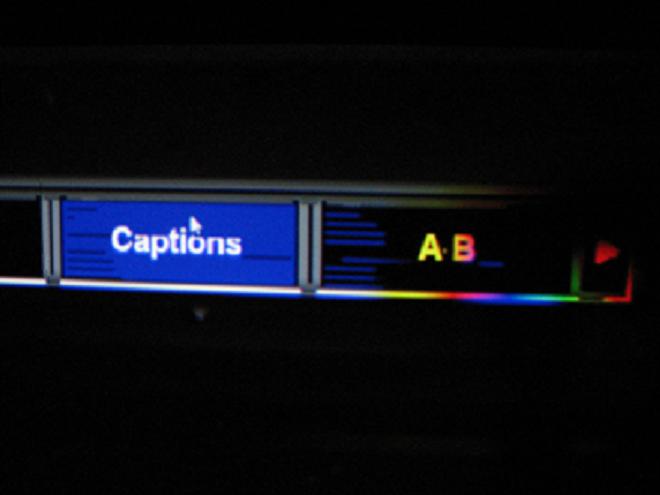
I'm hoping someone has some ideas on this. This pixelates across the screen in white. It looks like its in one scan line, but in numerous spots on the screen.
I'm running it through a nvidia 7800gt with powerstrip timings for 1080i 96 with credit to mark a w for the timings.
i just "upgraded" to vista so i could use my movies from xp pro.
thanks kevin
I've been playing around with it and it must be coming out of theatertek because when I use windows media player I don't get them.
| Description: |
|
| Filesize: |
30.48 KB |
| Viewed: |
2064 Time(s) |
|
Last edited by kevin_k on Sat Jan 03, 2009 12:48 am; edited 3 times in total
|
|
| Back to top |
|
 |
kevin_k
Joined: 25 Oct 2007
Posts: 67
|
| Posted: Fri Jan 02, 2009 11:19 pm Post subject: |
|
|
|
sorry image didn't come throug, give me a second
|
|
| Back to top |
|
|
kschmit2
Joined: 09 Mar 2006
Posts: 1141
Location: Heidelberg, Germany
|
| Posted: Sun Jan 04, 2009 8:23 pm Post subject: |
|
|
Does your desktop or an image viewer show any of that corruption?
If it is display driver related and you use DVI or HDMI out you will have to use lots of trial and error to get rid of that.
I'm not familiar at all with the Nvidia control panel, but maybe there is something like an overscan correction, or zoom setting. That fixed it for me with an ATI card (result is still no overscan, so that's nothing to be worried about).
You may also have to try some of the other refresh rate options in the Windows display properties (i.e. select 1080i96 in powerstrip, and then do the windows settings).
For the past 18 months I had to use a combination of 1080i96 in powerstrip and 1080i25 in Windows to get 1920x1080i96 output, and now that I have finally updated to the latest display driver I have to use a combination of 1080i96 in Powerstrip and 1080p50 in Windows to get 1920x1080i96 output.
Neither the current drivers, nor Vista seem to be made for high refresh rate interlaced (Linux or Mac don't really help either). And HDMI/EDID also plays a role in that equation.
Kai
|
|
| Back to top |
|
|
kevin_k
Joined: 25 Oct 2007
Posts: 67
|
| Posted: Mon Jan 05, 2009 2:34 pm Post subject: |
|
|
Originally, I thought it was just in theatertek, but I do see it in the mymovies interface and when I stream from mymovies off the internet so I'll have check the display properties. I was able to correct it in theatertek by changing the advanced video setting to EVR instead of VMR9.
So you think that HDMI will play a role? I just ordered a moome HDMI XG card that's due in this month so I should sit tight changing the settings until I get that installed?
|
|
| Back to top |
|
|
kschmit2
Joined: 09 Mar 2006
Posts: 1141
Location: Heidelberg, Germany
|
| Posted: Mon Jan 05, 2009 7:31 pm Post subject: |
|
|
|
well, DVI/HDMI is definitely trickier that VGA, even though the exact same timings will be used (i.e. once it works the same timings will result in a perfectly converged image for both VGA and HDMI/DVI). Apparently the drivers treat the signal differently internally.
|
|
| Back to top |
|
|
|
|




