| Author |
Message |
DGP
Joined: 05 Nov 2008
Posts: 57
Location: Barcelona
|
| Posted: Wed Nov 05, 2008 3:05 pm Post subject: Marquee 9500LC focus issue |
|
|
Hello my name is Diego and I'm from Barcelona Spain. Even this is the first time I write something in this forum, I use to daily check all news. Thanks to all, I learn a lot just by reading almost all threads.
I have a problem with the my Marquee 9500LC. I'm using it connected to a PS3 (via Moome card) and a HTPC (via analog RGBHV) both running at 1920x1080p 60hz. The projector is quite new, it is manufactured by VDC (end 2004). It has +/- 600 hours on the tubes. It looks like the Green tube has the P43 phosphor.
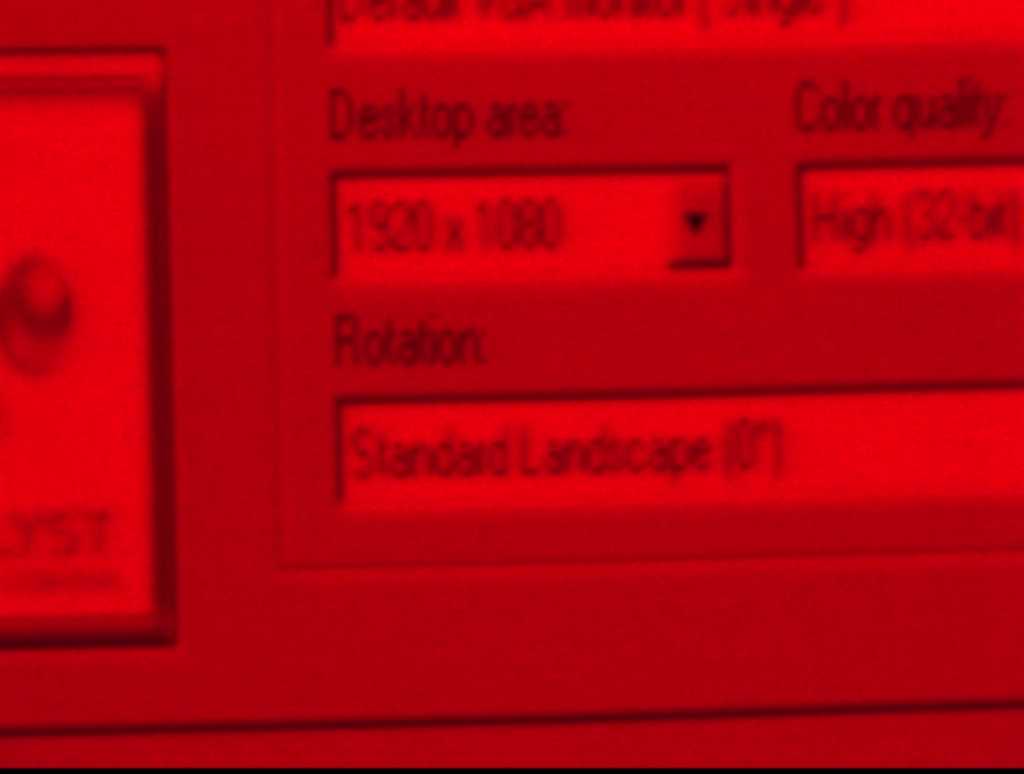
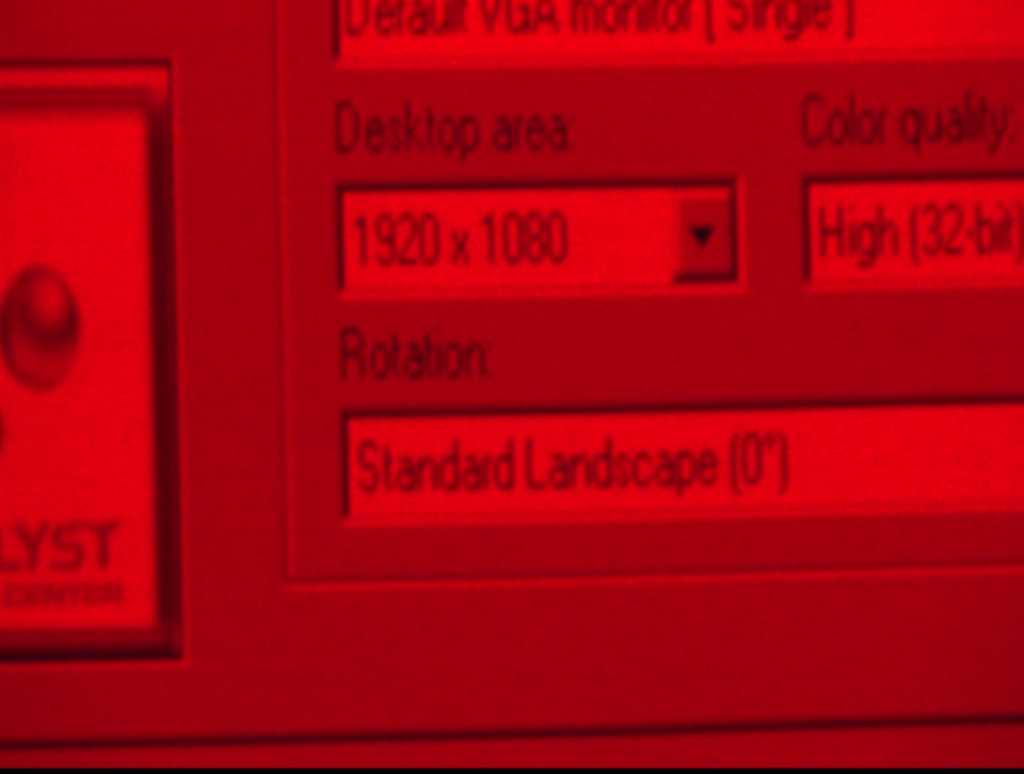
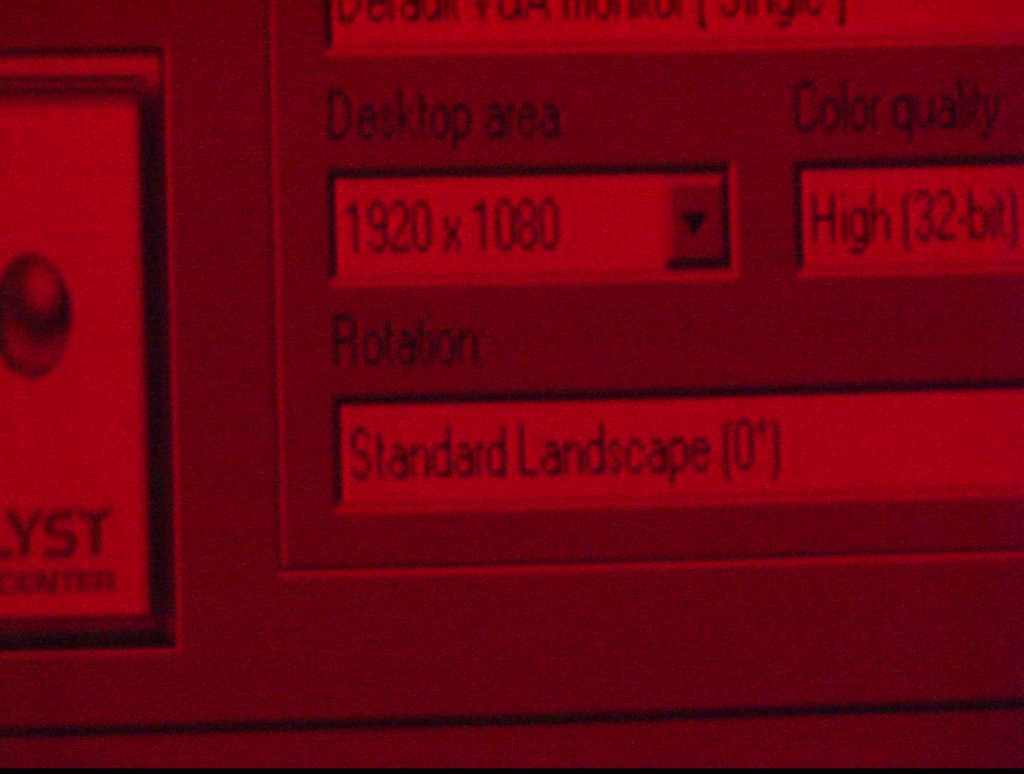
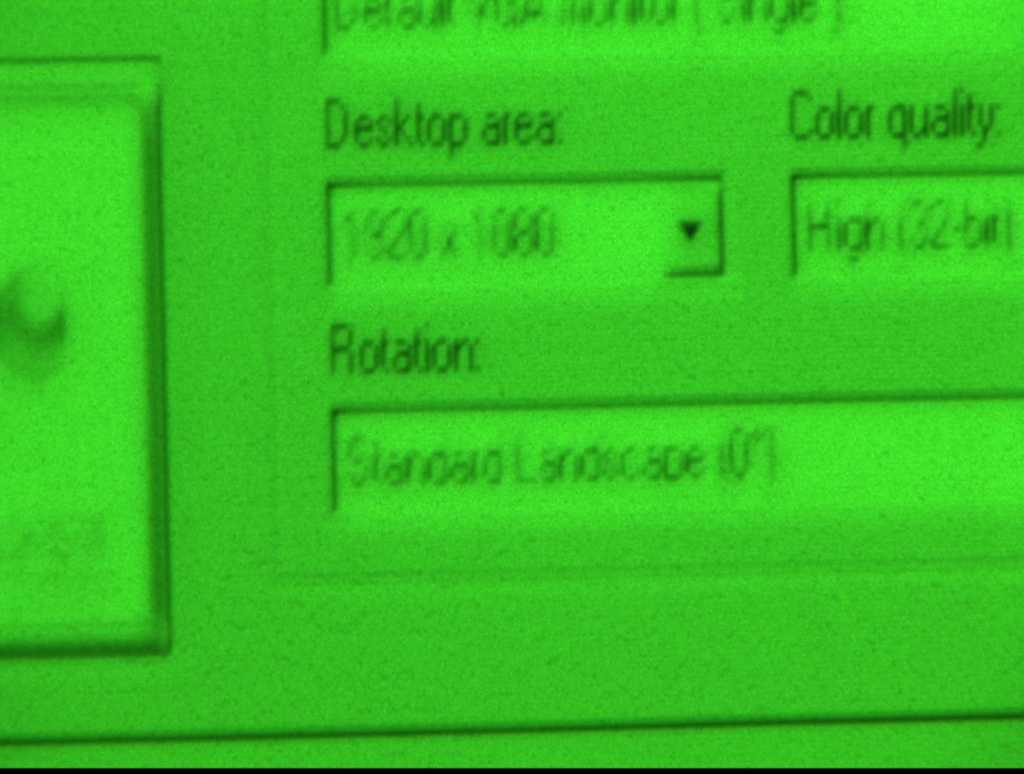
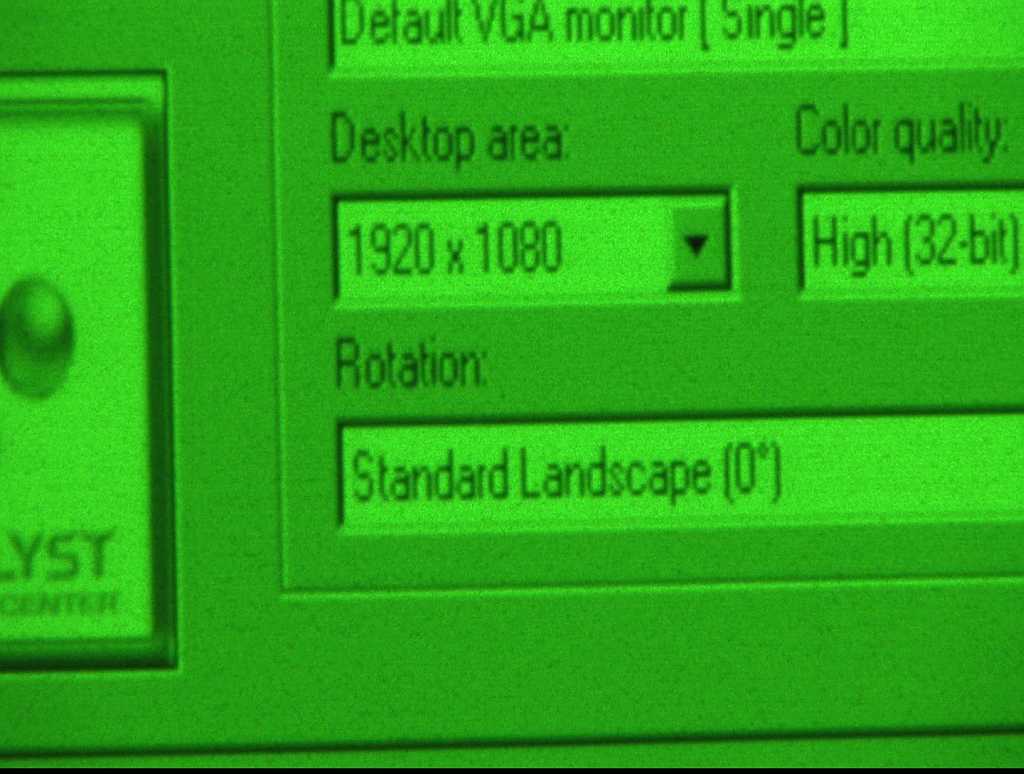
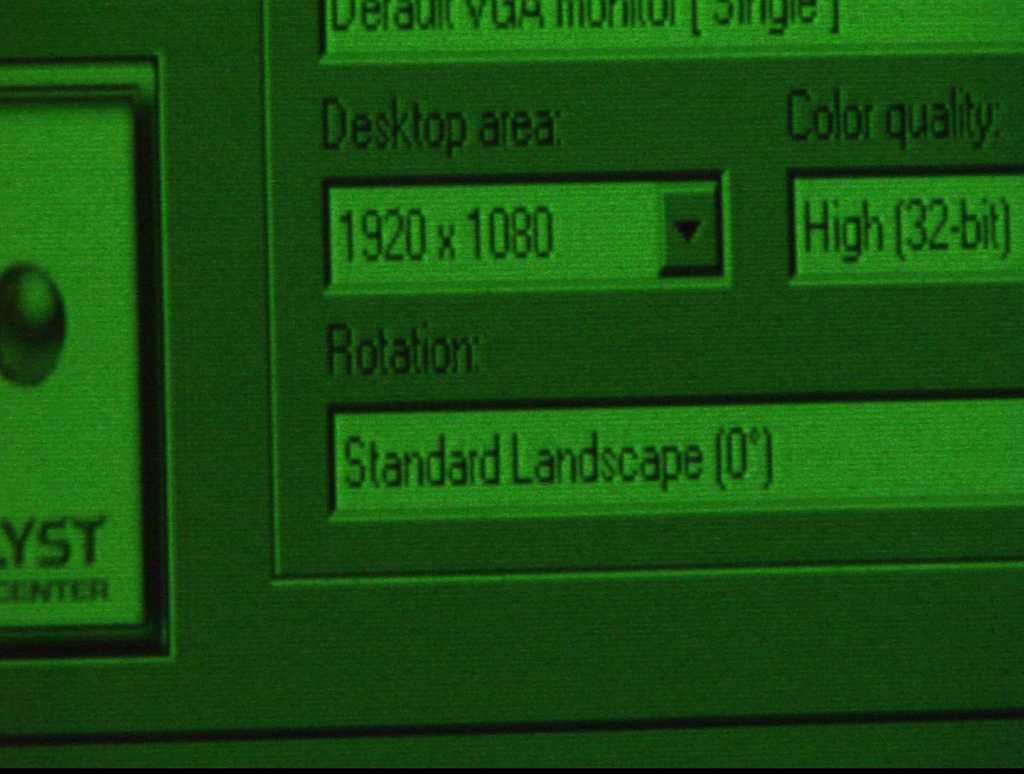
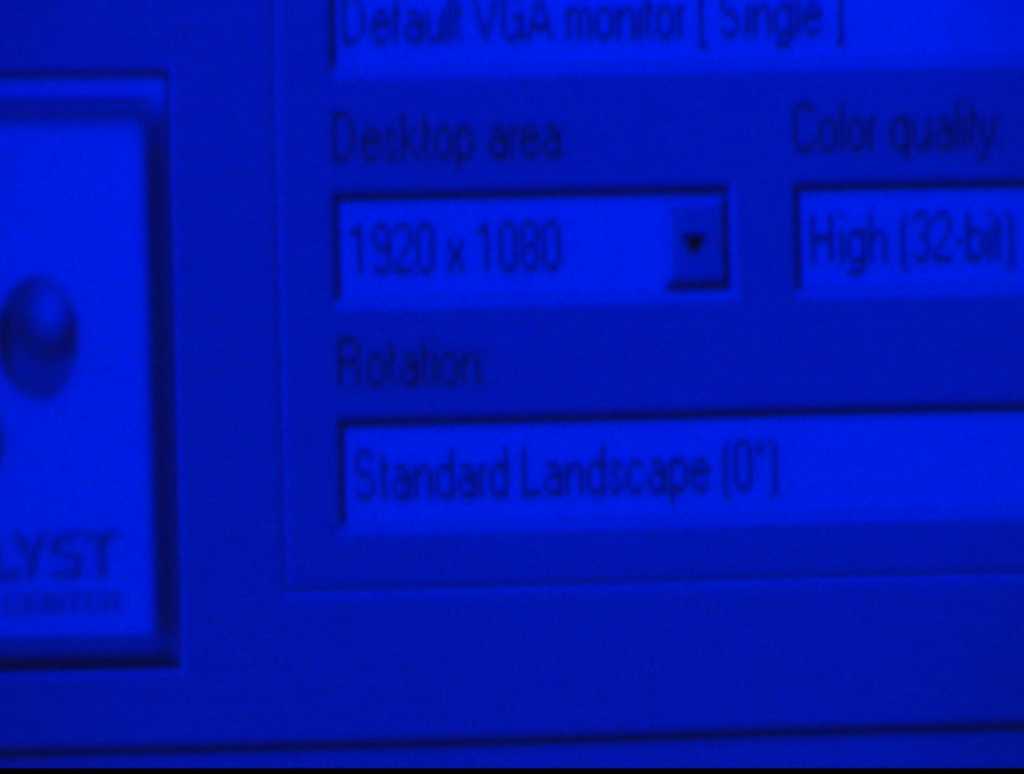
I have a kind of blooming effect in all three tubes, but specially in the Red and Blue tubes even when I use the contrast at 45.
Green G2 -> 50
Red G2 -> 53
Blue -> 52
Brightness 50
Contrast 45
I took some pictures of each tube at different contrast levels (contrast level 21, 45 and 70).
The mechanical setup is almost perfect, if I reduce the contrast bellow 25, I can see the scan lines from corner to corner on the screen. The magnetic setup looks fine to me, I can see round blobs with a centred dot at 0 focus with the contrast at 90 and round blobs with the focus at 100. The raster moves a little If I ramp the focus up/down, but I doubt this is the root cause of my problem. I swapped some modules the LVPS, VIM and the VNBs but nothing changed.
Is this normal?
Any idea where I should look for?
Thanks in advance for your help.
Diego
| Description: |
| Red CRT_G2_53_Contrast 70 |
|
| Filesize: |
16.88 KB |
| Viewed: |
6888 Time(s) |
|
| Description: |
| Red CRT_G2_53_Contrast 45 |
|
| Filesize: |
19.63 KB |
| Viewed: |
6888 Time(s) |
|
| Description: |
| Red CRT_G2_53_Contrast 21 |
|
| Filesize: |
23.13 KB |
| Viewed: |
6888 Time(s) |
|
| Description: |
| Green CRT_G2_50_Contrast 70 |
|
| Filesize: |
40.09 KB |
| Viewed: |
6888 Time(s) |
|
| Description: |
| Green CRT_G2_50_Contrast 45 |
|
| Filesize: |
56.75 KB |
| Viewed: |
6888 Time(s) |
|
| Description: |
| Green CRT_G2_50_Contrast 21 |
|
| Filesize: |
46.84 KB |
| Viewed: |
6888 Time(s) |
|
| Description: |
| Blue CRT_G2_52_Contrast_70 |
|
| Filesize: |
11.03 KB |
| Viewed: |
6888 Time(s) |
|
| Description: |
| Blue CRT_G2_52_Contrast_45 |
|
| Filesize: |
15.04 KB |
| Viewed: |
6888 Time(s) |
|
| Description: |
| Blue CRT_G2_52_Contrast_21 |
|
| Filesize: |
26.92 KB |
| Viewed: |
6888 Time(s) |
|
|
|
| Back to top |
|
 |
Curt Palme
CRT Tech
Joined: 08 Mar 2006
Posts: 24396
Location: Langley, BC
TV/Projector: All of them!
|
| Posted: Wed Nov 05, 2008 3:14 pm Post subject: |
|
|
No, that looks like your HV is shifting slightly under load.
Try this:
Disconnect two of the three tube HV leads at the splitter, so that only one tube is connected to the HV splitter, and only one tube turns on when the set is powered up.
BY disconnecting two tubes, the current draw should be lower, and you should see much less defocusing with only one tube connected at all brightness/contrast settings. Then try it with two tubes connected.
I'm guessing there's some minor failure of the HVPS, one of the caps internally in the potted section might be going bad.
Curt
|
|
| Back to top |
|
|
DGP
Joined: 05 Nov 2008
Posts: 57
Location: Barcelona
|
| Posted: Wed Nov 05, 2008 3:21 pm Post subject: |
|
|
Thanks Curt, I will check this tonight. I have also a Marquee 8500 (non Ultra). Can I swap the 8500 HVPS, or the Ultra needs a special HVPS.
Thanks,
Diego
|
|
| Back to top |
|
|
Nashou66

Joined: 12 Jan 2007
Posts: 16171
Location: West Seneca NY
|
|
| Back to top |
|
|
Curt Palme
CRT Tech
Joined: 08 Mar 2006
Posts: 24396
Location: Langley, BC
TV/Projector: All of them!
|
| Posted: Wed Nov 05, 2008 3:49 pm Post subject: |
|
|
|
No difference, swap them out, that will tell you for sure.
|
|
| Back to top |
|
|
tse
Joined: 03 May 2006
Posts: 1014
Location: Sweatbucket, Fl.
|
| Posted: Thu Nov 06, 2008 1:06 am Post subject: |
|
|
Adjust the electrical focus at the contrast level where you watch the projector. Some defocussing is normal with increased contrast level.
Scott
_________________
"Were we directed from Washington when to sow and when to reap, we would soon want bread."
Thomas Jefferson
|
|
| Back to top |
|
|
DGP
Joined: 05 Nov 2008
Posts: 57
Location: Barcelona
|
| Posted: Thu Nov 06, 2008 9:16 am Post subject: |
|
|
I swapped the HVPS from the 8500 and nothing changed. I also unplug 2 of the HV cables to leave only one tube connected, but nothing changed.
Normally I use the contrast at 46 and the Brightness at 50. All settings are adjusted to this contrast and brightness levels. Anyway the 9500 projector behaves different than the 8500 regarding the blooming. I need to increase much more the contrast to see same effect with the 8500.
I discovered the blooming effect, trying to improve the red focus (Green focus is far better). In the 8500 projector de red and green focus are the same. Maybe the only way to improve it is by changing the Frankenyokes.
Thanks for your help,
Diego
|
|
| Back to top |
|
|
1031

Joined: 22 Mar 2006
Posts: 657
Location: Finland
|
|
| Back to top |
|
|
DGP
Joined: 05 Nov 2008
Posts: 57
Location: Barcelona
|
| Posted: Thu Nov 06, 2008 11:11 am Post subject: |
|
|
The focus values on service menu are around 32 for all 3 tubes (only the centre value). If I leave the focus value at 50 (both - on service menu and general focus), the picture looks soft.
I already checked if the focus coils are in place, but they are in place. I mean there is no physical space to push them closer to the tube bell, they are factory glued together with the convergence coils.
I will to change the HV splitter and also clean the connectors.
Thanks,
Diego
|
|
| Back to top |
|
|
DGP
Joined: 05 Nov 2008
Posts: 57
Location: Barcelona
|
| Posted: Thu Nov 06, 2008 2:37 pm Post subject: |
|
|
I swapped the HV splitter and cleaned the connectors but nothing changed.
At the end looks like it is as TSE said "Some defocusing is normal with increased contrast level."
Anyway I found something that could be related. If I have a +/- 80% black screen and the rest is white with black text on it, I need to push contrast much higher to see blooming. In case of a normal PC desktop this is different.
Could it be a limitation in power?
Thanks,
Diego
|
|
| Back to top |
|
|
Nashou66
Joined: 12 Jan 2007
Posts: 16171
Location: West Seneca NY
|
| Posted: Thu Nov 06, 2008 2:53 pm Post subject: |
|
|
I was going to say what TSE said earlier but was not 100% sure i could make that assessment from your pics , as you may be seeing something different that the camera can not capture. The marquees will naturally bloom at about a contrast of 65 and up, unless you add a modified focus coil we call the "frankenyoke".
It is a focus coil from a Sony 1292 and Some Ampro's have the same coil. We modify our connectors to fit and correspond to the winding wires in the Sony Coil.
This coil has a longer path that the electron beam has to travel through, therefore controlling the beam much better than the Stock Marquee coil.
here is CMJohnsons first posts about using a modified focus coil with no astig windings from an Ampro I believe:
Modded focus yokes tried in a Marquee...very successful. NOW WITH PICS
Also this is the newer version using the sony coils:
Everything you want to know about Frankenyokes in one shot!
Hope this helps, Andre has frankenyokes in his blend set up, I am sure hed let you drop buy to check it out.
Athanasios
_________________
Don't blame your underwear for your crooked ass~ unknown Greek philosopher
"Republicans believe every day is the Fourth of July, but the Democrats believe every day is April 15." --- President Reagan
One Smart Dog!!!
Marquee High Performance Bellows now shipping!!
Marquee Modifications and Performance Enhancement
Marquee C-element and Bellow removal
|
|
| Back to top |
|
|
DGP
Joined: 05 Nov 2008
Posts: 57
Location: Barcelona
|
| Posted: Thu Nov 06, 2008 3:07 pm Post subject: |
|
|
I already started to look for a set of frankenyokes, but they are so difficult to find  . .
Diego
|
|
| Back to top |
|
|
Nashou66
Joined: 12 Jan 2007
Posts: 16171
Location: West Seneca NY
|
|
| Back to top |
|
|
1031
Joined: 22 Mar 2006
Posts: 657
Location: Finland
|
| Posted: Thu Nov 06, 2008 3:18 pm Post subject: |
|
|
| DGP wrote: |
Anyway I found something that could be related. If I have a +/- 80% black screen and the rest is white with black text on it, I need to push contrast much higher to see blooming. In case of a normal PC desktop this is different.
Could it be a limitation in power?
Thanks,
Diego |
That sound lack off current ( or regulation) for high voltage. But this is typical for any crt display, small white area draws less power from HV-supply than whole white screen. And when HV changes, changes focus also. Maybe some fine tuning for magnets can help little, as you said that rasters shifts little when you change focus.
_________________
Marquee 9500LC (Frankenyokes / Thomas electric tubes / HD-10L / +many mod´s)
DVDO VP-50
New hobby, Rally
http://www.youtube.com/watch?v=vX2Rtpr1njs
http://www.youtube.com/watch?v=6ZP9FEFXV5c
http://www.youtube.com/watch?v=j065vei6j6s
http://www.facebook.com/pages/JTS-Racing-team/204443719572685
|
|
| Back to top |
|
|
|
|




