|
As this forum is rarely used anymore, we've locked it. Feel free to browse and read. Questions? Please reach out to us directly. Cheers! |

|
 |
|
|
| Author |
Message |
Mr. Green

Joined: 23 Feb 2007
Posts: 1394
Location: Calgary
TV/Projector: Marquee 9501LC / NEC 9PG+
|
| Posted: Fri Oct 17, 2008 9:47 pm Post subject: |
|
|
Will it do any harm to run it like that? I'm sticking to 1080i anyways.
I can't afford to replace it with an LC unit. I've only put approx 50-75 hours on it since I bought it from Curt last August. I doubt the warranty he offers would cover a board even with almost no usage.
_________________
You can be young only once but, you can be immature forever.
Current Projector Marquee9501LC with PS3 (BLu-Ray) at 1080P LOVE IT! Screen is an Elunevision 120" 4:3 (2.4 gain - no hotspots). (also own a NEC 9PG+)
|
|
| Back to top |
|
 |
Mr. Green
Joined: 23 Feb 2007
Posts: 1394
Location: Calgary
TV/Projector: Marquee 9501LC / NEC 9PG+
|
| Posted: Fri Oct 17, 2008 10:08 pm Post subject: |
|
|
Could it simply be that my projector can't handle 1080p? I have no Sync problems with other resolutions I've tried.
_________________
You can be young only once but, you can be immature forever.
Current Projector Marquee9501LC with PS3 (BLu-Ray) at 1080P LOVE IT! Screen is an Elunevision 120" 4:3 (2.4 gain - no hotspots). (also own a NEC 9PG+)
|
|
| Back to top |
|
|
Mark_A_W
Joined: 15 Mar 2006
Posts: 3068
Location: Sunny Melbourne Australia
|
| Posted: Fri Oct 17, 2008 10:16 pm Post subject: |
|
|
Yes, it may not like that particular timing, or the def board caps are ageing.
If you have a PC (and you typed your post on something...) try a different 1080p timing.
Just run 1080i and leave it be.
|
|
| Back to top |
|
|
lostmandan
Joined: 09 Jul 2008
Posts: 146
Location: Kitchener/Waterloo, Ontario, Canada
|
| Posted: Fri Oct 17, 2008 10:38 pm Post subject: |
|
|
Yes, same boat here.
I purchased mine from Curt almost exactly 12 months ago and have put a total of 22 hours on it. I have been spent the time I have on building a screen for the HT rather than using the PJ. This whole discussion spawned from my attempts to see what I could do with the PJ. For the record, I am not considering it as anything to do with warranty. It is mine to troubleshoot/repair.
Mark_A_W, am I correct in my assumption that your 9PG+ PJ is/was capable of running with horizontal sync above 65KHz (to the proper spec of the PJ)?
If so, would you mind sharing a few notes about the deflection board in your PJ? I know that I would greatly appreciate it and it would contribute to the small collection of information I have tried to assemble here.
In general there are issues with components aging in older electronics so, yes, this could be the cause of the issue. Since both units are showing the same symptoms I would assume there are some key components that cause the problem.
I am well versed in the forum rules so I promise that I *WILL NOT* ask to find out the component-level details, but I would feel more assured if someone who has fixed this before could confirm that this issue is caused without a doubt by components on the DEF PWB aging/failing. A perfect divide-by-2 seems more like design than a tolerance/aging issue. (Of course a circuit that relies on an aged component to switch a divide-by-2 function on and off could be the exception  ) )
I guess the other part of this has uncovered a hole in my knowledge of which inkstamped boards will work in my 9PG+. As time goes on this will become more of an issue because I am sure that stocks are dwindling.
At the moment, I am looking at the DEF PWB because it is foremost in my mind.
- Is this "DP/PD" daughterboard critical? Does it need to be matched with another type of board?
- Are the differences in component population an issue that needs to be matched with another board?
- What ink stamp revisions would work in my PJ?
I may be way off-base by asking these questions, but it seems to me that this knowledge will fade as the experts retire/move on, etc. I'm young, I want to absorb and learn what I can.
Cheers,
Dan
|
|
| Back to top |
|
|
Curt Palme
CRT Tech
Joined: 08 Mar 2006
Posts: 24396
Location: Langley, BC
TV/Projector: All of them!
|
| Posted: Fri Oct 17, 2008 11:24 pm Post subject: |
|
|
I would think that these problems are most likely on the deflection board, but could be on the wave/osc or the system board.
Until mid last year, I didn't have a true 1080p device on the test bench, the Crystalimage scaler went to 1024p only, so that's what I tested sets to until I think about July.
While the 9PG will sync to 1080p, I simply wouldn't do it, as the tubes can't resolve it. Some will do it on the Xtra, but that has extra astig controls and larger/brighter tubes, but to me, the whole PG series should be run at no more than 720p anyways.
If either of you want to send me the system and deflection board to test in my chassis here, I can do that for you now that I have a 1080p source with a Fury attached to it.
To me, 1024p is so darn close to 1080p that if a set locks at 1024p, it should also lock at 1080p, but as Mark says, capacitors can gradually fail over time, so it's possible that a bad cap on a board somewhere is preventing perfect locking on 1080p.
|
|
| Back to top |
|
|
lostmandan
Joined: 09 Jul 2008
Posts: 146
Location: Kitchener/Waterloo, Ontario, Canada
|
| Posted: Fri Oct 17, 2008 11:55 pm Post subject: |
|
|
Curt,
Good to hear from you - I hope you are doing well!
Thank you for the offer! I am not sure if I want to go to the trouble of shipping boards around or not. At this point I am on more of a quest to figure out what the heck the differences are between these boards and how it affects me going forwards.
What rule of thumb would you use if you needed to replace the deflection board that I have (pictured earlier in the thread with "DP/PG" daughterboard)? You mentioned a system board and DEF board - are these a pair, or are there combinations that work together? Is this a trade secret? 
I know you had suggested swapping in response to an email - but when I think about it I would prefer have a spare given the warnings that the deflection boards can be a failure point. *sigh*
Thanks in advance for any insight you may be able to provide.
Cheers,
Dan
PS: Yeah, I think it is weird that 1024p syncs and 1080p doesn't. If I run 1080p/50 the H sync is under 65KHz and it works great
|
|
| Back to top |
|
|
Mr. Green
Joined: 23 Feb 2007
Posts: 1394
Location: Calgary
TV/Projector: Marquee 9501LC / NEC 9PG+
|
| Posted: Sat Oct 18, 2008 5:32 am Post subject: |
|
|
Thanks for the reply Curt. I know you are busy with the upcoming road trip.
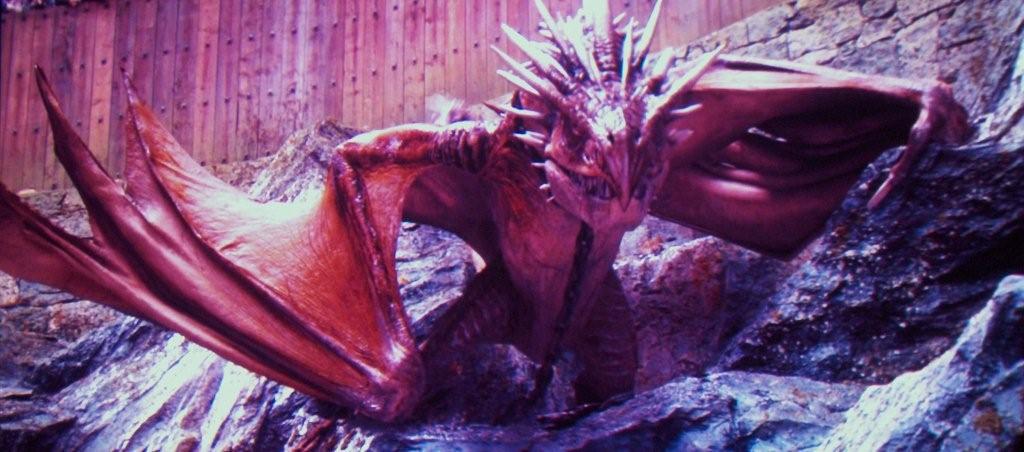
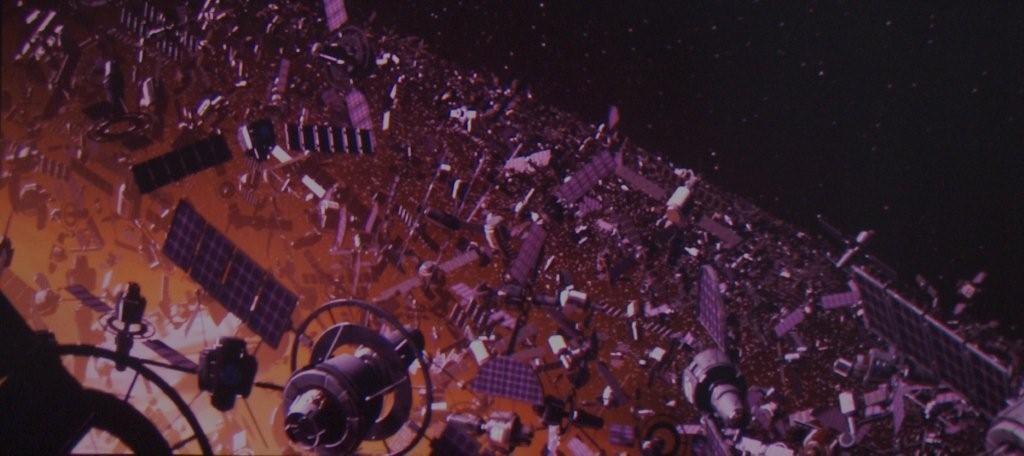
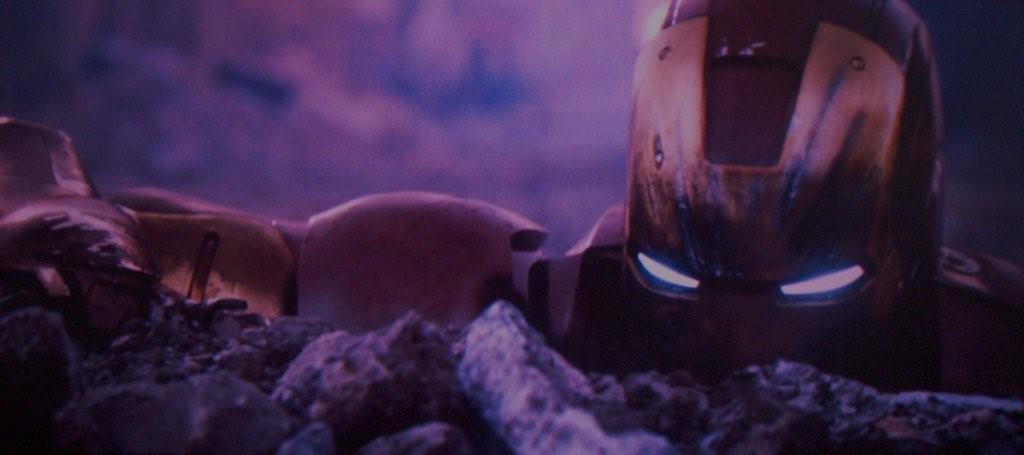
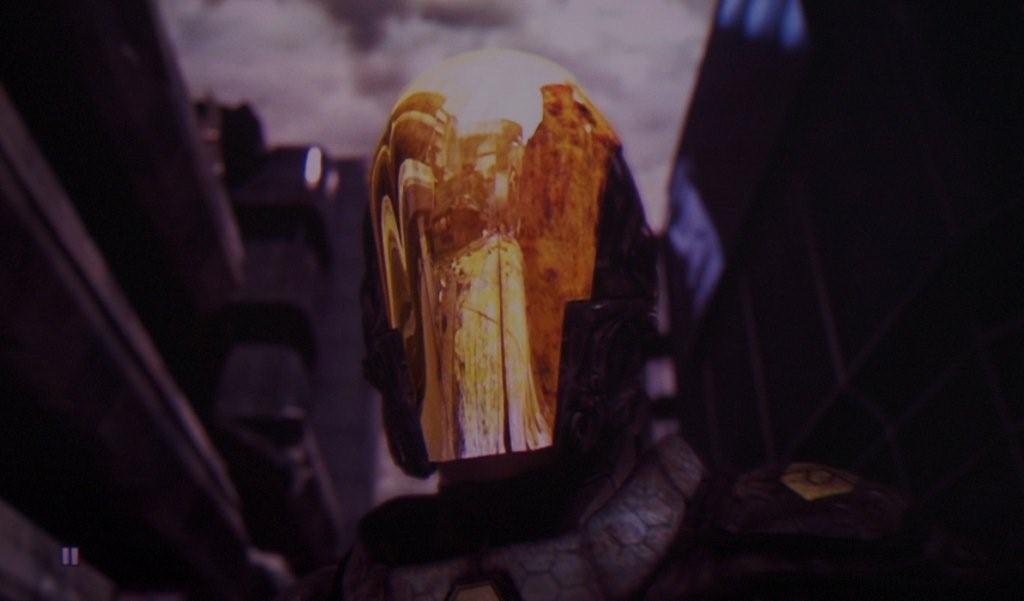
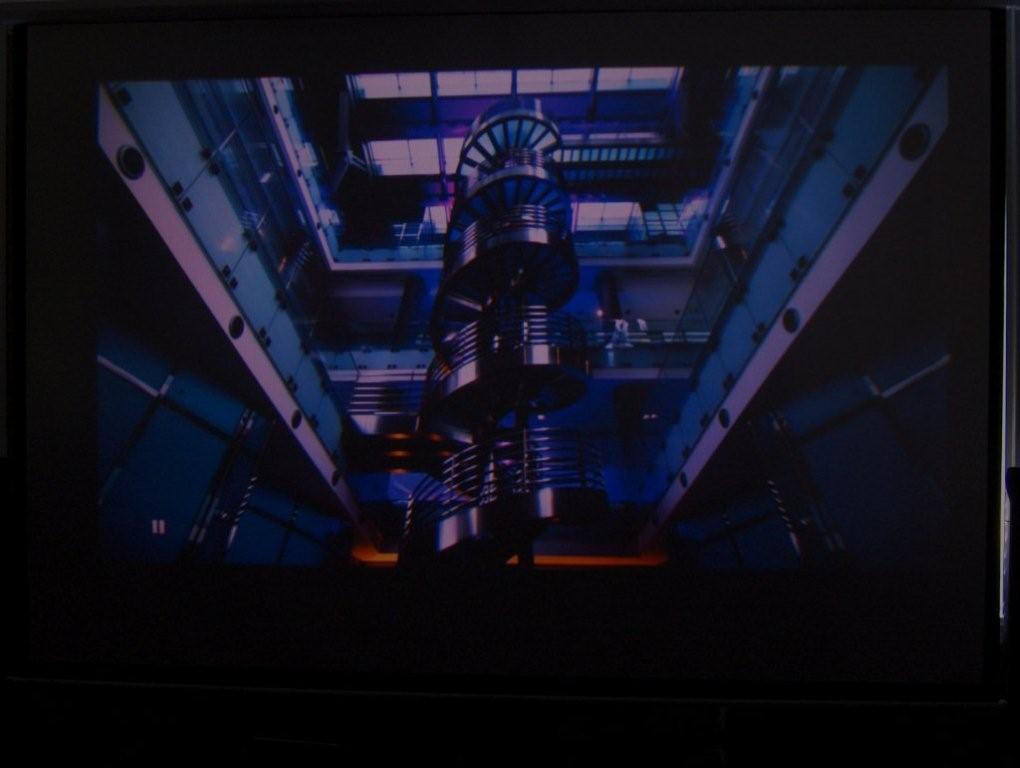
My only concern is I don't want to damage the machine by continuing to use it as is (assuming there is a problem with the deflection board). The 1080p would have been nice to try, but I'm really happy with 1080i. I have to be really close to the screen to see the scan lines and I love how sharp it is. Here are some shots of 1080i (using a really crappy camera that hates the dark...). The pixelation (graininess) is not present in person.
| Description: |
|
| Filesize: |
89.64 KB |
| Viewed: |
7751 Time(s) |

|
| Description: |
|
| Filesize: |
85.01 KB |
| Viewed: |
7751 Time(s) |
|
| Description: |
|
| Filesize: |
58.17 KB |
| Viewed: |
7751 Time(s) |
|
| Description: |
|
| Filesize: |
63.39 KB |
| Viewed: |
7751 Time(s) |
|
| Description: |
|
| Filesize: |
40.37 KB |
| Viewed: |
7751 Time(s) |
|
| Description: |
|
| Filesize: |
40.42 KB |
| Viewed: |
7751 Time(s) |
|
| Description: |
|
| Filesize: |
63.04 KB |
| Viewed: |
7751 Time(s) |

|
| Description: |
|
| Filesize: |
53.71 KB |
| Viewed: |
7751 Time(s) |
|
| Description: |
|
| Filesize: |
76.54 KB |
| Viewed: |
7751 Time(s) |

|
_________________
You can be young only once but, you can be immature forever.
Current Projector Marquee9501LC with PS3 (BLu-Ray) at 1080P LOVE IT! Screen is an Elunevision 120" 4:3 (2.4 gain - no hotspots). (also own a NEC 9PG+)
|
|
| Back to top |
|
|
grogthegreat
Joined: 16 May 2007
Posts: 166
Location: San Diego, CA
|
| Posted: Sat Oct 18, 2008 6:51 am Post subject: |
|
|
Thought that I'd give you all the info that I have on my def board to help pinpoint differences.
Stamped in the middle of the board is:
72137094
PWC-3709(A)
My ink stamp is : IX0-148AJ The X stands for a number or letter that is too smudged to see. I'm also not 100% that the 8 is an 8.
I do not have the DP PD daughter board. Instead the connectors on directly attached to the board.
When my def board worked, I was able to display 1080p without a problem other than it being too soft.
As stated in another thread, when I impute a known good signal that has been setup, the picture scrolls vertically and it tells me that it is an unregistered signal.
-Greg
_________________
First projector: Sony 1252q with 3500 hours
Second projector: NEC 9PG+
current projector: Sony G90
100" 3:4 draper screen.
I must keep upgrading till the voices stop!!
"I CAN HAZ CRT PRUJEKTER."
-Curt Palme
|
|
| Back to top |
|
|
Mark_A_W
Joined: 15 Mar 2006
Posts: 3068
Location: Sunny Melbourne Australia
|
| Posted: Sat Oct 18, 2008 8:21 am Post subject: |
|
|
Those pictures have WAY too much Red and Blue. Not enough Green.
Unless it's the camera, it badly needs the Kelvin settings adjustment, preferably with a colourimeter like HCFR (cheap).
The Dragon in Goblet of Fire is brown, maybe with a touch of green. Not pink. Coincidentally I'm watching Goblet of Fire on the other monitor, and just saw the Dragon scene.
|
|
| Back to top |
|
|
lostmandan
Joined: 09 Jul 2008
Posts: 146
Location: Kitchener/Waterloo, Ontario, Canada
|
| Posted: Sat Oct 18, 2008 4:18 pm Post subject: |
|
|
Thanks Greg!
Do you happen to know what the ink stamps of the boards in the system cage begin with? I am curious to hear if they are 1W0-xxxAJ. If you don't have that info handy then it is OK.
Cheers,
Dan
|
|
| Back to top |
|
|
lostmandan
Joined: 09 Jul 2008
Posts: 146
Location: Kitchener/Waterloo, Ontario, Canada
|
| Posted: Sat Oct 18, 2008 4:22 pm Post subject: |
|
|
Mark,
Interesting - I hadn't read up on HCFR. Which supported sensor do you recommend for use with the software? I want to do a calibration once I am set up properly.
- Dan
|
|
| Back to top |
|
|
Mr. Green
Joined: 23 Feb 2007
Posts: 1394
Location: Calgary
TV/Projector: Marquee 9501LC / NEC 9PG+
|
| Posted: Sat Oct 18, 2008 6:32 pm Post subject: |
|
|
Oddly, I have the red Kelvin set to 15 and green and blue to 25 each. Any higher and it looks like the bright is set too high. Contrast and bright are currently at 40 each. If I don't set everything that low, it might as well be an LCD projector (grey not black).
The camera is responsible for the reddish hues. The dragon is brown. I need a new camera. The silly thing refuses to take pictures in the dark.
Another odd thing is my red tube is showing mild wear and the green and blue are mint. I posted a new thread asking "what causes this..." http://www.curtpalme.com/forum/viewtopic.php?p=146947#146947
_________________
You can be young only once but, you can be immature forever.
Current Projector Marquee9501LC with PS3 (BLu-Ray) at 1080P LOVE IT! Screen is an Elunevision 120" 4:3 (2.4 gain - no hotspots). (also own a NEC 9PG+)
|
|
| Back to top |
|
|
Mr. Green
Joined: 23 Feb 2007
Posts: 1394
Location: Calgary
TV/Projector: Marquee 9501LC / NEC 9PG+
|
| Posted: Sun Oct 19, 2008 7:39 pm Post subject: |
|
|
I downloaded the HCFR software and this... http://www.avsforum.com/avs-vb/showthread.php?t=948496 I've burned it to DVD and tried it on the projector. Looks like my colors are a bit off. I'll have to drag a computer down to compare.
I bumped the Kelvin B up to 40 on all 3 tubes and kept the kelvin W down to 18 on all 3 tubes. Brightness is 45 and contrast 50. It looks a black background looks grey again, but whites look white. When I had the kelvin turned way down, blacks were black, but whites weren't bright.
_________________
You can be young only once but, you can be immature forever.
Current Projector Marquee9501LC with PS3 (BLu-Ray) at 1080P LOVE IT! Screen is an Elunevision 120" 4:3 (2.4 gain - no hotspots). (also own a NEC 9PG+)
|
|
| Back to top |
|
|
kschmit2
Joined: 09 Mar 2006
Posts: 1141
Location: Heidelberg, Germany
|
| Posted: Mon Oct 20, 2008 9:19 am Post subject: |
|
|
| Mr. Green wrote: | I downloaded the HCFR software and this... http://www.avsforum.com/avs-vb/showthread.php?t=948496 I've burned it to DVD and tried it on the projector. Looks like my colors are a bit off. I'll have to drag a computer down to compare.
I bumped the Kelvin B up to 40 on all 3 tubes and kept the kelvin W down to 18 on all 3 tubes. Brightness is 45 and contrast 50. It looks a black background looks grey again, but whites look white. When I had the kelvin turned way down, blacks were black, but whites weren't bright. |
Brightness should be 50, Contrast 75 on PG series PJs.
XGs are 60/75.
|
|
| Back to top |
|
|
lostmandan
Joined: 09 Jul 2008
Posts: 146
Location: Kitchener/Waterloo, Ontario, Canada
|
| Posted: Mon Oct 20, 2008 4:20 pm Post subject: |
|
|
Kai,
I was under the impression that the phosphor would suffer from running with higher contrast settings (above 50-60). I know the image is much better, but does running the PJ like this shorten the life of the tubes?
Cheers,
Dan
|
|
| Back to top |
|
|
Elaine Benes
Joined: 25 Apr 2006
Posts: 1416
|
| Posted: Tue Oct 21, 2008 12:11 am Post subject: |
|
|
| lostmandan wrote: | Kai,
I was under the impression that the phosphor would suffer from running with higher contrast settings (above 50-60). I know the image is much better, but does running the PJ like this shorten the life of the tubes?
Cheers,
Dan |
This reasoning always makes me laugh...
Why on earth would you ever want to prolong the life of something that doesn't look good anyway ???
Higher contrast settings don't mean you have a potential tube life of, say, 10,000 hours reduced to say, 10 hours. It means you have a potential tube life of say, 10,000 hours reduced to say, 8,000 hours.
Run it so it looks good, otherwise, why bother having it in the first place ??
|
|
| Back to top |
|
|
Mr. Green
Joined: 23 Feb 2007
Posts: 1394
Location: Calgary
TV/Projector: Marquee 9501LC / NEC 9PG+
|
| Posted: Tue Oct 21, 2008 12:23 am Post subject: |
|
|
This is where my problem comes into play. If I have the contrast and bright set that high (especially with Kelvin W&B all set to 50) my image is really bright and black looks like a light grey... which is why I asked if it was possible someone fiddled with my G2 pots under the "don't touch" cover. No, I didn't touch them. It took me 6 months to work up the gumption to play with the astig magnets.
see my photo here... http://www.curtpalme.com/forum/album_page.php?pic_id=672 that was bright, contrast, kelvin all set to 50. It looked terrible. I'd run the tubes at whatever will make the picture look best. I figure I'll get 3-5 years out of it and by then it will be time for a 9" CRT or maybe the other technologies (Laser/LED/Digitals) will be up to snuff by then.
If you look at the above picture (ignore the red - camera's fault) those were taken with the red Kelvin set to 15 and green and blue to 25 each. Contrast and bright are currently at 40 each. The blacks were a decent, but not black, but at least it looked better.
_________________
You can be young only once but, you can be immature forever.
Current Projector Marquee9501LC with PS3 (BLu-Ray) at 1080P LOVE IT! Screen is an Elunevision 120" 4:3 (2.4 gain - no hotspots). (also own a NEC 9PG+)
|
|
| Back to top |
|
|
Elaine Benes
Joined: 25 Apr 2006
Posts: 1416
|
| Posted: Tue Oct 21, 2008 12:28 am Post subject: |
|
|
Set your brightness (BLACK LEVEL) so that black is black. Set your contrast(WHITE LEVEL) as high as possible WITHOUT INTRODUCING ANOMALIES into the picture, including, blooming, line bending, and white crush.
Do you have a copy of Avia, or Video Essentials ? If not, buy one and follow the direction for setting your base controls.
|
|
| Back to top |
|
|
Mr. Green
Joined: 23 Feb 2007
Posts: 1394
Location: Calgary
TV/Projector: Marquee 9501LC / NEC 9PG+
|
| Posted: Tue Oct 21, 2008 1:12 am Post subject: |
|
|
That's what I've had to do, but by eye. I keep hearing about Avia, so I'll have to grab a copy. It looks good with the brightness and contrast up, but the Kelvin B & W both have to be really low to get black. B=35, W=20
_________________
You can be young only once but, you can be immature forever.
Current Projector Marquee9501LC with PS3 (BLu-Ray) at 1080P LOVE IT! Screen is an Elunevision 120" 4:3 (2.4 gain - no hotspots). (also own a NEC 9PG+)
|
|
| Back to top |
|
|
Elaine Benes
Joined: 25 Apr 2006
Posts: 1416
|
| Posted: Tue Oct 21, 2008 1:26 am Post subject: |
|
|
You *might* be able to get a passable image without a colorimeter to set your grayscale, but you won't ever get any better than that...
All of these figures are relative, you realize, right ? It doesn't really matter WHAT the numbers are, as long as you can get an image you like.
I would guess, however, that the reference mechanical white balance of your projector is not as it was when it left the factory...Depending on how much of a perfectionist you are, I'm sure you can fudge around with stuff till it looks good. But again, you should AT LEAST have a copy of a good setup disc like Avia or Video Essentials to use for doing your setup.
If you're very careful about things and like everything done "by the book", then you are likely in for a long haul learning how to at least check the basics of your reference mechanical white balance. If it needs to be adjusted to be back in line, you are in for an adventure...
Also, this just my opinion based on having owned a number of NEC's, others would likely have different opinions, of course...
|
|
| Back to top |
|
|
|
|
|
|
|
You cannot post new topics in this forum
You cannot reply to topics in this forum
You cannot edit your posts in this forum
You cannot delete your posts in this forum
You cannot vote in polls in this forum
You cannot attach files in this forum
You can download files in this forum
|
Forum powered by phpBB © phpBB Group
|
|




